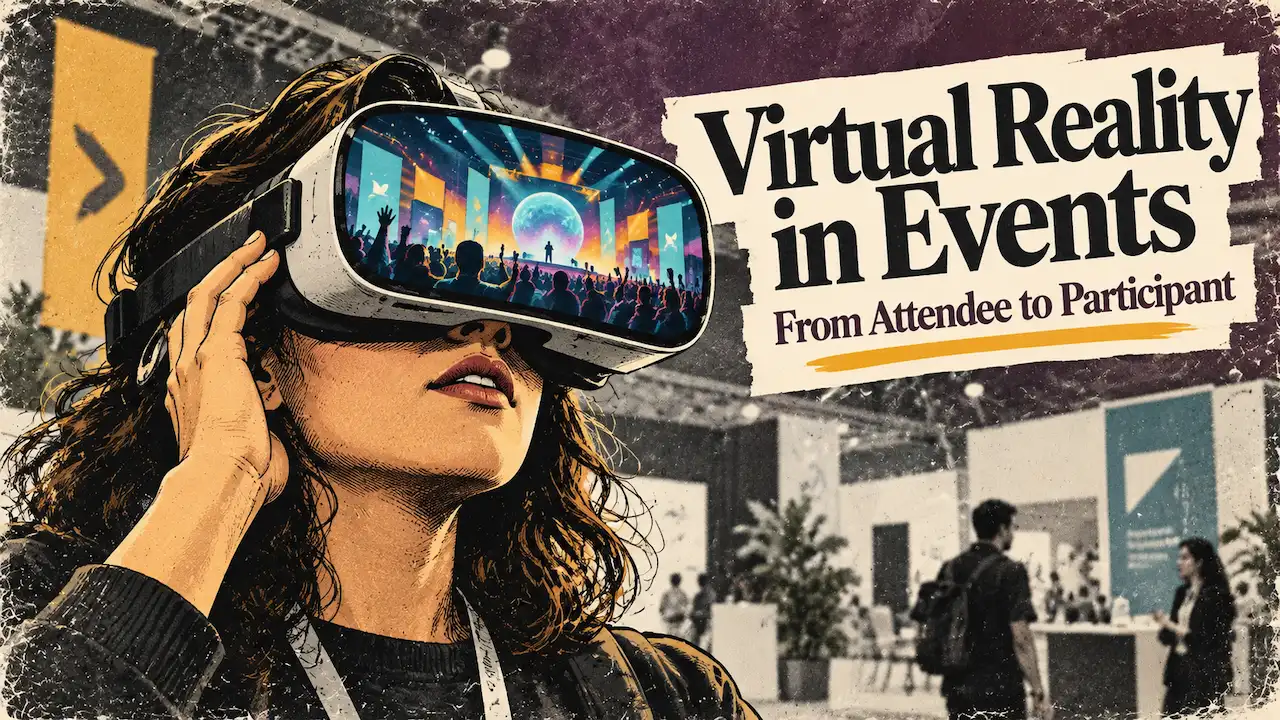
Virtual reality in events means guests wear a headset at a stand, launch, or conference. Each guest enters a branded, training, or product experience for a few minutes. For the agency, the work is moving every guest through each headset safely and on time.
Brand clients book a VR stand and often assume the kit does the work. The client then judges the stand on the queue and on each guest’s first minute in the headset. Both depend on the crew, and running virtual reality in events well comes down to numbers and routines.
They cover guests per hour, crew per headset, content, cleaning, safety, and consent.
Agencies that manage promotional teams across activations can plan VR crew like any other job. The first step is to schedule a trained host for every headset, then build the stand around them.
What Is Virtual Reality in Events?
Virtual reality in events is a headset experience that guests try at a live event, with crew supervising each session. Guests see only the virtual scene, so the people around them keep them safe and moving.
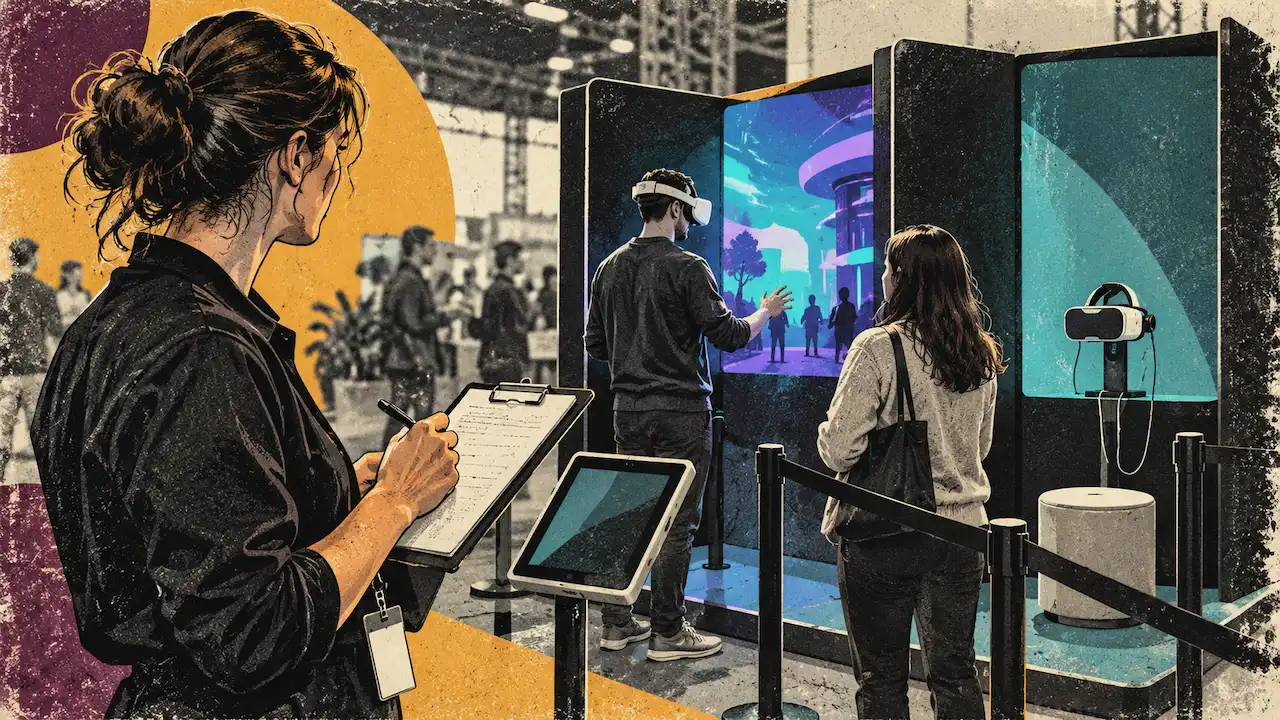
A fully virtual event on a VR platform is a separate job, with no stand and no queue to staff. The headset is only part of the setup. A typical stand also has marked play spaces, a queue line, a charging point, and a screen for spectators.
VR shows up at events in a handful of places:
- Product demos on trade show stands
- Brand activations at consumer shows and launches
- Conference sessions and business events
- Training and safety simulations
- Venue or site previews for clients
Brands book VR because one guest gives the brand their full attention for several minutes. The headset shuts out the rest of the hall. A good session also gives guests something to talk about afterwards. Where the footfall is high and time is short, other brand activation formats may suit the brief better.
Virtual Reality at Conferences and Trade Shows
Virtual reality at conferences and trade shows runs on a tighter schedule. Visitors have meetings to reach, so sessions stay short. Senior buyers often prefer a bookable slot to a place in the queue.
A mirrored screen lets people in line watch the demo and decide whether to wait. The host also needs product knowledge, because they talk the guest through the demo while it runs. At business events, VR also carries training content, such as a site safety walk-through.
How Is VR Different From AR at an Event?
VR replaces the guest’s whole view, so it needs a marked space and a host per headset. AR adds digital layers to the real world, usually on a phone or tablet. Guests can still see the room, so AR stations need fewer hands.
The staffing for that format is set out in augmented reality at trade shows.
How Many Guests Can VR Activations Handle per Hour?
Throughput on a VR stand depends on two numbers: session length and changeover time. Changeover covers fitting the headset, briefing the guest, cleaning, and resetting. Three minutes is a fair starting assumption for a trained host. Guests per hour per headset is 60 divided by the session length plus changeover.
Take a five-minute experience. Add three minutes of changeover, and each headset turns over every eight minutes. That gives 7.5 guests per headset per hour, so four headsets take 30 guests an hour.
Across an eight-hour show day, the ceiling is about 240 guests, before walk-aways and pauses. Slow fits and technical resets also eat into that number. Plan for less than the theoretical maximum when you quote numbers to the client.
This sum matters when the brief arrives. A client may expect everyone on the floor to try the headsets. Two headsets cannot deliver that, whatever the content. The fix is more headsets, shorter content or bookable slots. Bookable slots suit B2B shows, where senior visitors rarely wait in a long line. Shorter content suits consumer shows with heavy footfall. Agree which one before the stand is built, and put the number in the proposal.
Battery life sets the second limit. A Meta Quest 3 runs about 2.2 hours on average and takes over two hours to recharge. An all-day stand on battery power needs two headsets per station and a charging rotation in the rota. Cable power or battery straps reduce that number. The planner below runs the same sums for two to eight headsets.
VR station planner
Pick how many headsets the stand will run. Each table shows guests per hour, the daily ceiling, the crew per shift and the headsets needed for an all-day charging rotation.
| Session length | Guests per hour | Guests per 8-hour day (max) | Crew per shift | Headsets for an all-day battery rotation |
|---|---|---|---|---|
| 3 minutes | 20 | 160 | 52 hosts, 1 queue and data, 1 tech lead, 1 relief | 4 |
| 5 minutes | 15 | 120 | 52 hosts, 1 queue and data, 1 tech lead, 1 relief | 4 |
| 8 minutes | 10 | 80 | 52 hosts, 1 queue and data, 1 tech lead, 1 relief | 4 |
| 10 minutes | 9 | 72 | 52 hosts, 1 queue and data, 1 tech lead, 1 relief | 4 |
| Session length | Guests per hour | Guests per 8-hour day (max) | Crew per shift | Headsets for an all-day battery rotation |
|---|---|---|---|---|
| 3 minutes | 40 | 320 | 74 hosts, 1 queue and data, 1 tech lead, 1 relief | 8 |
| 5 minutes | 30 | 240 | 74 hosts, 1 queue and data, 1 tech lead, 1 relief | 8 |
| 8 minutes | 21 | 168 | 74 hosts, 1 queue and data, 1 tech lead, 1 relief | 8 |
| 10 minutes | 18 | 144 | 74 hosts, 1 queue and data, 1 tech lead, 1 relief | 8 |
| Session length | Guests per hour | Guests per 8-hour day (max) | Crew per shift | Headsets for an all-day battery rotation |
|---|---|---|---|---|
| 3 minutes | 60 | 480 | 116 hosts, 2 queue and data, 1 tech lead, 2 relief | 12 |
| 5 minutes | 45 | 360 | 116 hosts, 2 queue and data, 1 tech lead, 2 relief | 12 |
| 8 minutes | 32 | 256 | 116 hosts, 2 queue and data, 1 tech lead, 2 relief | 12 |
| 10 minutes | 27 | 216 | 116 hosts, 2 queue and data, 1 tech lead, 2 relief | 12 |
| Session length | Guests per hour | Guests per 8-hour day (max) | Crew per shift | Headsets for an all-day battery rotation |
|---|---|---|---|---|
| 3 minutes | 80 | 640 | 138 hosts, 2 queue and data, 1 tech lead, 2 relief | 16 |
| 5 minutes | 60 | 480 | 138 hosts, 2 queue and data, 1 tech lead, 2 relief | 16 |
| 8 minutes | 43 | 344 | 138 hosts, 2 queue and data, 1 tech lead, 2 relief | 16 |
| 10 minutes | 36 | 288 | 138 hosts, 2 queue and data, 1 tech lead, 2 relief | 16 |
Swipe to see more
Formula: guests per hour = headsets × 60 ÷ (session + 3 minutes of changeover), rounded down.
Assumptions: 3 minutes to fit, brief, clean and reset; one trained host per live headset; one queue and data host and one relief host per four headsets; one tech lead per stand; an 8-hour show day before walk-aways and pauses; two headsets per station on battery power. Cable-powered stations or battery straps cut the headset count. Add a stand manager on larger stands.
Sources: VR events best-practice sheet (1:1 hosting) and Meta Quest battery guidance (about 2.2 hours of use on average).
How Many VR Event Staff Does Each Headset Need?
Staffing decides how virtual reality in events feels to the guest. Plan one trained host per live headset, the same 1:1 ratio a VR events best-practice sheet recommends.
Guests cannot see the room, so someone must watch them for the whole session. A host split across two headsets can miss the guest who starts to sway.
A VR stand runs on four roles:
- Headset host: fits the headset, briefs the guest, watches every second and resets between guests.
- Queue and data host: manages the line, sets wait times and takes consent when details are captured.
- Tech lead: handles resets, updates, the charging rotation and the offline copy of the content.
- Stand manager: runs the crew, plans breaks and relief cover, and keeps the client informed.
The planner above counts hosts, queue and data, tech lead and relief. On a small stand, the tech lead can also act as stand manager. In the UK, workers aged 18 and over get one uninterrupted 20-minute rest break. That applies when they work more than six hours a day. One relief host per four headsets lets each person take that break without closing a station.
Each station needs about 2.5 by 2.5 metres, with a buffer between stations. Mark it with contrasting tape on the floor. Hosts guide by voice only and step out of the play space once the session starts. Every host should complete the experience themselves before the show. Then record who is trained on the kit, so only those people are booked onto headset shifts.
When Should Crew Training and Rehearsals Happen?
Run headset training before show week, using the same kit and the same content. Then hold a full run-through on site, under the hall lighting, before the doors open. Lighting, mirrors and glass can upset headset tracking, so test in the real space.
Each morning, give the crew a two-minute refresher on the session script and the stop signals. Anyone joining mid-show gets the same brief before their first guest.
What Makes Good VR Content for Events?
Good VR content for events is short, gentle, and easy to restart. Five to ten minutes is a sensible planning range for a public stand. Walk-up demos can run shorter, which also helps the queue. With virtual reality in events, the content also has to suit people who have never worn a headset.
Give the guest one clear task and a clear ending. A guest who knows when the session ends hands the headset back calmly. Open-ended sandboxes stretch sessions and slow the queue.
For first-time users, movement is the main comfort risk. Let guests walk or teleport. Smooth gliding motion makes many people queasy, because the body stays still while the eyes report movement. Fear and height scenes carry a different risk: a startled guest can lose their balance.
Build in a seated option, and use passthrough where the content allows it. Both help guests who feel unsteady or nervous about the headset. A mirrored screen beside the stations shows the queue what is happening inside the headset. It also lets the host see exactly what the guest sees.
Store the experience on the headset and test it offline before doors open. Busy venue Wi-Fi then cannot stop the demo. Standalone headsets make changeovers faster and need less cabling. Tethered headsets need PCs, cable management and usually an extra technical pair of hands.
How Do You Keep Shared VR Headsets Clean and Safe?
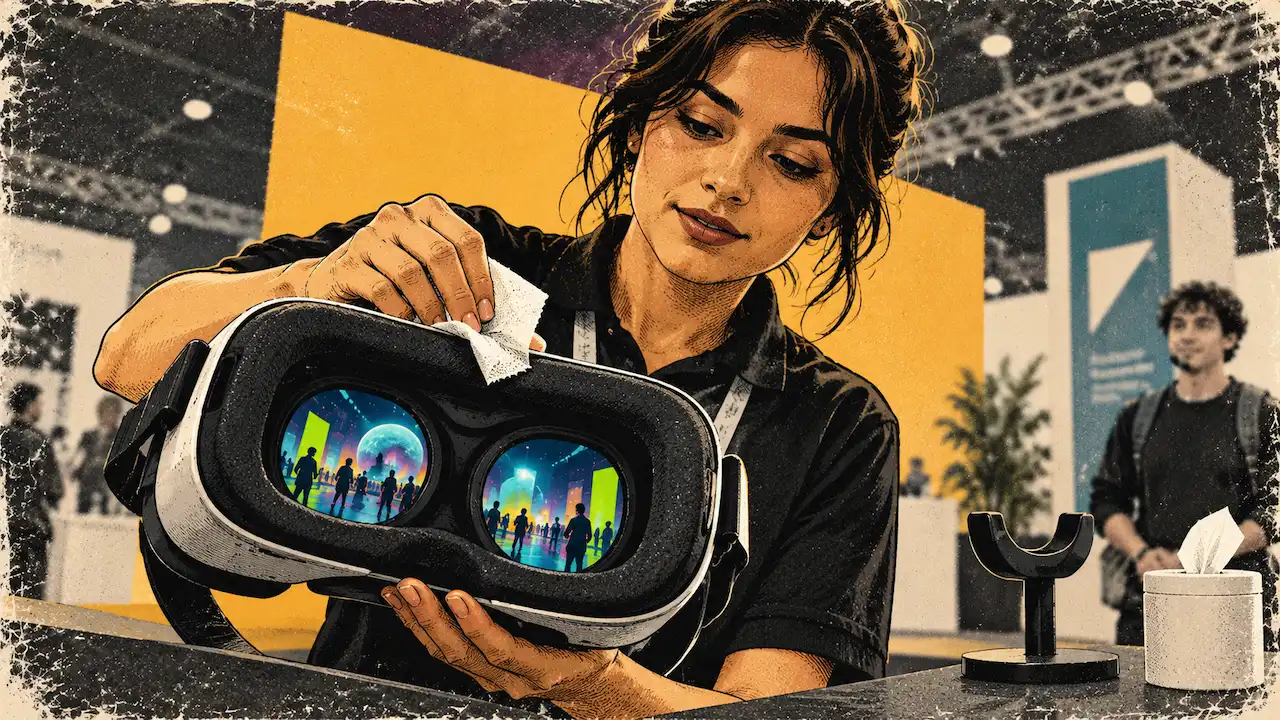
Shared kit is the biggest practical difference between virtual reality in events and home use. On a busy day, dozens of faces go into each headset. Meta’s cleaning guidance asks for a dry microfibre cloth on the headset and controllers after each use. Wipe lenses from the centre outwards. No alcohol or chemical cleansers go near the headset or lenses.
Facial interfaces and straps come off for a hand wash in cool water with mild detergent. They must air dry fully before refitting. For shared headsets, Meta recommends a silicone facial interface or cover, which wipes clean and does not absorb sweat. Spare covers behind the stand mean a damp one can be swapped straight away. Put hand sanitiser at each station for guests and hosts.
Safety starts with the risk assessment. Under UK health and safety law, employers must make a suitable and sufficient assessment of risks. That includes risks to staff and to members of the public. Employers with five or more staff must record the significant findings.
For a VR stand, the agency writes that assessment before the show and briefs it to every host. It should deal with trip hazards, balance, children and guests who feel unwell. Check with your insurer that the activity is covered.
Before each session, the host runs a short check:
- The guest meets the stand’s age rule and has seen the health warnings
- Glasses fit, or the guest has chosen to go without
- Controller wrist straps are on
- The play space is clear of bags, cables, and people
- The guest knows how to stop and take the headset off
The brief only works if the whole crew sees it. Send the safety brief to every host by email, push, or SMS before the first shift.
How Do You Measure a VR Activation and Capture Leads?
Measure the activation with numbers the crew can record on the day. Start with sessions run against the stand’s hourly capacity. Track average queue time and walk-aways, meaning people who left the line. Add completion rate, consented leads and crew hours per session.
Together they show whether the stand ran at capacity and where it lost people. Agree these measures with the client before the show, so the report answers their questions. Long queues all day point to more headsets next time. Short queues and empty stations point to a better position or a stronger hook.
Virtual reality in events often doubles as lead capture, so consent needs care. The queue and data host takes clear opt-in consent at the point of capture. Keep the consent wording on a card or screen, so every host uses the same words.
Under UK rules, organisations normally need consent before sending electronic marketing. The soft opt-in only applies when the sender collected the details directly. Leads gathered for a brand usually need consent that names that brand. This is not legal advice, so check the setup with the client’s data protection lead.
After the event, the client will want a record of who worked, where, and when. Put it next to the session numbers in the post-show report.
What Goes Wrong at VR Activations, and How Do Agencies Prevent It?
Most problems with virtual reality in events are predictable. Flat headsets at the lunchtime peak are a common one. Put the charging rotation into the rota, with a named person swapping headsets on a schedule.
Another is a trained host dropping out the night before. Someone who has never run the experience is not a safe swap. Start with people already trained on the kit and fill the gap from your own pool. Slow fitting is a quieter problem. Hosts who practise fitting before the show change guests over faster.
Late changes cause trouble too. An updated brief that never reaches the crew leaves hosts giving old instructions. Content can also update mid-show, or the venue Wi-Fi can drop. Keep a tested offline copy on every headset and switch off updates once the doors open.
Roadshows add their own risk. Kit and crew can end up in different cities in the same week. Agencies that run one crew pool across several events can see who is booked where before they promise a date. Track which headsets travel where too, because a missing charger can close a station.
Two planning choices also shape the risk. Renting or owning headsets depends on how often you run VR and who maintains the kit. Choosing in-house crew or freelancers depends on who is trained and how often they work the experience. Either way, the crew plan has to show who is trained on which kit.
Who Is on Which Headset, and Are They Trained?
The crew plan behind a VR stand is invisible to the client. It often lives in spreadsheets and group chats. Liveforce is a workforce management platform for event-led businesses. They manage large temporary or freelance teams across multiple projects, locations, and clients.
When you build the rota, set a skill requirement on headset shifts and filter for VR-trained hosts. That replaces checking a spreadsheet of who did the training. Two modules are coming soon. The Asset Module will track headsets and chargers between shows, checked out and back by QR scan. It replaces the kit list on paper.
The Task Module, also coming soon, will add pre-shift training and cleaning checks. Hosts will watch a training video before the shift and upload a photo for each cleaning check. That replaces the paper checklist that never comes back.
The Frontline Company, a Belgian people agency, shows what clear briefing looks like across busy shows.
Test the Plan Before the Headsets Ship
Before the client signs off the stand, run the planner numbers against the footfall they expect. Then check that every headset has a trained host and a relief. If either check fails, change the headset count, the session length or the slots now. Virtual reality in events rewards this preparation, because the queue shows every gap.
Agencies running several stands a week can look at workforce software for growing agencies. If your agency runs VR stands for brand clients, see how a VR crew plan runs in Liveforce.
FAQs: Virtual Reality in Events
How long should a VR demo last at an event?
For virtual reality in events, five to ten minutes per guest suits most public stands. Walk-up demos can run shorter. Shorter sessions keep the queue moving and are kinder to first-time users.
Can guests wear glasses in a VR headset?
Usually, yes. Meta Quest headsets come with a glasses spacer. Meta says it fits frames up to 142 mm wide and 50 mm high. Brief hosts to check the fit before the experience starts.
Is there a minimum age for VR headsets at events?
Meta requires a minimum account age of 10 for Quest, and requirements vary by country. It also asks adults to monitor children during and after use. Set the stand’s age rule in the risk assessment and check the content’s own rating.
Do VR headsets need Wi-Fi at an event?
Many standalone experiences run from content stored on the headset. Load and test the experience offline before doors open, so busy venue Wi-Fi cannot stop the demo.
What should staff do if a guest feels unwell in VR?
Stop the experience, remove the headset and sit the guest somewhere quieter with water. Log what happened. Follow the headset maker’s health and safety warnings before they try again.