Charity events rely on people who show up at the right place, at the right time, with the right information.
When those people are a mix of volunteers, paid staff, and freelancers, the coordination behind each event gets complicated fast. Charity staffing software exists to solve that specific problem.
Most charity coordinators start with spreadsheets and WhatsApp groups. That works when the team is small and the events are occasional. But the moment an organisation runs multiple events in the same month, with different teams at each site, the spreadsheet stops being a tool and starts being a liability. Information gets duplicated. Availability clashes go unnoticed. Briefings arrive late or not at all.
This article explains where manual systems break down, what charity staffing software actually does, and how Liveforce helps charity coordinators manage complex, event-based workforces without adding more admin.
When spreadsheets stop working for charity events
A charity running a single annual gala can manage its team with a shared Google Sheet. Names, roles, shift times, dietary requirements. It is manageable because the variables are limited. One event. One date. One location.
The problems start when that charity scales up:
- Three fundraisers in a month, each with different team sizes and compliance rules.
- A festival partnership that requires stewards, caterers, and volunteers on the same day.
- A pop-up community event added at short notice with no time to rebuild the rota.
Spreadsheets cannot flag when a volunteer has been booked for two events on the same day.
At this point, coordinators spend more time updating spreadsheets than running events:
- Cross-referencing tabs manually to check who is available and where.
- Sending confirmation messages one at a time through WhatsApp or email.
- Chasing timesheets after every event because nothing was recorded on the day.
- Rebuilding rotas from scratch when a single event date changes.
The admin load grows faster than the team.
This is not a technology problem. It is a structural one. Spreadsheets were not designed to handle multi-event, multi-role workforce coordination. They are flat files pretending to be databases.
What does a mixed workforce cost when it is managed manually
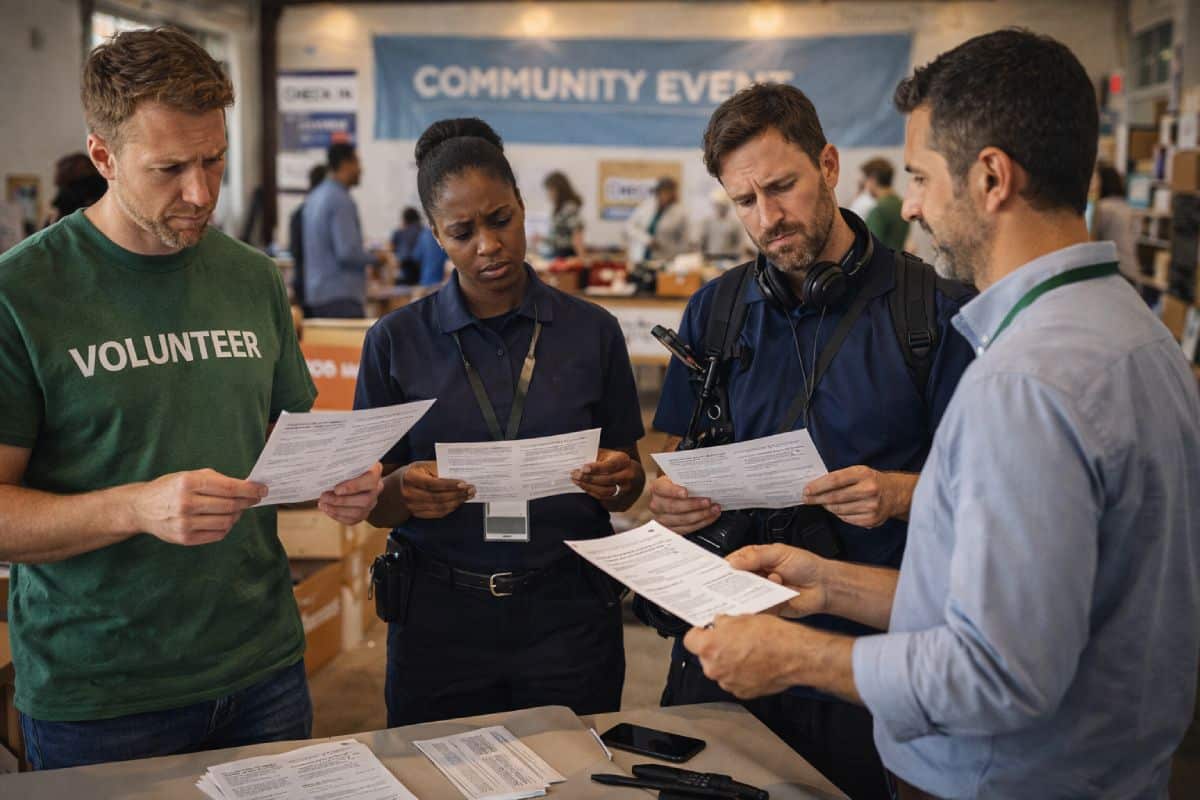
Charities operate with three types of workers: volunteers who give their time freely, paid staff on contracts, and freelancers brought in for specific skills or peak demand. Each group has different expectations, different compliance needs, and different communication preferences.
Managing all three through the same spreadsheet means treating them the same. But they are not the same:
- Volunteers need clear briefings, role descriptions, and recognition for their time.
- Paid staff need accurate timesheets and payroll-ready records after every shift.
- Freelancers need confirmed schedules, rate agreements, and invoicing clarity.
When the system does not distinguish between these groups, errors multiply:
- A volunteer gets sent a pay rate confirmation by mistake because every record looks the same.
- A freelancer misses a briefing because it was sent through a WhatsApp group they were never added to.
- A paid worker’s hours are disputed because the timesheet was filled in from memory two weeks after the event.
- Compliance documents expire without anyone noticing because there is no centralised tracking.
The cost is not just admin time. It is trust, accuracy, and the ability to run the next event with confidence.
None of this is visible in a single event. It compounds across a season. By the time a charity coordinator realises the system is broken, they have already lost hours, goodwill, and sometimes people.
The turning point: when coordinators realise a volunteer app is not enough

Many charities look at volunteer management software first. That makes sense on the surface. Volunteers are often the largest group. Volunteer-specific tools handle sign-ups, availability, and basic scheduling.
But volunteer management software is designed for one type of workforce. It assumes everyone is a volunteer. It does not handle paid roles, freelancer invoicing, or the operational complexity of running multiple events with mixed teams.
Charities that outgrow volunteer apps typically face a specific set of frustrations:
- The system cannot track paid hours separately from volunteer hours.
- It cannot send different briefings to different role types at the same event.
- It cannot produce timesheet records that satisfy payroll requirements.
- It has no way to manage freelancer availability alongside volunteer sign-ups.
At the other end of the spectrum sit HR platforms like Breathe HR or Ciphr. These are built for permanent employees and handle a completely different set of problems:
- Contracts and annual leave for salaried teams.
- Performance reviews and appraisals on fixed cycles.
- Employee records that assume long-term, single-location employment.
None of that applies to temporary, event-based workforces that change from week to week.
The gap sits between volunteer apps and HR systems. That gap is where charity staffing software fits.
Charity staffing software is workforce management built for the operational reality of event-led teams. It handles volunteers, paid staff, and freelancers in one system. It covers charity staff rostering software needs alongside scheduling, communication, compliance, and timesheets across multiple events simultaneously.
How charity staffing software compares to the alternatives
| Operational criteria | Manual approach (spreadsheets and WhatsApp) | Volunteer management software | Charity staffing software |
|---|---|---|---|
| Mixed workforce support (volunteers, paid, freelancers) | All treated the same. No role-based separation. | Volunteers only. Paid and freelance roles unsupported. | All workforce types managed with role-specific settings. |
| Multi-event scheduling | Separate tabs per event. No cross-event visibility. | Single-event focus. Limited multi-event capability. | All events visible in one schedule. Clashes flagged automatically. |
| Availability and clash detection | Manual checking across tabs. Errors common. | Basic availability for volunteers only. | Real-time availability across all workforce types and events. |
| Timesheets and payment tracking | Filled from memory. Often disputed. | Volunteer hours only. No payroll-ready output. | Accurate timesheets with payroll-ready records for paid roles. |
| Briefing and communication | WhatsApp groups. Information gets buried. | Bulk messages to volunteers. No role-based targeting. | Role-specific briefings sent per event with confirmation tracking. |
| Compliance and data handling | Scattered across email, Drive, and spreadsheets. | Basic volunteer records. Limited GDPR controls. | Centralised records with GDPR-compliant data handling. |
How Liveforce works as charity staffing software
Liveforce is a workforce management platform built for event-led organisations that manage temporary teams across multiple projects and locations. For charities, this means one system that handles every part of workforce coordination, from scheduling to timesheets.
Here is how each capability works in practice for charity coordinators:
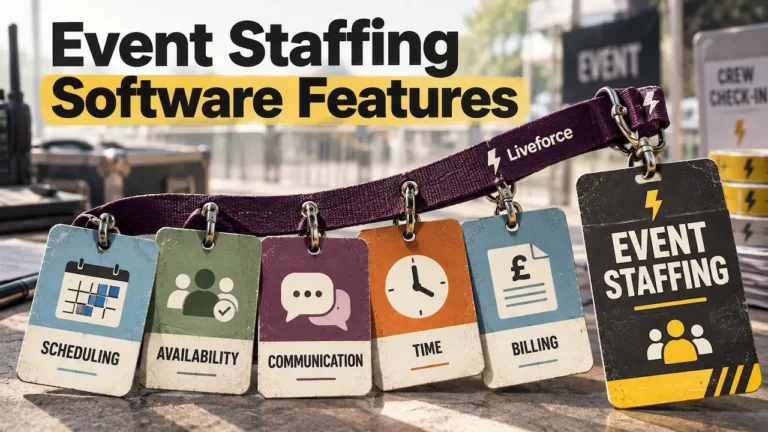
- Charity staff scheduling software across events. When a charity runs three events in a single weekend, coordinators need to see every team, every role, and every location on one screen. Liveforce replaces the process of maintaining separate spreadsheets for each event. It flags double bookings automatically and shows real-time availability across the entire workforce. This is where charity scheduling software becomes an operational necessity rather than an optional upgrade.
- Workforce database for mixed teams. Charity coordinators often manage hundreds of people across volunteers, paid workers, and freelancers. Liveforce provides a central staff database that stores profiles, skills, compliance documents, and availability in one place. It replaces the scattered contact lists and outdated spreadsheets that most charities rely on.
- Communication that reaches the right people. A volunteer steward and a freelance sound engineer at the same festival need different information. Liveforce sends role-specific briefings and shift confirmations per event. It replaces WhatsApp groups where critical updates get lost in general conversation.
- Timesheets and payment tracking. After every event, coordinators need accurate records of who worked, for how long, and in what role. Liveforce captures timesheets digitally, reducing disputes and producing records that are ready for payroll processing. It replaces the paper timesheets and email-based approvals that slow down payment cycles.
- Compliance and GDPR-ready data. Charities handle personal data for large numbers of people, many of whom are volunteers with no formal contract. Liveforce stores compliance data centrally and supports GDPR-compliant handling, replacing the spreadsheets and shared drives that create data protection risks.
The result is not a feature list. It is a system that gives charity coordinators control over complex, event-based workforces.
What changes when charity coordinators move to a proper system
The shift from spreadsheets to charity staffing software is not dramatic on day one. It is cumulative. The first thing most coordinators notice is that they stop chasing information.
Availability is visible without sending messages. Shift confirmations happen through the system, not through replies to group messages. Timesheets are captured at the event, not reconstructed from memory a week later.
Over a season, the effect compounds:
- Fewer double bookings because availability is checked automatically.
- Fewer missed briefings because communication is role-specific and tracked.
- Fewer hours spent on admin that does not directly serve the charity’s mission.
The coordinator’s role shifts from data entry and message chasing to actual workforce planning.
For charities using volunteer management software, the upgrade to a full charity rostering software platform means they stop outgrowing their system every time they add a paid role or bring in a freelancer. The platform scales with the workforce, not against it.
Charity coordinators who run events should not be spending their time managing spreadsheets. That time belongs to the mission.
The operational question charity coordinators need to answer
Every charity that runs events faces a decision point. Not whether to use technology, but which type of system matches the way the workforce actually operates.
If the workforce is entirely volunteers attending a single annual event, a volunteer app may be enough. If the workforce is a mix of volunteers, paid staff, and freelancers spread across multiple events, the system needs to reflect that reality.
Charity staffing software built for event-led teams, like Liveforce, exists because that gap between volunteer tools and HR platforms is where most charities actually operate. The sooner a coordinator moves from managing people through messages and spreadsheets to managing them through a proper system, the sooner admin stops scaling faster than the mission.
Frequently asked questions
Is charity staffing software only for large charities?
No. Any charity that runs multiple events with a mix of volunteers and paid staff benefits from a structured system. The complexity comes from the workforce mix, not the organisation’s size.
Can charity staffing software handle both volunteers and paid workers?
Yes. Platforms like Liveforce manage volunteers, paid staff, and freelancers in one system with role-specific settings for scheduling, communication, and timesheets.
How is charity staffing software different from volunteer management software?
Volunteer management software handles one workforce type. Charity scheduling software and rostering tools built for events manage mixed teams across multiple events, with features for scheduling, timesheets, compliance, and communication that apply to all worker types.
Does Liveforce handle payroll for charity staff?
Liveforce supports payroll processes by capturing accurate timesheets and hours worked. It does not run payroll directly. The records it produces are ready for processing through existing payroll systems.
Is staff data stored securely and GDPR-compliant?
Liveforce supports GDPR-compliant data handling, with centralised records and controlled access. This replaces the data protection risks that come with storing personal information across spreadsheets and shared drives.