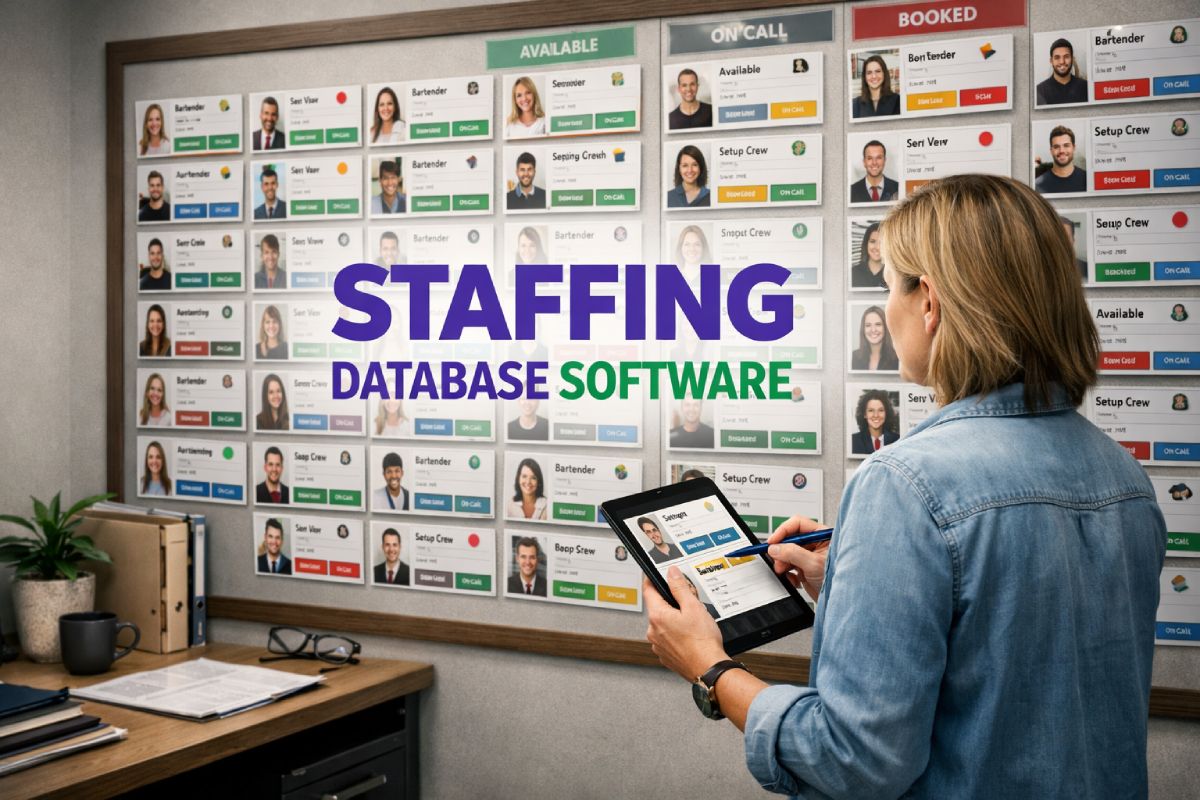
Staffing database software is the system agencies use to store, search, and manage every worker in their talent pool.
For event staffing businesses, it is the operational foundation that connects recruitment to scheduling, compliance to deployment, and availability data to real-time decisions. The right database determines how quickly a coordinator can fill a gap, confirm a booking, or verify a qualification.
Most tools in this category were built for recruitment. They track CVs, applications, and candidate pipelines. That works if the goal is to place permanent staff into long-term roles.
It does not work when an agency is managing 400 freelancers across six events in the same weekend, each with different compliance requirements and shift patterns.
This article explains what to look for in staffing database software, where generic tools fall short, and what event agencies actually need from their workforce data.
Liveforce is a workforce management platform built for this exact problem.
Why this decision matters more than teams expect
Choosing a staff database software platform feels like an administrative task. Pick a system, import the data, move on. In practice, the database sits underneath every other workflow the agency runs.
When availability data is wrong, the scheduler builds shifts around people who are not free. When profiles are incomplete, coordinators assign someone without the right skills or certifications. When compliance records are scattered across spreadsheets, the agency finds out a worker’s right-to-work has expired after they have already been deployed.
Each of these problems starts in the same place. The database was not built to handle the complexity the operation actually demands.
Most agencies do not realise their database has become the bottleneck until a staffing gap appears at the worst possible time.
A hospitality supplier running three Premier League matchdays in one weekend needs to see, at a glance, which staff are available, qualified, and compliant. That information must be accurate to the hour. A recruitment CRM that stores CVs and interview notes cannot deliver this. The problem is not missing features. The problem is a tool designed for a different job.
The staffing database is where operational confidence begins. If it is unreliable, everything built on top of it is unreliable too.
Where generic tools create operational gaps
Most staff database software on the market was built for recruitment. Bullhorn, Firefish, Workable, and similar platforms track candidates through hiring pipelines: applications in, interviews conducted, placements made.
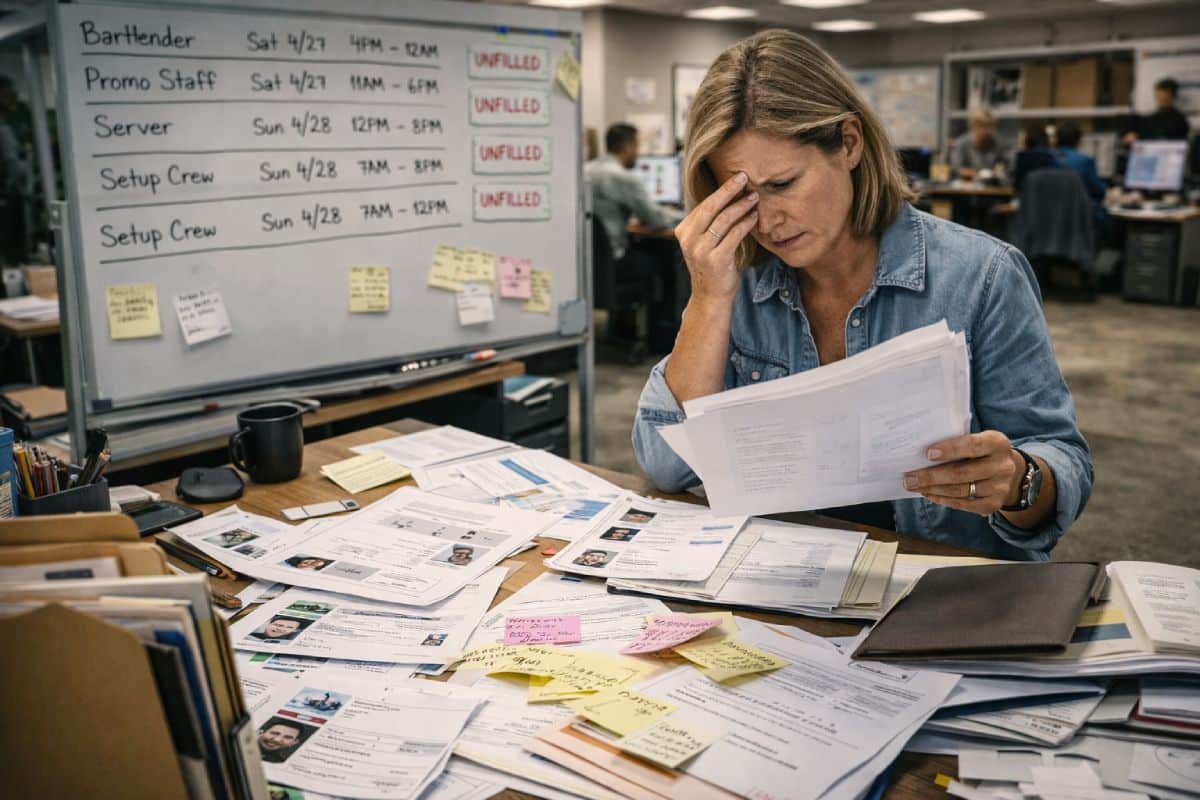
Event staffing is a different operation. Agencies are not tracking candidates through a hiring funnel. They are managing an active workforce that needs to be deployed, redeployed, and coordinated across multiple live projects every week.
The gap between a recruitment database and a workforce database is the gap between storing information and using it under pressure.
Consider what a coordinator needs when a bartender drops out of a Saturday evening corporate event with three hours’ notice. They need to search the database by availability (free tonight), role (bar-trained), compliance (personal licence valid), and location (within travel distance of the venue). A recruitment CRM cannot run that search. It was never designed to.
Generic tools create specific operational gaps:
- Availability is static. Workers cannot update their own schedules. Coordinators rely on outdated spreadsheets or manual confirmation calls.
- Filters are built for permanent placement. Role-based, shift-specific, or certification-based filtering does not exist.
- Compliance is stored separately. Right-to-work documents, SIA licences, and food hygiene certificates sit in folders rather than linked to individual profiles.
- There is no crew-facing interface. Every profile update, availability change, or document upload requires admin input.
These gaps are manageable when an agency runs ten events a year. They become operational risks at fifty. By the time the business reaches a hundred events across multiple clients, the database is no longer keeping up.
What to look for in staffing database software
The features that matter most depend on the operation, not the feature list. For event agencies managing large temporary workforces, five capabilities separate a useful database from one that creates more work than it saves.
Availability tracking that reflects reality
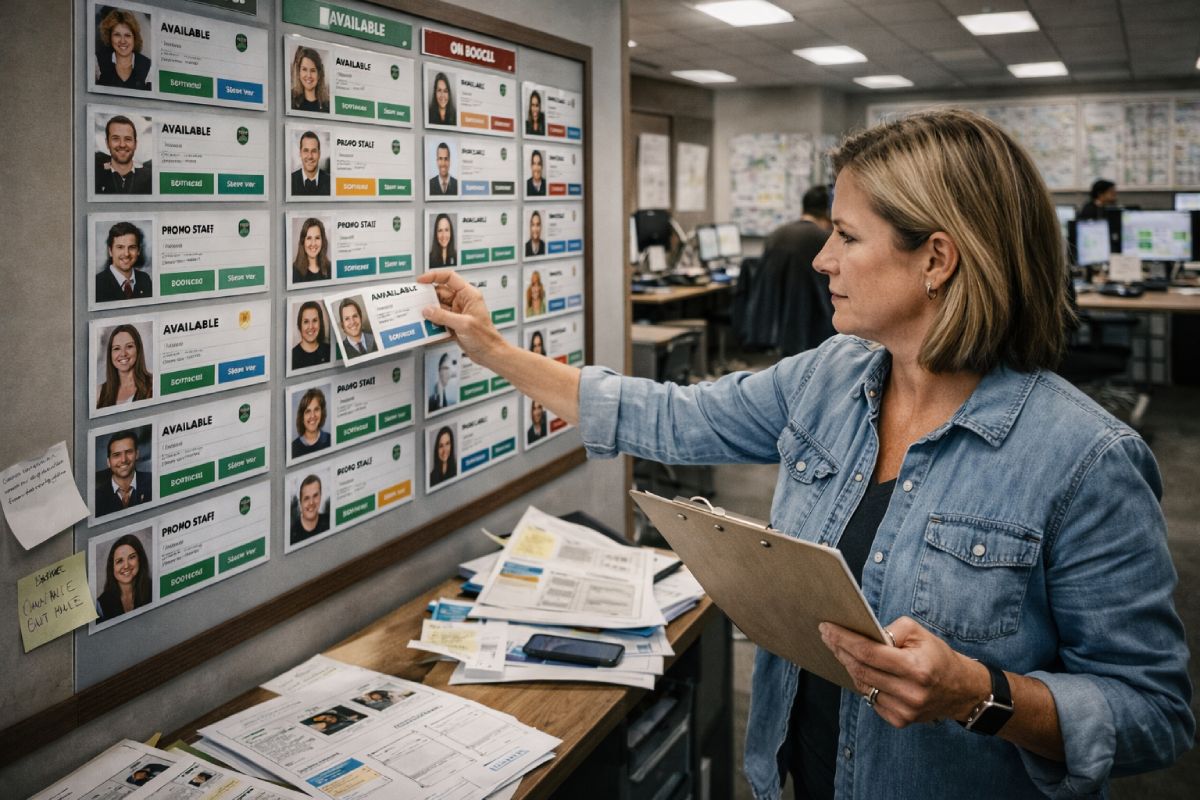
If the database shows a worker as available but they are already confirmed on another shift, the agency has a problem the moment the booking is made. Static availability records, where someone was marked as free three weeks ago and nobody checked since, cause double-bookings, last-minute scrambles, and client disappointment.
Real-time availability tracking means staff update their own schedules. When a worker confirms a shift, their availability adjusts across every project they are linked to. When they mark themselves unavailable for a weekend, that information is visible to every coordinator who might otherwise try to book them.
Accurate availability is what makes the difference between a 20-minute scheduling session and a two-hour phone-around.
At multi-event scale, this is the single most important feature in any workforce database. Everything else depends on it.
Profiles built for event work, not CVs
A standard candidate profile stores qualifications, employment history, and contact details. An event worker profile needs different things. It stores certifications (SIA licence, food hygiene, first aid), physical requirements, event experience by type, ratings from previous assignments, and availability windows that change week to week.
The profile structure determines what coordinators can search and filter. If the database does not capture role-specific data, the coordinator cannot filter by it. They end up scrolling through hundreds of records, cross-referencing separate documents, and relying on memory to recall who performed well at the last festival.
A workforce database designed for event staffing captures what matters for deployment decisions, not hiring decisions.
Search and filter that works under pressure
When a coordinator has 20 minutes to fill a gap at a large-scale festival, they cannot scroll through a flat contact list. They need to filter by role, availability, location, compliance status, and past performance in a single search.
Fast, layered filtering is what turns a database from a storage tool into an operational tool. The event staff database should return a shortlist of qualified, available, compliant workers within seconds. If it takes longer than that, the coordinator will pick up the phone instead, and the database becomes an archive rather than a decision-making tool.
Compliance visibility baked into every profile
Compliance is not a module to bolt on. It should be built into the structure of every worker profile. If a staff member’s right-to-work documentation expires next Tuesday, the database should flag it before they are assigned to a shift on Wednesday.
Discovering a compliance gap after deployment is more expensive than any software subscription.
For agencies supplying staff to regulated environments, including hospitality, security, and venues, compliance tracking in the workforce database is what protects the client relationship. It means the agency can confirm, with confidence, that every worker on site has valid documentation. No manual checks. No last-minute surprises.
Integration with scheduling and communication
A staffing database that sits in isolation creates double-entry work. The coordinator finds a worker in the database, then switches to a scheduling tool to book them, then opens a messaging platform to confirm the shift, then logs into a separate system to track timesheets.
Each switch is a gap where information gets lost or entered incorrectly. When the database connects to scheduling, communication, and timesheets in a single platform, the workflow runs without interruption. A worker confirms availability in the app. The coordinator assigns them to a shift. The confirmation is sent automatically. The timesheet is generated from the same data.
That connected workflow is what Liveforce’s staff database was designed to deliver.
Generic staffing database vs event-built platform
A practical comparison of what matters when managing a temporary event workforce across multiple clients and projects.
| Operational Requirement | Generic Staffing Database Tool | Liveforce (Event-Built) |
|---|---|---|
| Real-time availability tracking across multiple projects | Limited or manual. Availability is static and requires manual updates. | Built in. Staff update availability via the Crew App. Coordinators see live data across all projects. |
| Event-specific compliance fields and expiry alerts | Basic document storage. No automatic expiry alerts or event-specific fields. | Compliance fields are part of every profile. Expiry alerts trigger before staff are assigned. |
| Skills and role filtering for shift-based work | Filters built for permanent placement. No shift-specific or role-based filtering. | Role, skill, and certification filters designed for fast assignment across live events. |
| Crew app for self-managed profiles and availability updates | No crew-facing app. All updates require admin input. | Crew App allows staff to manage profiles, confirm shifts, and update availability directly. |
| Integration with scheduling, communication, and timesheets | Standalone database. Scheduling and timesheets require separate tools. | Database connects to scheduling, messaging, timesheets, and payments in one platform. |
| Multi-client workforce separation | Single client view. No separation between end-client workforces. | Multi-client structure. Agencies manage separate workforces and projects from one account. |
| Last-minute gap-filling speed | Slow. Requires manual searching and cross-referencing. | Fast filtering by availability, location, skills, and compliance status. Gaps are filled in minutes. |
How Liveforce solves the staffing database problem
Liveforce is a workforce management platform built for event-led businesses managing large, temporary or freelance teams across multiple projects, locations, and clients.
It exists for the point at which spreadsheets and basic rota tools stop scaling. When agencies need a single system to recruit, schedule, deploy, and pay their workforce, Liveforce provides the structure to do it without the admin overhead.
Core capabilities:
- Workforce database and CRM with real-time availability, skills filtering, compliance tracking, and worker ratings.
- Multi-project scheduling with conflict detection and instant shift confirmations.
- Centralised communication via SMS, email, and push notifications from one dashboard.
- Digital timesheets and payment tracking that connect to the same data used for scheduling.
- Crew App where staff manage their own profiles, confirm shifts, and update availability.
It is the system agencies use to manage the workforce they already have.
Book a Liveforce demo to see how it works for your operation.
Choosing the wrong tool does not just slow the admin team down. It puts every shift, every client relationship, and every compliance obligation at risk.
The question for most event agencies is not whether they need staffing database software. It is whether the tool they currently use was designed for the kind of complexity they are actually managing.
For agencies ready to move beyond spreadsheets and generic recruitment tools.
Liveforce is built for exactly this.
Frequently asked questions
What is staffing database software and how does it differ from a recruitment CRM?
Staffing database software stores and manages workforce data for deployment. A recruitment CRM tracks candidates through a hiring pipeline. For event agencies, the difference is operational. The database needs to support real-time availability, compliance tracking, and fast filtering for shift-based assignments.
What features should staffing database software include for event agencies?
Real-time availability tracking, event-specific compliance fields with expiry alerts, role and skill filtering, a crew-facing app for self-managed profiles, and direct integration with scheduling, communication, and timesheet tools.
How does Liveforce's staffing database differ from generic tools?
Liveforce was built specifically for event-led businesses. Its database connects to scheduling, communication, timesheets, and the Crew App in one platform. Workers update their own profiles and availability. Compliance fields are part of every record. Generic tools require separate systems for each of these functions.
Can staffing database software handle compliance tracking for temporary workers?
Yes, if it is built for that purpose. The database should store compliance documents within each worker profile and alert coordinators when certifications or right-to-work documents are approaching expiry. This prevents non-compliant workers from being assigned to shifts.
How does staffing database software support last-minute changes at events?
When a worker drops out at short notice, the database should allow coordinators to search instantly by availability, role, compliance status, and location. A well-structured event staff database returns a shortlist of qualified replacements in seconds, rather than requiring phone calls and manual cross-referencing.