
A work schedule calendar for event teams must reflect the reality of multi-event, multi-client operations.
The right calendar shows who is working, where, and for which client across every active job. Most calendars built for retail or office shifts collapse the moment a second client is added.
The buyer might be a growing agency or a venue operations manager.
For a wider picture on tooling,
- the workforce scheduling software guide covers what to look for in a scheduling platform built for agencies, and
- the event staff scheduling feature page shows how shift books are structured inside Liveforce.
Why Most Work Schedule Calendars Break in Event Operations
Most work schedule calendars assume one site, one team, and one shift pattern.
Event operations break every assumption before the second event is booked. A work schedule calendar built for fixed rotas cannot show the full week of one freelancer. That freelancer might work a corporate awards dinner on Tuesday. They might also cover a festival bar on Friday and a hospitality pop-up on Sunday.
The constraint is structural. Effort alone will not move it.
Event teams operate across rotating clients, variable venues, and changing roles. A growing agency might run three brand activations for three end-clients in the same fortnight.
Each one has different start times, dress codes, and lead bookers. A single-site calendar treats this as noise, when it is the actual operating reality.
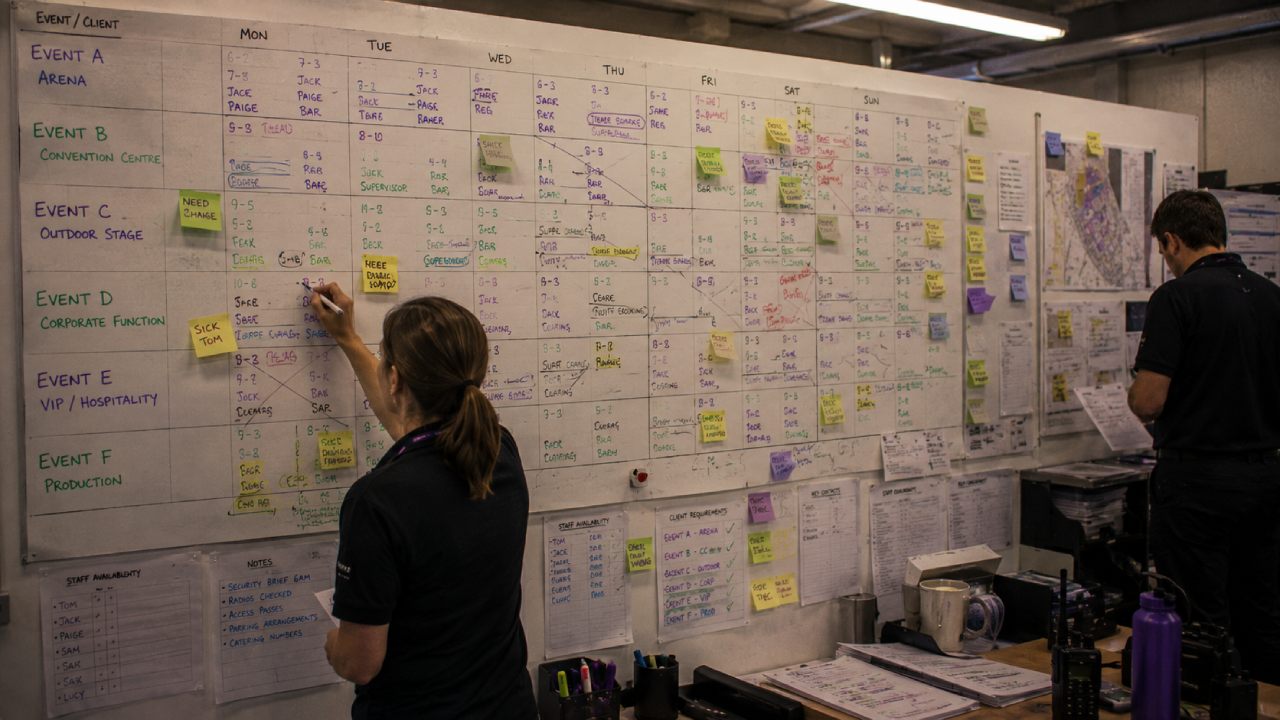
The single-site assumption built into most staff calendars
Walk through any popular scheduling app and the demo shows a fixed team of ten covering one shop floor. The staff calendar lists employees by day, with one column per person. That works for a coffee shop. It does not work for a hospitality agency running 200 freelancers across five festivals in July.
The result is a calendar that hides the most important information. Bookers cannot see which client a shift belongs to. They cannot see how it interacts with the freelancer’s other bookings that week. Event teams need that view by default, not as a workaround.
What happens when a growing agency adds a second client to its event staff scheduling
The first client fits inside a spreadsheet. The second one does not. Event staff scheduling across two clients means tracking double-booking risk, separate billing rates, briefings, and confirmation flows. A standard calendar treats both clients as anonymous shifts on the same grid.
That is when bookers start running two parallel spreadsheets. One per client, with the source-of-truth problem starting on day one. An experiential marketing agency might win a national activation tour while still running its pub group contract.
The calendar that handled the pub group now sits beside a separate sheet for the tour.
- The workforce management software for staffing agencies article covers the structural differences between agency tools and rota apps.
Within a month, shifts are confirmed in one file but missing from the other. Crew turn up to the wrong site. Invoicing falls behind.
Why Working Harder at Calendar Building Does Not Help
A bigger spreadsheet does not solve a multi-client problem. Adding more tabs, colour coding, and conditional formatting only delays the breakdown. The constraint is not the level of detail. It is the assumption that one flat grid can represent multi-client, multi-venue work in the same week.
Teams who try to outwork the problem end up with a work schedule calendar so dense that nobody trusts it. Bookers stop opening it. Coordinators start running shadow versions on their laptops. The calendar exists, but it is no longer the source of truth.
Effort cannot fix a structural mismatch.
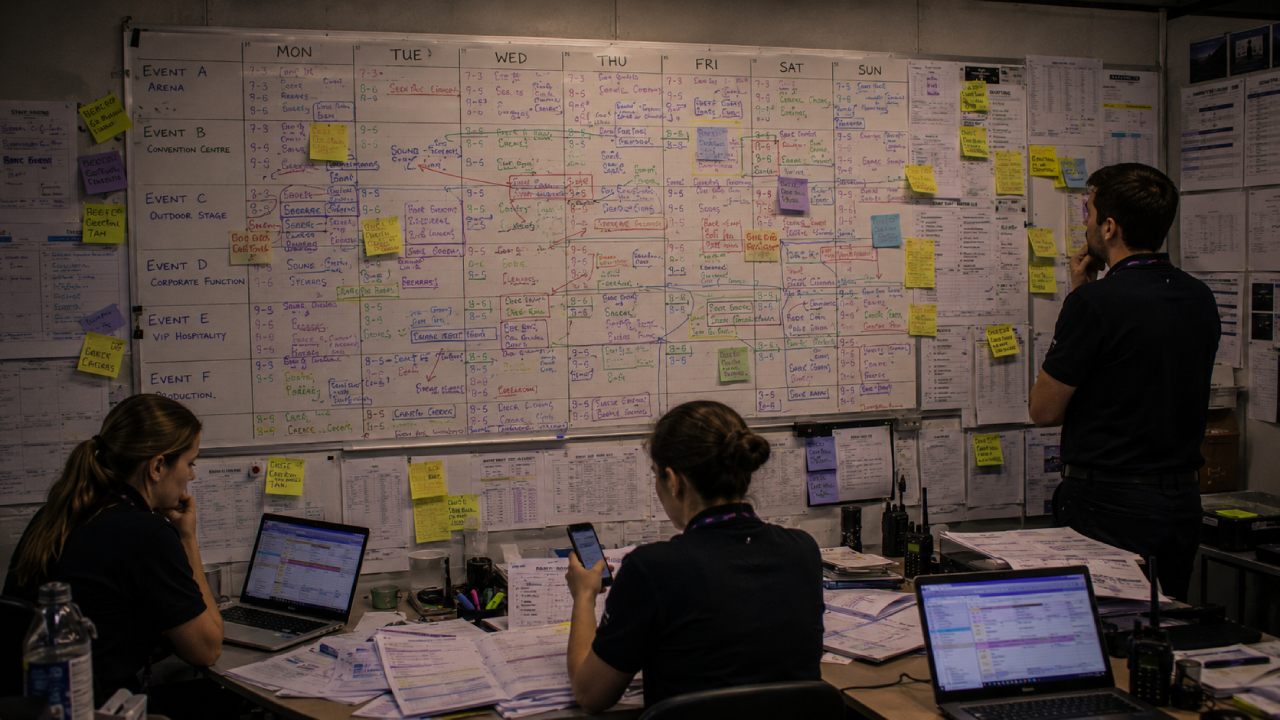
The spreadsheet workaround trap
Most event teams reach this exact point. A master tab. Client tabs. An availability tab. A confirmed-shifts tab. A separate timesheet tab. Every tab is updated by hand. Every change has to be made in four places.
Versions drift. The calendar becomes a part-time job for whoever keeps the file open longest. The workaround feels productive because changes happen visibly. The underlying problem stays the same. The calendar still cannot model multi-event, multi-client work, regardless of how many tabs are added.
When the team knows the calendar is wrong but uses it anyway
This is the failure mode that costs agencies the most. The work schedule calendar is known to be inaccurate, but it remains the only shared reference. Bookers second-guess it. Coordinators message the lead booker for confirmation. Freelancers ask the agency to resend their shifts because the calendar contradicts the WhatsApp group.
Trust drains out of the system, but the system stays in place because there is no alternative. For venue operations managers, this shows up differently. The permanent bar team works to one rota. The casual event crew works to a different list, often in a shared document.
CASE STUDY STORY:
On a sold-out concert night, those two systems collide and the duty manager runs the event from memory. The Three Counties case study shows how event scheduling was brought under one system at a regional venue.
Where a Structured Work Schedule Calendar Makes the Difference
A structured work schedule calendar separates the problem into the right layers. People, availability, roles, clients, and shifts each carry their own data. The calendar pulls them together into a view that reflects real operations.
The booker sees who is available. The venue manager sees who is on tonight. The freelancer sees their own week. None of them needs to message the others to confirm what is happening.
The calendar stops being a document and starts being a working system.
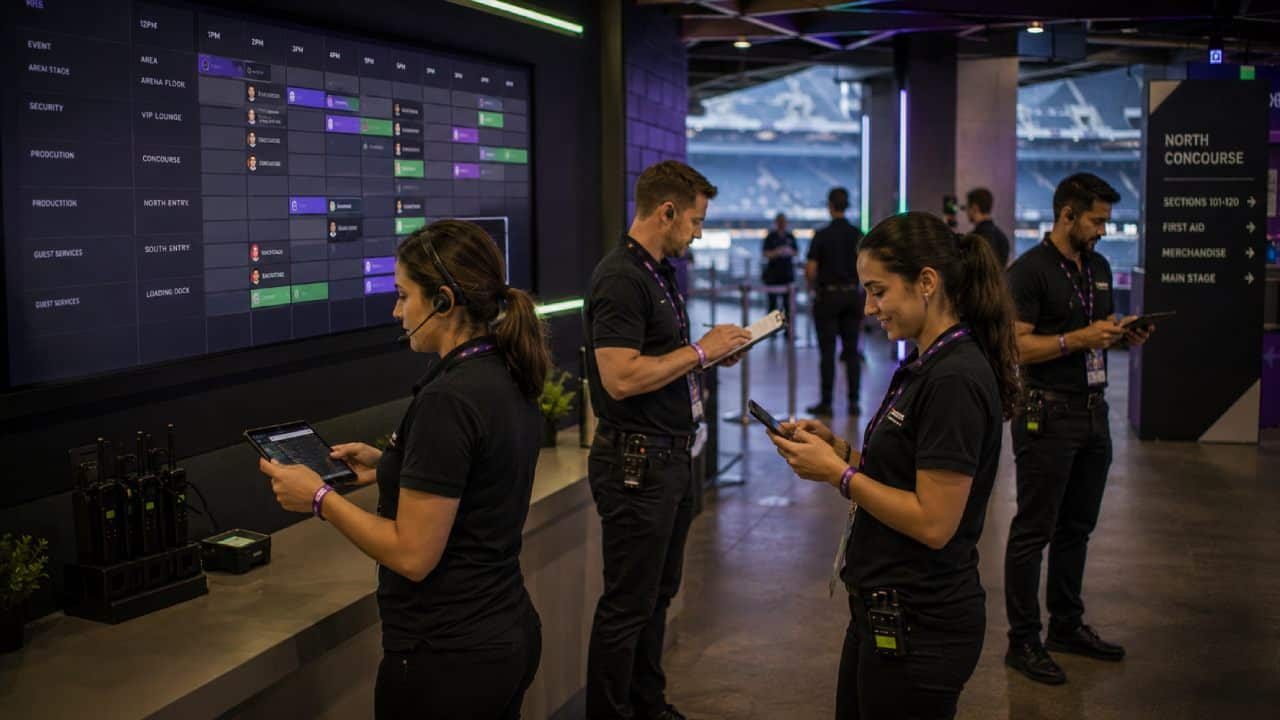
Availability that reflects multi-event reality
Availability is the first thing a flat calendar gets wrong. A freelancer working a wedding on Saturday is not available for a corporate gala the same night. A standard scheduling tool will let the booker offer the shift anyway. A structured calendar checks availability across every booking before a shift can be confirmed.
That single rule removes most double-booking incidents from agency operations. It also makes shift offers faster, because offers only go to people who can take them.
Shift planning calendar that works across clients
A shift planning calendar built for event operations groups shifts by client, by venue, and by event. The same week might contain a 40-person festival shift on Friday and a 6-person VIP dinner on Saturday.
A 15-person corporate breakfast might also land on Monday. A useful shift planning calendar shows those events side by side and surfaces resourcing gaps without flicking between tabs.
- The shift scheduling software guide explains how event teams handle this booking process at volume.
A structured work schedule calendar gives event teams the following operational capabilities:
- Client-separated views, so the agency can isolate one client’s events for billing or briefing without losing the wider picture.
- Role-based filtering, so the booker can see only bartenders, only stewards, or only supervisors across the whole week.
- Availability locks, so a confirmed shift on one event removes the freelancer from selection on another at the same time.
- Real-time updates, so coordinators do not have to send a new spreadsheet every time a shift moves.
A useful calendar removes work, rather than adding it.
What a Work Schedule Calendar Needs to Support Event Teams
The operational requirements for an event team schedule are very different from those of a fixed rota. The list is short, but each item has to be a default behaviour, not a workaround. A calendar that supports event operations handles multi-client structure, role variation, and changing volume.
The same calendar has to work for two very different buyers. The agency booking 200 freelancers across multiple clients. The venue managing 30 staff across permanent and casual contracts.
Event team schedule vs fixed-rota scheduling
A fixed rota repeats. A bar opens Monday to Sunday. The team is largely the same each week. The rota is built once and tweaked monthly. An event team schedule does the opposite. Every week has a different shape. Every client has a different brief. The freelancers working this Friday may not be working next Friday.
Key differences between an event team schedule and a fixed-rota model:
- Shift definition is tied to a specific event, not a recurring slot.
- Staff pool is drawn from a larger freelance database, not a fixed employee list.
- Briefings and dress codes change per client, not per location.
- Availability is the starting point, not a form filled in at induction.
- Confirmation is a two-way process between agency and freelancer.
What a venue operations manager needs vs what a growing agency needs
For a venue operations manager, the work schedule calendar has to merge two views in one place.
Permanent bar staff, kitchen porters, and supervisors need their core rota. Casual event staff need their event-night assignments alongside it. On a busy gig night, both groups must appear on the same calendar. The right roles must be in the right places.
- The venue staffing solutions page covers how the same calendar works for venue-side teams.
For a growing agency, the priority is the opposite. The calendar has to keep clients cleanly separated for billing and briefing. It still has to show the full pool’s availability across them all. Both buyers need the same underlying tool, configured around the way their week actually runs.
Weeks before the event
Confirming staff
Briefings and changes
Live attendance
Timesheets and pay
How Liveforce Builds a Work Schedule Calendar Around Multi-Event Operations
Liveforce is a workforce management platform built for event-led businesses managing temporary teams across multiple projects, clients, and locations.
The platform treats multi-event, multi-client work as the default model, not as a special case. That is the operational starting point every other capability flows from.
The platform is built for the week event teams actually run.
- Staff scheduling inside Liveforce is used when planning shifts across multiple events, locations, or roles in the same week. It replaces the master spreadsheet with a clear, shared view of who is doing what, where, and for which client. Bookers stop running parallel files. Coordinators stop chasing version updates.
- The workforce database is used to track availability, skills, certifications, and compliance information across the full freelance pool. It replaces disconnected contact lists, outdated spreadsheets, and personal notebooks. When a shift offer goes out, the database already knows who can take it.
- Communication tools inside Liveforce are used for shift updates, briefings, and last-minute changes. They replace the WhatsApp groups that scatter information across personal phones. Every message sits against the shift it relates to. The calendar and the conversation move together.
Sector relevance matters here. A growing agency running corporate, festival, and brand activation work needs the calendar to keep clients clearly separated. A venue operations manager handling sold-out concert nights needs the calendar to merge permanent and casual staff. Both run on the same underlying tool, configured for their week.
Bring Multi-Event Scheduling Under One Calendar
A growing agency might be running three clients in the same week. A venue might be balancing permanent staff with event-night casuals.
Both need a work schedule calendar that treats multi-event scheduling as the normal case. Liveforce is built around that reality. Bookers and venue managers can plan, confirm, and update shifts in one place.
Anyone still managing events through spreadsheets and group chats is welcome to see how the calendar handles their actual week.
Frequently asked questions
What is a work schedule calendar for event teams?
A work schedule calendar for event teams is a planning tool. It shows shifts across multiple events, clients, and venues in one view. It links staff availability, roles, and client information so bookers can build accurate schedules without working from separate spreadsheets.
How is a work schedule calendar different from a standard staff rota?
A standard staff rota repeats weekly and is built around a fixed team in one location. A work schedule calendar for event teams is built around variable shifts, multiple clients, and a changing freelance pool.
Can a work schedule calendar handle multiple events at the same time?
Yes, when the calendar is built for event operations. It separates events by client and venue. It also tracks freelancer availability across every event. The same person cannot be booked twice in the same slot.
What should a venue look for in a work schedule calendar tool?
A venue needs a calendar that merges permanent and casual staff in one view. It also has to support role-based filtering and update in real time. Permanent rotas and event-night assignments should sit side by side. The operations manager should not need to run two systems.
How does a work schedule calendar reduce double-booking across clients?
It checks every shift against the freelancer’s existing bookings before confirming. Once a shift is accepted, availability locks for that time. The same person cannot then be offered to another client for that slot. The booker making the offer does not matter.