

Online workforce management software helps organisations plan, schedule, and coordinate their workforce. At a basic level, it promises visibility, structure, and efficiency. In practice, choosing the right system is rarely about ticking off features. It is about whether the software fits how work actually happens.
For businesses running temporary, event-led, or project-based operations, this choice matters more than it first appears. The wrong platform can increase admin, slow decision-making, and introduce new points of failure. The right one can quietly remove friction, create clarity, and give teams confidence under pressure.
This guide explains how to choose online workforce management software that reflects real operations, not idealised workflows.
Why choosing workforce management software feels harder than it should
Most workforce management platforms look similar on the surface. They all claim to help with scheduling, communication, and reporting. Product pages use familiar language. Demos are tidy. Screenshots show perfect data.
The difficulty appears once software is tested against reality.
Most workforce management software is designed around stable, repeatable work. It assumes fixed teams, predictable schedules, and limited change. That model works well in environments like retail, manufacturing, or office-based operations.
Event-led work does not behave that way.
Staffing agencies, hospitality suppliers, experiential teams, festival operators, and venue services deal with constant variation. Demand changes quickly. Projects overlap. Staff availability shifts at short notice. Clients update requirements late in the process. Software that assumes stability often struggles when exposed to this level of movement.
That is why many teams feel stuck between tools that look capable but fail under pressure.
Start by understanding how your workforce actually operates
Before comparing platforms, it helps to step back and assess how work truly runs inside the organisation.
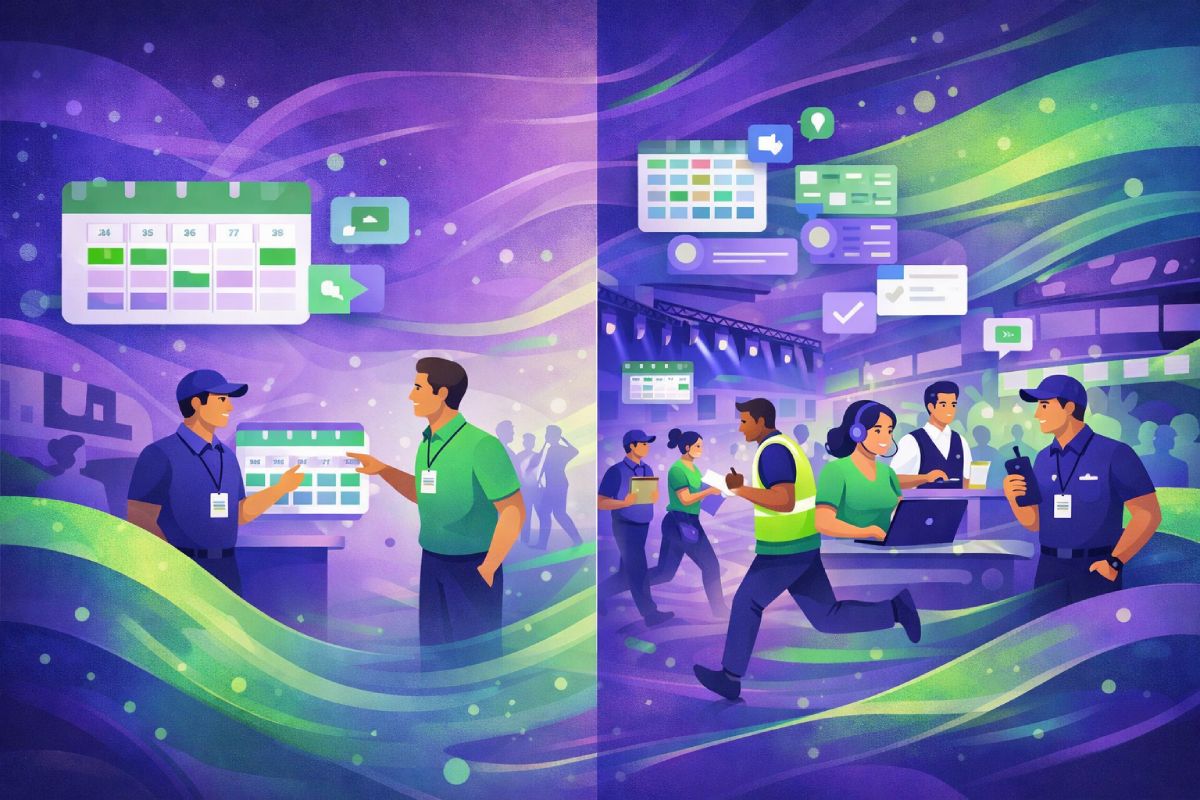
Is your work predictable or variable?
Some businesses operate on repeatable schedules. Others deal with constant change.
In event-led operations, staffing demand can rise sharply and fall just as fast. A hospitality agency may staff multiple outdoor events during peak summer months, then scale back within weeks. A festival supplier may onboard hundreds of workers for a short period, then release them once delivery ends.
Plans are often provisional. Weather, client decisions, ticket sales, and logistics all influence final staffing levels. Online Workforce management software needs to support this variability rather than fight against it.
Systems built for fixed rotas often require manual workarounds to cope with this reality. Over time, those workarounds become normalised, and efficiency is lost.
Do you manage one operation or many at once?
Many workforce tools are built around the idea of a single team in a single location. Event-led businesses rarely fit that model.
They often manage:
- Multiple live projects running at the same time
- Different clients with different expectations and rules
- Multiple locations with different access requirements
- A mix of short shifts, long days, and multi-day events
A single week might involve a corporate brand activation, a sports fixture, and a public festival. Each requires different roles, different staff, and different communication. Workforce management software must make this complexity visible and manageable.
When systems cannot handle this, teams fall back on parallel tools. Planning lives in one place. Communication happens elsewhere. Oversight becomes fragmented.
Where generic workforce tools begin to break down
Issues rarely appear immediately. They surface gradually as operations grow.
When spreadsheets stop reflecting reality
Spreadsheets are often the first tool teams outgrow. They are flexible and familiar, but they rely on manual updates and perfect discipline.
Availability changes faster than spreadsheets can be updated. Last-minute cancellations cause conflicts. Two people unknowingly book the same worker. Errors are spotted late, often on the day of delivery.
What begins as a simple planning tool turns into a source of risk. Teams spend more time checking data than acting on it.
When communication becomes fragmented
As operations scale, communication spreads across channels.
Shift details may be emailed. Urgent changes are sent by text. Group chats handle quick questions. Briefings live in shared documents. No single place holds the full picture.
When information lives in too many places, mistakes multiply. Staff miss updates. Managers chase confirmations. Small issues escalate because they are not seen early enough.
Fragmented communication also affects trust. Workers lose confidence in information. Managers feel they are constantly firefighting.
What to look for in online workforce management software
Choosing the right system means focusing on fundamentals before features.
Structure before automation
Automation is only useful when workflows are clear. Automating broken or unclear processes simply makes problems happen faster.
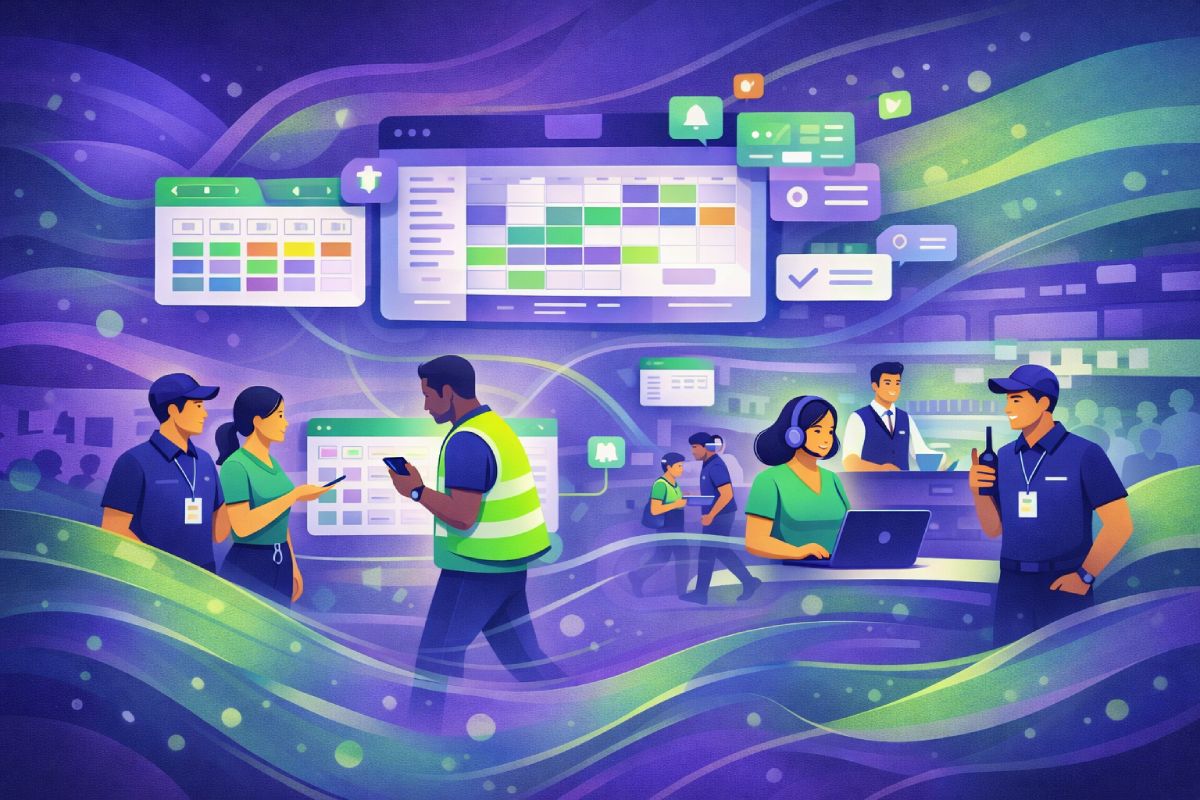
Good online workforce management software creates structure first. It establishes a single source of truth for scheduling, availability, and communication. Automation then supports that structure rather than replacing human judgement.
This is especially important in environments where change is frequent and decisions need context.
Visibility across people, projects, and time
Effective systems provide clear visibility across operations.
Teams need to see:
- Who is working
- Where they are assigned
- What role are they performing
- Which client or project is linked to
- How assignments overlap across time
This visibility supports better planning and faster decisions. Without it, managers rely on memory, messages, and manual checks. That approach becomes unsustainable as scale increases.
Built-in flexibility for change
Change is not an exception in event-led work. It is the norm.
Clients revise schedules. Staff availability shifts. Weather or logistics introduce new constraints. Workforce management software should expect these changes and make them manageable.
Systems that handle change well allow teams to adjust plans quickly, notify the right people, and maintain clarity. Systems that resist change create stress and confusion.
Questions experienced teams ask before choosing a system
Rather than focusing on feature lists, experienced operators ask practical questions rooted in daily operations.
- How does this system handle multiple live projects at once?
- What happens when plans change on the day?
- Can the system cope with different clients and rules?
- Does it reduce admin, or simply relocate it?
- Will it still work when volume doubles?
These questions reveal whether software has been designed for real-world complexity or idealised scenarios.
Learning from how event-led teams work
Across event staffing agencies, hospitality suppliers, festivals, and experiential campaigns, the same pattern appears.
Early tools cope when volume is low. As complexity increases, cracks form. Teams add manual checks. Communication increases. Stress rises. Errors become more visible.
This is rarely due to lack of effort.
“Most operational failures don’t come from lack of effort. They come from systems that can’t keep up with reality.”
Recognising this pattern early helps teams avoid costly transitions later.
Industry reports from organisations such as the CIPD and Staffing Industry Analysts consistently highlight the growth of temporary and project-based work. This trend increases operational complexity, not just headcount. Software choices must reflect that shift.
| Operational reality | What many tools assume | What the right software needs to handle |
|---|---|---|
| Work volumes change week to week | Fixed team sizes and repeat shifts | Rapid scaling up and down without rework |
| Multiple events run at the same time | One project or location at a time | Clear visibility across overlapping projects |
| Staff availability changes often | Availability stays accurate unless updated | Live availability that updates quickly |
| Clients have different rules | One standard workflow for all work | Flexible rules by client, role, or event |
| Plans change at short notice | Changes are rare exceptions | Built-in flexibility for last-minute updates |
| Communication happens under pressure | Messages are read once and remembered | Centralised updates staff can always refer back to |
Avoiding common mistakes when choosing online workforce management software
Many teams make similar mistakes during selection.
Some choose tools based on surface simplicity, only to discover limitations later. Others overbuy, selecting complex systems that slow teams down. Both outcomes create frustration.
A more effective approach is to choose software that:
- Matches current operational complexity
- Can adapt as scale increases
- Reduces reliance on parallel tools
The right workforce management software supports how work happens today and how it is likely to change tomorrow.
Making a confident choice without overbuying
Choosing online workforce management software does not mean choosing the biggest platform on the market. It means choosing one that aligns with operational reality.
Smaller teams may need flexibility more than depth. Larger teams may need visibility more than automation. The best choice depends on how work flows, not how impressive the demo looks.
Confidence comes from understanding needs clearly and evaluating systems against those needs honestly.
Choose for reality, not the demo
Product demos are controlled environments. Real operations are not.
People cancel shifts. Clients change plans. Information arrives late. Conditions shift. Software that expects perfection struggles in these moments. Software designed for reality supports teams when things become unpredictable.
Choosing online workforce management software is not just a technical decision. It is an operational one. Teams that choose with clarity create calmer
For event staffing agencies, hospitality suppliers, and experiential teams looking for online workforce management software that matches how they operate, platforms like Liveforce are built specifically for this context.
Book your demo now to see how online workforce management software designed for event-led operations works in practice.
FAQs
What is online workforce management software?
Online workforce management software is a system that helps organisations plan, schedule, and coordinate their workforce in one central place. It is used to manage availability, assignments, and communication, especially when teams and workloads change frequently.
Who needs online workforce management software?
Online workforce management software is most useful for businesses managing temporary, freelance, or project-based teams. This includes event staffing agencies, hospitality suppliers, festival operators, and organisations running multiple projects across different locations.
How is online workforce management software different from scheduling tools?
Basic scheduling tools focus on fixed shifts and repeatable patterns. Online workforce management software supports more complex operations by handling changing availability, multiple projects, different roles, and real-time updates as plans evolve.
When should a business move away from spreadsheets?
Spreadsheets stop working when availability changes often, projects overlap, or teams grow. At that point, online workforce management software provides better visibility, reduces errors, and prevents last-minute coordination issues.
What should you look for when choosing online workforce management software?
When choosing online workforce management software, look for clarity, flexibility, and visibility across people and projects. The system should handle change easily, reduce manual admin, and reflect how work actually happens, not just how it is planned.