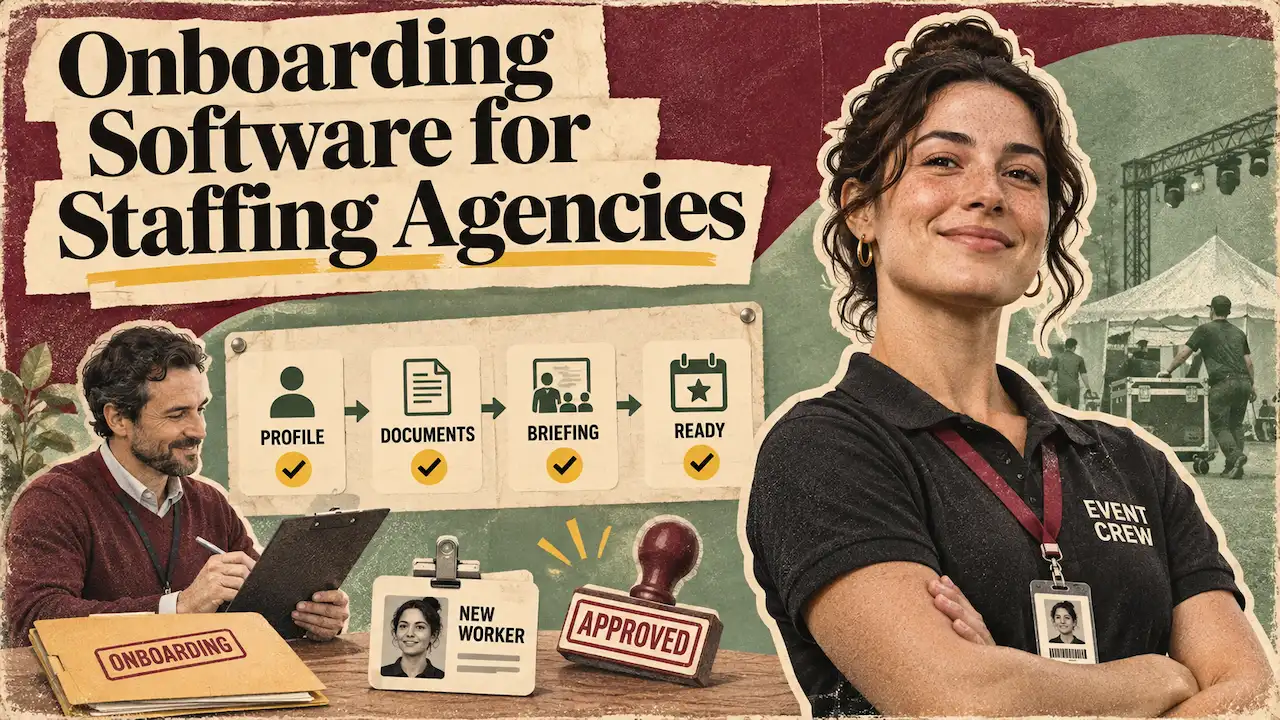
The best onboarding software for staffing agencies gets each new worker shift-ready. That means checked, contracted, and bookable in the system that runs your shifts.
The three types are HR onboarding tools, recruitment onboarding platforms, and workforce management with onboarding built in. Each one suits a different kind of agency.
Liveforce makes the third type, so this guide is plain about where another type fits better. Picture a large agency with several hundred freelancers and four clients, each with its own requirements. A worker signs up, uploads a passport, and is booked for Saturday.
On Friday, a booker finds the client’s induction record is missing. The right onboarding software for staffing agencies closes that gap.
In Liveforce, you onboard new starters into your pool and book them from the same record. It is workforce management built for agencies that run large temporary teams.
What Should Onboarding Software Do for a Staffing Agency?
Onboarding software should take a worker from the invite to bookable, then keep them bookable. For an agency, the second half is most of the work.
A worker is shift-ready when every record their role and client require is complete, in date, and on one profile. Time to shift-ready measures the gap between sending the invite and the worker becoming bookable. Tracked per person, it shows where onboarding slows down.
For a large agency, the test runs per client and per role. A steward cleared for one stadium client may still lack the induction a festival client asks for. The record has to show both, against the right role.
Onboarding also repeats. A worker who was shift-ready in May can drop out of it by August. For an agency, onboarding happens again:
- When a worker first joins your pool
- When they start with a new client that has its own requirements
- At the start of each new season
- When a licence, certificate or time-limited permission reaches its renewal date
Each of those moments should update the worker’s existing record. That is why onboarding software for staffing agencies has to sit close to the bookings. A record that lives apart from the rota goes out of date without anyone noticing.
Why Staffing Onboarding Software Differs From HR Onboarding
HR onboarding is built for one employer, one start date and one employee. The new starter signs a contract, reads the handbook and starts on Monday. An agency onboards a pool instead. The same worker covers a stadium one week and a wedding the next, for different clients.
Each client can ask for its own induction, briefing standard, or licence. A general HR tool records the hire well, but it cannot see which client a worker is booked for. That gap is why staffing onboarding software exists as its own category.
For the wider picture, here is how ATS, VMS and workforce tools differ.
Three Types of Onboarding Software for Staffing Agencies
Onboarding software for staffing agencies falls into three types, and each fits a different kind of agency. Each one is strong at one stage of the work and stops at another. The right choice depends on what happens after sign-up.
Some agencies place a candidate and step back. Others book the same person dozens of times a year.
HR Onboarding Tools: Best for Your Own Office Team
HR platforms such as Breathe and HiBob handle contracts, policies, and first-day tasks for employees. Breathe is cloud HR software aimed at growing businesses. HiBob is HR software that automates processes such as onboarding and approvals.
Both work well when one employer brings one person into one job. That makes them the right choice for your own office team: bookers, account managers and finance.
They stop where agency work starts. They assume each person has one manager, one team and a regular pattern of work. Nothing links the worker’s record to the shifts they cover across clients. Running crew through general staff onboarding software usually means a second system for bookings, with two records that drift apart.
Recruitment Onboarding Platforms: Best for Placing Candidates
Bullhorn Onboarding and Access Onboarded are built for recruitment businesses. Bullhorn ties onboarding to placements and candidate management. Access Onboarded sends each candidate one link covering checks, contracts and e-signatures.
Both are strong at moving candidates from offer to placement at volume, alongside an applicant tracking system.
If your business is placing candidates with clients, this is your category, and Liveforce is the wrong fit.
Event crew work differently. Their onboarding rarely ends at placement. The worker is booked, briefed and checked in, and their hours go to payroll, again and again. For a recruitment desk, that hand-off is fine, because the placement is the end of the job. In a recruitment platform, the later steps usually run in another system.
The onboarding record and the booking then live apart, and someone has to keep them in step.
Workforce Management With Onboarding Built In: Best for Repeat Crew
Workforce management platforms put onboarding inside the system that runs the shifts. Liveforce is one of them, which is worth keeping in mind as you read this section.
Rosterfy does a similar job for volunteer programmes, covering recruitment, onboarding, scheduling and reporting.
The worker builds their record once, at sign-up. Bookers then work from one profile for every worker’s records when they fill each role. Documents, licences, rates and work history sit next to the booking. When a client adds a requirement, bookers can filter the pool by who already holds it.
This type suits agencies that book the same crew again and again across events and clients. It also suits suppliers running a temporary workforce through long seasons. The same record covers every repeat moment: a new client, a new season, a renewal date.
This type is not built to run a permanent recruitment desk. Agencies that place permanent candidates still need a recruitment platform for that side.
Set side by side, the three types compare like this.
| Type of tool | Best for | Example tools | Where it stops for an event staffing agency |
|---|---|---|---|
| HR onboarding tool | Onboarding your own office employees: contracts, policies and first-day tasks | Breathe, HiBob | Built for one employer and one start date, with no link to shift bookings across clients |
| Recruitment onboarding platform | Moving candidates from offer to placement at volume, alongside an ATS | Bullhorn Onboarding, Access Onboarded | Onboarding ends at placement; booking, briefing and hours run in another system |
| Workforce management with onboarding built in | Agencies that book the same crew again and again across events and clients | Liveforce (our own product), Rosterfy for volunteer programmes | Not built to run a permanent recruitment desk |
Swipe to see more →
What Changed for Agency Onboarding on 1 October 2026?
The UK’s illegal working rules now reach worker contracts, contracting chains and substitutes, so onboarding records have to show more. Section 48 of the Border Security, Asylum and Immigration Act 2025 brought this in from 1 October 2026.
People engaged on a worker’s contract, individual subcontractors and online matching services are now in scope. Liability can also reach a business further up a chain of contracts. The Home Office code of practice sets out what each party must do.
This changes what onboarding software for staffing agencies needs to hold. For how to run each type of check, use our right to work guide. For onboarding, four changes matter most:
- Contracting chains. Anyone passing work to a sub-supplier needs written right to work terms in place before work starts.
- Substitutes. A substitute needs their own right to work check before they start. The agency cannot leave that check to the worker who sent them.
- Identity on the day. Where chains or substitutes apply, the person working must be the person who was checked. Options in the code include access passes, attendance systems and re-checks at the start of a shift.
- Digital providers. The employer’s guide says a digital provider must be registered and certified for right to work checks specifically.
An onboarding record now needs to show who was checked, how, when and any follow-up date. It also needs each worker’s licences matched to the roles they cover. In Liveforce, the agency’s check record, its date and any renewal dates sit on one profile connected to bookings.
Check-ins with a photo and location show the agency who arrived at each site. Which identity method meets the rules for a given arrangement is the agency’s legal judgement.
The civil penalty is up to £45,000 per illegal worker for a first breach. For a repeat breach within three years, it is up to £60,000 per worker. These are the Home Office’s starting figures. Mitigating factors, such as reporting the breach and cooperating with the Home Office, can reduce them.
This is general guidance, not legal advice. Check the current rules on gov.uk, or with a legal adviser, for your own arrangements.
If You Also Hire in the US: Form I-9 and E-Verify
US rules work differently. Each new employee completes Section 1 of Form I-9 by their first day of work for pay. The employer completes Section 2 within three business days of that day.
For jobs lasting under three business days, Section 2 is due on day one, which covers many event shifts. E-Verify is a free federal system that checks I-9 details against government records. It is voluntary for most employers and required for some, such as certain federal contractors.
US onboarding software for staffing firms, such as WorkBright and Click Boarding, specialises in this paperwork. Liveforce stores the records an agency keeps; it does not complete or file I-9s.
A Staffing Agency Onboarding Checklist for Shift-Ready Crew
A worker is shift-ready when every item for their role and client is done and recorded. Managing staffing agency onboarding comes down to two habits. Decide what each role needs before the invite goes out. Then recheck it before every booking.
The checklist runs in five stages, from the invite to the first booking. The last stage repeats before every job, because records can go out of date between bookings. Most items are your agency’s own checks and decisions.
Good onboarding software for staffing agencies holds each result with its date, so the next booker can see it. Tools that track the documents your agency collects do exactly that.
Run the stages in order for a new starter. For an existing worker joining a new client, start at stage 4. For a returning seasonal worker, recheck every date in stages 2 and 4. The same checklist works in any onboarding software for staffing agencies, or on paper.
The shift-ready checklist
Tick through it for one new starter and one role. Each line shows the reason or the source.
1. Before the invite goes out
2. Identity and right to work
3. Contract, pay and tax
4. Role and client requirements
5. Before every booking
Shift-ready: this worker can be booked for this role.
Ticks reset when you leave the page.
How to Automate Staffing Agency Onboarding Without Losing Control
Automate collection and reminders, and keep decisions with your team. Keep document approvals and right-to-work checks with the people accountable for them. The best automated onboarding software for staffing agencies works this way.
Start with the invite. A link replaces emailed forms, and the worker signs up on their phone under your branding. Ask only for the fields each role needs, in line with UK GDPR data minimisation. Before records move into any system, check how crew data is protected.
Next, review each document once and keep its renewal date in view. Let contracts be signed inside the same flow. Send reference requests to referees automatically and record the replies on the profile. Import existing crew from your spreadsheet instead of re-entering them. Ask the vendor what account setup and team training include.
Four red flags suggest a tool will not cope with agency work. Onboarding that ends at “placed” leaves bookings to another system. A tool that cannot see bookings cannot tell you who is booked with a gap. Crew re-entering the same details for each client wastes time and causes errors. Documents stored without dates go out of date unnoticed.
In a demo, ask these five questions and watch the answers on screen:
- Can you show me a new starter going from invite to bookable?
- What happens when a document reaches its renewal date before a booked shift?
- How do I add a client-specific requirement to one role?
- How is a substitute or a swap recorded?
- How do my existing crew records come across?
Large agencies need one more thing: requirements set per client and per role. A booker should see that a festival client’s bar role needs a food hygiene certificate. The worker is asked for it once, when first offered that client’s work. It also stops crew being asked for documents their roles never need.
A small agency can start smaller. An invite link, required fields per role and dated documents are the right first steps.
Onboarding Temporary Workers Fast Without Cutting Corners
Onboarding temporary workers quickly comes from asking for less and collecting it once. Set the required fields per role, and let workers upload documents from their phone. Run each check through the official route that suits the worker, such as the online share code check.
Then reuse the same profile for the next client. A growing agency that wins its first festival contract will feel this most. Measure time to shift-ready for each new starter, and look for the step where people wait.
The payoff shows at booking. Profiles Personnel, a Farnham agency with an events division, keeps skills and history on each worker’s profile. Fran Dancona runs training and operations there.
In her words: “We can fill jobs in minutes instead of hours, increasing our consultants’ productivity.”
From the Invite Link to the First Booked Shift
Onboarding breaks when the record a worker builds at sign-up is not the record a booker checks. Liveforce is a workforce management platform built for event-led businesses. Those businesses manage large temporary or freelance teams across multiple projects, locations and clients.
New starters arrive through an invite link and a branded sign-up page with the fields each role needs. Nobody retypes answers from emailed forms. Your team reviews documents once. The agency’s check record and renewal dates then sit on one profile, where every booker can see them.
When bookers book crew to each role, they see whether the worker’s required records are complete. Nobody has to rely on memory.
Crew keep their own details and documents current from the Crew App. Profiles Personnel shows what a complete profile does once bookings start.
Time One New Starter From Invite to First Shift
Pick your next new starter and time them. Note when the invite goes out and when they become bookable for their first role. In between, list every point where someone had to chase a document, a signature or a check.
That list is the work the right onboarding software for staffing agencies should take off your desk. The test needs one new starter and no new software.
See how fast a first role is set up in Liveforce: walk through an onboarding flow in a demo.
FAQs: Onboarding Software for Staffing Agencies
What is the best onboarding software for staffing agencies?
The best fit is the type that makes a worker bookable in the system that runs your shifts. HR tools suit office staff, recruitment onboarding platforms suit placements, and workforce management with onboarding built in suits repeat crew.
What does time to shift-ready measure?
It measures the time from a new worker’s invite to the moment they can be booked. Every record their first role needs must be complete by then. Track it per new starter and look for the step where people get chased.
When does an onboarded worker need onboarding again?
When they start with a new client that has its own requirements, or when a new season starts. It also happens when a licence, certificate or time-limited permission reaches its renewal date. Each one updates the existing record, so the worker never repeats the full sign-up.
What happens when a freelancer sends someone else to cover a shift?
If their contract allows a substitute, the substitute needs their own right to work check before starting. That rule applies from 1 October 2026, and the agency cannot leave the check to the freelancer. The agency must also be able to show the person working is the person checked.
Does an agency have to give new workers a key information document?
Yes, if it is an employment business supplying agency workers. Each new agency worker must get one before agreeing terms with the business. The Fair Work Agency enforces the rule, which has applied since 6 April 2020.