Learning how to create a staff rota that holds up across multiple events comes down to planning around three things at once.
- The events that are running.
- The staff who are available for each one.
- The compliance requirements that apply to each shift.
A spreadsheet can manage one of those variables. It rarely manages all three when the operation runs more than two events in the same week.
A staff rota is the working document that tells every member of a temporary or freelance team where they are required. When, in what role, and under what conditions.
For an event staffing agency or independent venue, that document has to update constantly.
Shifts shift. People drop out. A client changes the brief at 7pm. The rota that worked at 9am is not the rota that goes out at 11pm.
This guide covers how to create a staff rota that survives that pressure. It looks at what works when the operation is small. It looks at where the process breaks down as the business grows. It explains what a multi-event rota needs to do beyond listing names and times.
- You will also see how to choose between a spreadsheet rota, a generic tool, and a workforce platform built for events, such as the event staff schedule book or the
- Connected staff database and CRM that holds availability and compliance for every shift.
What a staff rota actually needs to do for event businesses

A staff rota for events is not a fixed weekly schedule. It is an operational plan. It has to absorb constant change while keeping every staff member, client, and shift correctly matched.
The rota carries information about roles, rates, briefing notes, uniform requirements, call times, and supervisor contacts. It also functions as the record of who is committed to which event. That record is the only way to prevent double bookings.
Most rota guides describe the rota as a list of shifts. For an event-led business, that description misses the operational job the rota does. A good rota for events is closer to a live coordination document than a schedule.
The rota is the single source of truth about who is working where. Any process that does not protect that truth will create problems.
Why generic rota advice misses the point for agencies and venues
Most online rota guides are written for businesses with one location and a small permanent team.
The advice covers setting opening hours and identifying who works which day. It usually finishes with a staff rota template that repeats the pattern weekly. None of that applies cleanly to event staffing.
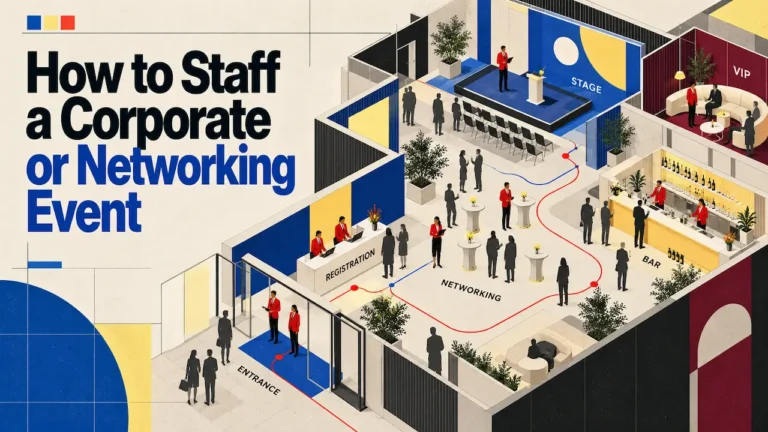
Knowing how to create a staff rota for events means accepting that the rota is never a repeating pattern. An agency might run a corporate dinner on Tuesday, a product activation on Wednesday, and a festival shift on Saturday. Overlapping staff. Three different clients. A venue might host a wedding, a conference, and a private dinner in the same week.
Each needs a different team and a different brief. The rota in both cases is a fresh build every week. Availability changes daily.
Creating a rota when the operation is small
When an event business is small, a spreadsheet rota usually works. A small agency runs one or two events a week with a stable pool of fifteen to twenty freelancers. At that volume, a coordinator can manage a staff rota for events in Google Sheets or Excel without serious friction.
The named people are known. Availability is easy to remember. Shift conflicts are rare enough that the rota holder catches them in their head.
The benefits of a spreadsheet at this stage are real. Spreadsheets cost nothing. Every coordinator already knows how to use one. A single sheet is easy to share with a client or operations manager. For an early-stage agency or a venue running fewer than three events a week, building a more complex system is unnecessary.
Spreadsheets are not the problem. The problem is when the operation outgrows what a spreadsheet can hold.

What spreadsheets handle well at this stage
A spreadsheet rota copes when the work is small enough to hold in one person’s head. The information lives in one place. The formatting is whatever the coordinator finds clearest. Any changes can be communicated through the same WhatsApp group the team already uses.
For a small operation, this works. The rota is updated once or twice per shift. Conflicts are spotted by eye. The staff involved already know each other’s availability patterns. The system holds because the volume is low.
The early signs that the single-sheet approach is reaching its limit
Three signs show up consistently when a spreadsheet rota is reaching its limit:
- Duplication: the same person gets assigned to two events on the same evening because the rota holder forgot they had already been booked elsewhere.
- Version chaos: two coordinators edit the same sheet from different devices and have to work out which version is current before any update can go out.
- The WhatsApp problem: more changes happen in messaging threads than in the rota itself, and the sheet becomes a snapshot from yesterday rather than a live document.
When that happens, the rota has stopped being the source of truth. Most agencies hit this point as they move toward managing staff across multiple locations.
Where rota creation breaks down at the growth stage
The point at which a spreadsheet rota stops working is rarely a single dramatic moment. It is a gradual erosion. The agency adds a third regular client. A freelance pool reaches sixty or eighty names.
A venue starts running concurrent events on the same evening. Each change is small. The cumulative effect is that the rota no longer reflects reality.
This is the stage where the cost of the spreadsheet stops being neutral. The coordinator spends two hours a day on rota admin instead of forty minutes. A no-show on Saturday means trawling through messages to work out who confirmed.
A client asks for a list of staff who worked their event last month. Producing it takes the best part of a morning.
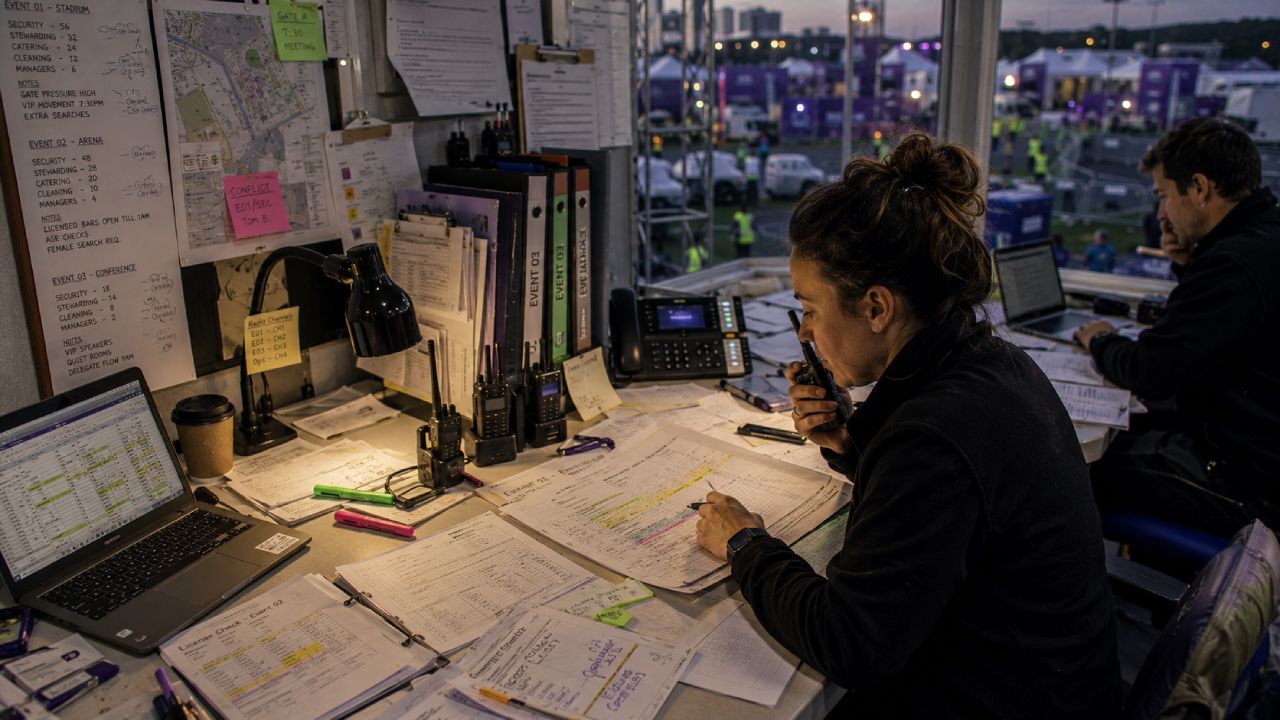
Managing overlapping events, shared staff, and different client requirements
Multi-event rota planning is the operational reality that breaks every generic rota tool. A staff member might work a Friday lunch for one client.
A Saturday afternoon corporate event for another. A Sunday evening hospitality shift for a third. Each shift has different rates, different uniforms, different call times, and different briefing material.
The rota has to hold all of that. It has to prevent the same person being booked twice on overlapping shifts. It has to show the right rate against the right shift for the right client. It has to handle the moment when a shift moves by an hour. A knock-on conflict can appear with another booking the staff member already has.
The compliance layer most rota guides ignore
Compliance is the part of rota creation that single-location guides skip entirely. For an event staffing agency or a venue, every shift carries a compliance footprint.
Right-to-work documents have to be current. SIA licences need to be in date for security shifts. Food hygiene certificates have to match the staff working hospitality. For a charity coordinating volunteers, safeguarding checks need to be valid for each session.
A staff rota for events is not complete until every assignment carries the right compliance verification. When that information sits in a separate folder, or in a different person’s inbox, the rota is only ever half-built.
What a multi-event rota process actually looks like

Knowing how to create a staff rota that works across multiple events means treating it as a staged process rather than a single sitting. The process starts with the confirmed event calendar.
Then it layers in available staff, role requirements, rate information, and compliance verification.
Each stage filters the rota down to the workable shortlist for each shift.
The components are not optional. Skipping any one of them creates a known failure mode somewhere in the operation. Most operational problems on event day trace back to a missing component at the rota-building stage.
The five components a rota must cover beyond shift times
A multi-event rota that holds up under operational pressure includes the following:
- Event-level detail: the client, location, call time, dress code, supervisor, and any client-specific briefing notes that the staff need before they arrive.
- Role and rate per shift: the specific role each person is assigned to, the rate that applies for that role with that client, and any premium rates for unsocial hours.
- Confirmed availability: a record of who has actively confirmed the shift, not just who has been pencilled in or asked to consider it.
- Compliance verification per shift: confirmation that the relevant documents (right-to-work, SIA, food hygiene, safeguarding) are current and on file for every person assigned.
- Conflict checks across all current bookings: a check that no staff member is booked on overlapping shifts elsewhere, including events for other clients.
Without these components, the rota is a list of names rather than an operational plan. The list might work for a single event. It will not survive a week with three.
How Liveforce replaces the spreadsheet rota for event-led businesses
By the time an agency or venue runs multiple events with overlapping staff, the rota has outgrown what a sheet can carry. The question of how to create a staff rota at that point is no longer a spreadsheet question.
Liveforce is the workforce management platform that takes over at this point. Agencies and suppliers managing freelance teams across multiple clients use it to plan shifts, assign people, communicate updates, and track availability in one place.
Liveforce is used when the operational problem is no longer about creating a rota in isolation. It is about managing a rota that updates constantly.
Events overlap. Staff work for several clients in the same week.
Replacing the spreadsheet means replacing the disconnected layers around it:
- the WhatsApp groups,
- the call sheets,
- the compliance folders,
- the timesheet emails.
The platform was designed for the multi-event, multi-client operating model that event staffing agencies and venue operators actually run. That is precisely the operating model that single-location rota tools fail to handle.
CASE STUDY STORY:
Rollin Hero Staffing moved from manual rota processes to structured scheduling using Liveforce. The change gave their operations team a single coordinated view across their entire event calendar.
Scheduling across events, clients, and locations from one view
The event staff scheduling work in Liveforce happens in one connected schedule book. Coordinators see every event running in a given period.
They see who is assigned to which shift. They see which roles are still open and where conflicts exist. The same view holds the compliance verification, the rates, the briefing notes, and the confirmed-availability status.
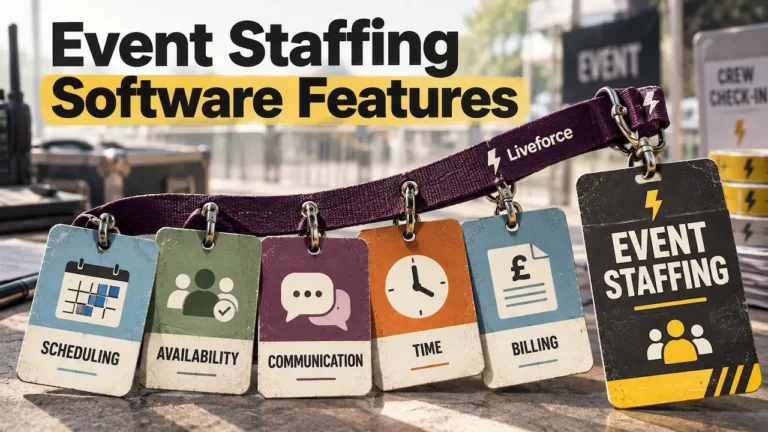
Workforce data lives in a connected database. Availability, skills, and compliance history travel with each staff member across every event they are considered for. The coordinator is not rebuilding the picture from scratch for every new shift.
Choosing between a spreadsheet rota, a generic tool, and a purpose-built platform
Once an operations team understands how to create a staff rota that scales across multiple events, the next decision is which method to use. The right approach depends on operational scale and complexity.
A spreadsheet works at small volume. A generic online staff rota tool handles repeating shifts for fixed-location teams. A purpose-built platform is needed when the operation crosses multiple events, multiple clients, and a variable freelance pool.
For a broader view of the buying landscape, see:
- staff rota software for events and the wider workforce scheduling software category.
The comparison below shows where each approach holds up and where it breaks. It is a process comparison rather than a feature scorecard. It is designed to help an operations lead match the rota method to the operational reality of the business.
Before continuing with a tool that does not match the operation, it helps to understand exactly where the limits are.
| Rota approach | What it handles | Where it breaks |
|---|---|---|
| Spreadsheet rota (Excel, Google Sheets) |
One to two events a week, a freelance pool under 30, a single coordinator. Simple shift assignment, basic role and rate notes, shared via a link or PDF. | Version chaos when two people edit at once. Double bookings the rota holder cannot see. No live link to compliance documents. Falls apart at three concurrent clients. |
| Generic rota software (single-location tools) |
Repeating shifts at one venue with a permanent team. Standard hours, fixed pay rates, a small set of roles, simple time-off requests. | Cannot model multiple clients with different rates and briefings. No structure for event-specific compliance per shift. Treats freelancers as if they were employees. |
| Purpose-built event workforce platform | Multiple concurrent events across different clients and locations. Variable freelance pools, role-specific rates, per-shift compliance verification, live availability, and briefing notes attached to each assignment. | Overkill for a one-venue operation running a single weekly rota. Best fit when the operation regularly spans more than two clients or runs concurrent events. |
Getting the rota method right is the difference between a coordinator who controls the operation and a coordinator who reacts to it.
Ready to move past the spreadsheet rota?
The cost of keeping a spreadsheet rota in place once an operation has outgrown it is rarely visible on the balance sheet. It shows up as the coordinator working until midnight.
The staff member who turned up to the wrong venue. The client who did not get the reporting they asked for.
The no-show on a Saturday that nobody had time to chase up. Each of these is a margin issue.
Liveforce is the platform agencies and venues move to when the spreadsheet rota has stopped being free.
Book a demo with Liveforce to see how a multi-event rota process actually works in practice.
Frequently asked questions
What should a staff rota include for an event staffing agency?
An event staffing agency rota should include the event and client, location, call time, role and rate per shift, dress code, supervisor contact, and briefing notes. It also needs compliance verification for each person assigned and a confirmed-availability status against every shift.
How far in advance should an event agency create a staff rota?
The working pattern in most event staffing agencies is to publish the rota one to two weeks before the event. A confirmed version goes out 48 to 72 hours before call time. Some clients require the staff list earlier for accreditation or security checks.
Can a spreadsheet rota work for agencies managing multiple events?
A spreadsheet rota can work when an agency runs one or two events a week with a small, stable freelance pool. It starts producing conflicts once the operation regularly includes overlapping events, more than two clients, or a freelance pool above thirty to forty people.
What is the difference between a staff rota and a staff schedule?
A staff rota is the working plan for who is assigned to which shifts in a given period. It typically includes roles, rates, and compliance status. A staff schedule is a broader term. It can refer to the rota itself or to an individual staff member’s published shifts.
How does a multi-event rota differ from a standard shift rota?
A multi-event rota assigns staff across several concurrent events. These often involve different clients, locations, rates, and briefings. A standard shift rota assigns staff to repeating shifts at a single location, typically with consistent roles and rates.