Knowing how to manage a temporary workforce means running a system that absorbs change between every event.
- The roster shifts.
- The roles change.
- The locations move.
- The rules each client expects rarely match the last one.
Agencies that do this well are not working harder. They are working off a structure built for that kind of change. Scheduling, communication, and compliance live in one place rather than getting rebuilt every week.
Most growing event staffing agencies hit the limits of manual systems somewhere between the second and third major client. The pain is rarely about finding workers. It is about coordinating fifty freelancers across four briefings, three venues, and two compliance regimes.
The challenge is making sure nothing falls through the cracks. That is the operational shift this article addresses, and where most agencies need a different approach.
Why does " how to manage a temporary workforce” keeps coming up
Searches for how to manage a temporary workforce have grown sharply across event-led sectors over the last three years. The reason is structural. Agencies have grown faster than the systems they used to launch with.
The spreadsheet that worked at twenty workers does not stretch to two hundred. The WhatsApp group that worked for one venue does not work for five.
Managing a temporary workforce requires a central system for scheduling, communication, compliance, and payment, applied consistently across every event.
Without that, complexity compounds with each new client.
The agencies asking the question are usually at a recognisable point. Revenue is climbing. Client demands are getting tighter. The founder is still doing payroll on a Sunday. Everyone knows the current setup will not last another season.
The question is no longer whether to change. It is what good looks like.
How temporary workforce management differs from permanent teams
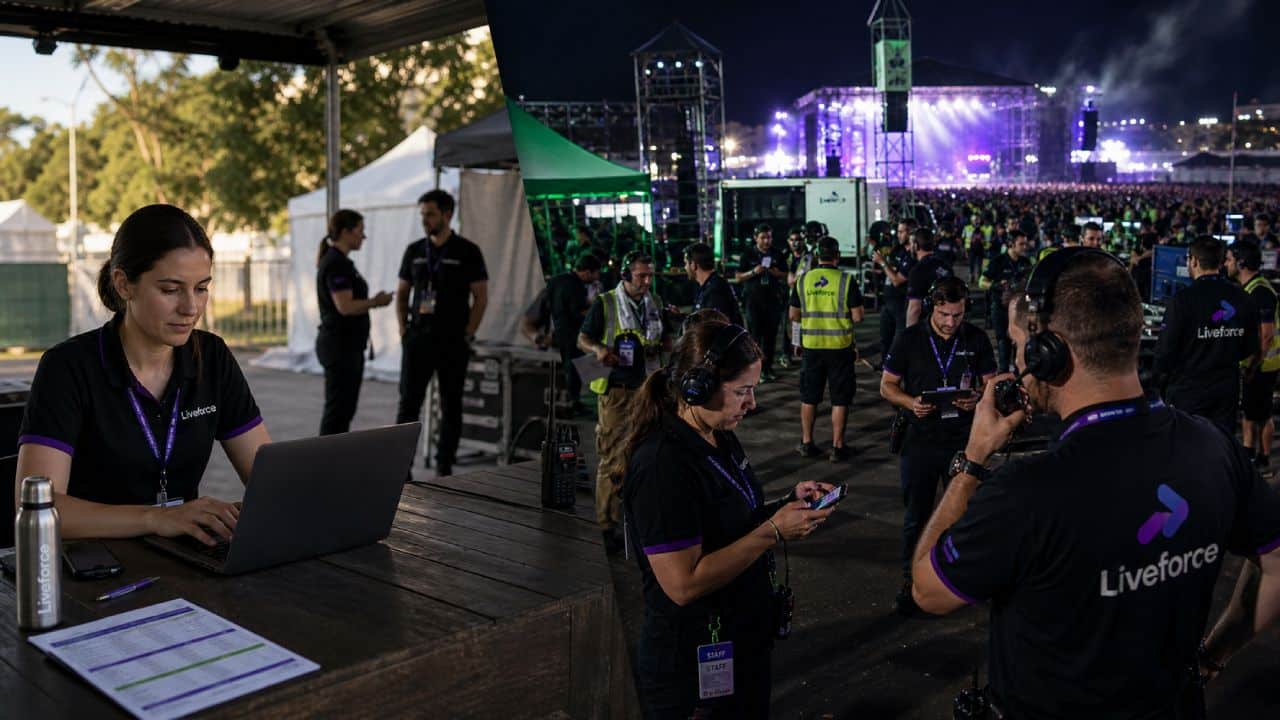
Permanent workforce management assumes continuity. The same people, doing the same roles, in the same place, week after week. Most software in this space was built for that reality. Rotas repeat. Contracts are static. Compliance is checked once and filed.
Temporary workforce management for events breaks every one of those assumptions. The roster changes constantly. The roles shift between gigs. Compliance has to be checked per worker, per role, per event.
A bartender working a corporate dinner on Friday might be checking accreditation at a festival gate on Saturday. The system has to handle both without the coordinator manually rewiring it each time.
This is why generic HR or rota tools fall short. They were not built for complexity that resets with every event.
What most agencies get wrong about managing temporary staff
The first instinct, when the cracks start showing, is to add more process around the existing tools.
Another spreadsheet tab. A second WhatsApp group. A shared inbox for confirmations. The intent is to bring order. The result is more places where information lives and more chances to lose track of it.
The pattern is consistent across agencies that hit a wall: more channels, less clarity.
What looks like a tooling problem is actually a workflow problem. The fundamental setup keeps breaking no matter how many sub-processes get layered on top. The rota lives in one tool. The comms live in another. The compliance lives in a third. The timesheets live in a fourth. Information sits in silos that the coordinator has to bridge by hand.
The tools that break first when managing temporary staff
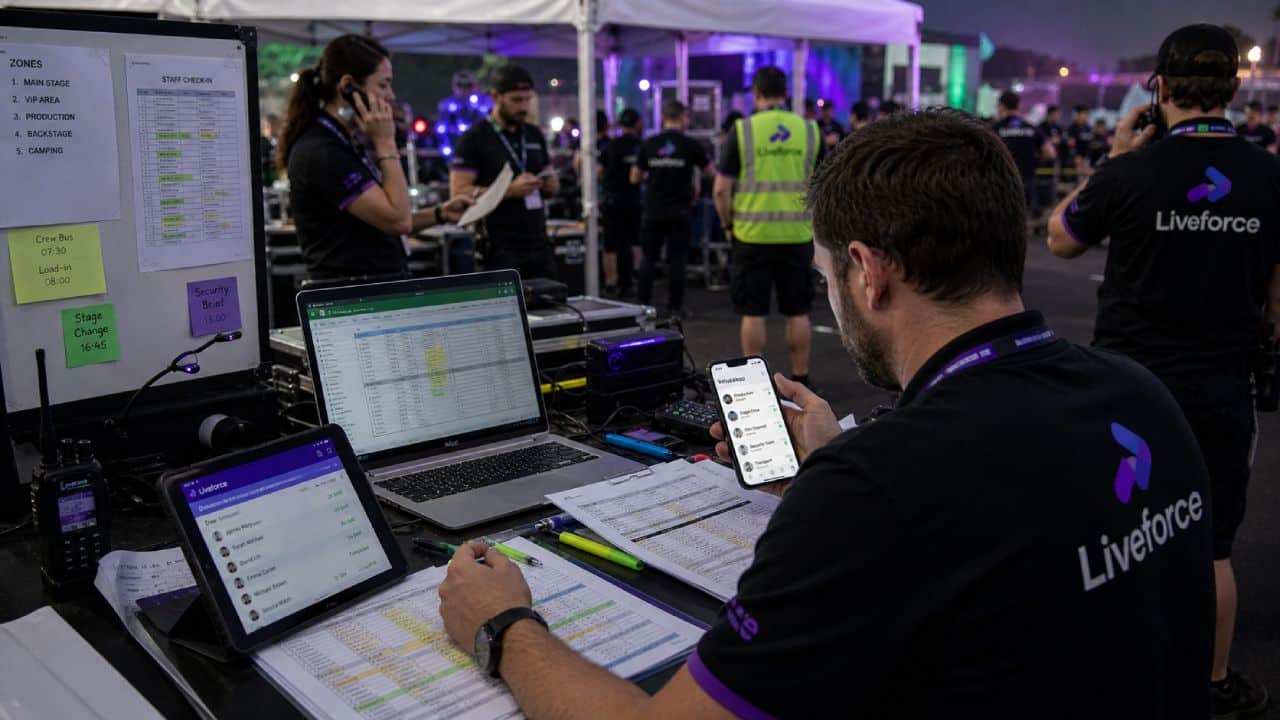
In a growing event staffing agency, three tools usually break in the same order:
- Spreadsheets break around 100 active workers. Filtering by skill, availability, and compliance status starts taking longer than scheduling itself. Errors creep in because the source of truth is whoever updated the file last.
- WhatsApp groups break when more than one event runs at a time. Workers receive briefings for the wrong gig. Last-minute changes get lost in the scroll. There is no record of who confirmed and no way to audit it after the fact.
- Manual timesheets break when payroll spans multiple clients. Reconciling hours across different rates, roles, and pay cycles becomes a multi-day job. Disputes increase because there is no shared record of what was actually worked.
These tools do not fail at small scale. They fail at the exact point an agency starts winning bigger work.
Where the real cost shows up
The cost of poor temporary workforce management rarely appears on a single line. It shows up as the founder doing admin until midnight. It shows up as a senior coordinator quitting because they cannot keep up. It shows up as a client raising an issue that should have been caught two days earlier.
Lost time is the obvious cost. The hidden cost is the work the team cannot take on. Agencies routinely turn down briefs for lack of capacity, not lack of staff. They cannot run another concurrent project without something breaking.
What experienced agencies do to manage workforce at scale
The agencies that move past this point have one thing in common. They stop treating temporary workforce management as a series of separate tasks.
They start treating it as a single workflow. Scheduling, communication, compliance, and timesheets are connected. A change in one should update the others without manual effort.
This is the shift from running a staffing agency to running a staffing operation. It is also the operational answer to how to manage a temporary workforce at scale.
Scheduling built for complexity, not simplicity
Generic rota tools assume the question is which person works which day. In event staffing, the question is sharper. It is which person, at which event, in which role, for which client, at which pay rate. Compliance status has to be matched at the same time. Scheduling has to hold all of that at once.
Experienced agencies use scheduling that handles multi-event, multi-client, multi-role complexity by default. Conflicts are flagged before a booking is confirmed. Skills are matched against role requirements automatically. A worker booked for a Friday bar shift will not get double-booked for a Saturday festival call. The system catches the clash. The coordinator does not have to.
Communication that reaches every worker before the shift
Reliable communication for a temporary workforce is not the same as fast communication.
WhatsApp is fast. It is also unstructured, unauditable, and impossible to confirm at scale. A briefing in a 200-person group is not the same as a briefing each worker has individually acknowledged.
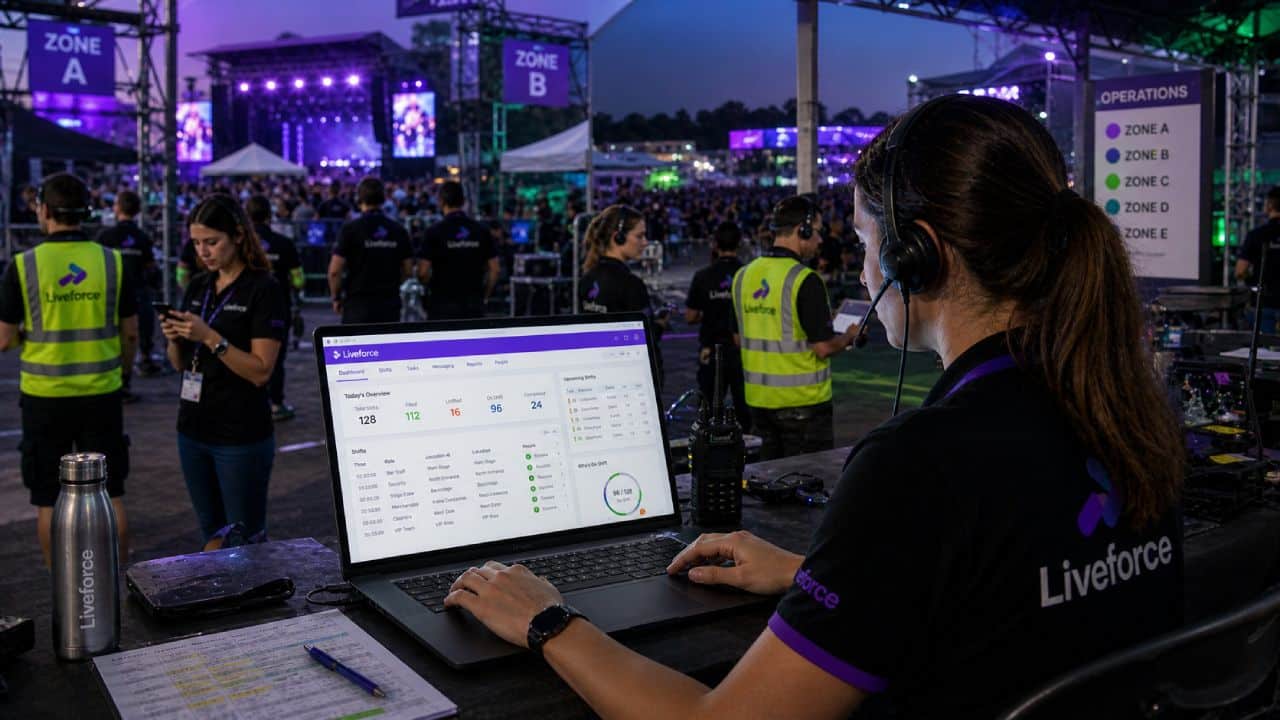
What works is structured communication tied to the shift itself. The worker gets the brief, the location, the contact, and the call time in one place. Confirmations are tracked. Changes go to the right people, not to everyone in a group chat.
Liveforce communication tools are designed for exactly this pattern of operational comms.
Compliance tracking that does not rely on memory
Compliance is the area where agencies are most exposed and least supported by manual tools. Right-to-work, IR35 status, certifications, public liability cover, age verification for hospitality work. Each one has an expiry date. Each one applies to specific roles. None of it is workable on a spreadsheet at scale.
Agencies that handle temporary workforce management properly hold this in a structured database. Compliance and worker records are checked at the point of booking, not after a problem surfaces. A worker without valid documents cannot be assigned to a role that requires them. The system enforces what the coordinator might forget.
Manual versus structured: what changes when the system carries the load
The clearest way to see the operational shift is side by side. The same agency, same workers, same clients. What changes is how the work is held together.
Workforce management for staffing agencies built around events
A workforce management for staffing agencies platform should look different from a generic HR tool. The features matter, but the workflow has to match how event staffing actually runs.
Liveforce was built for that workflow. Each capability is positioned around a specific operational moment, not a generic HR function.
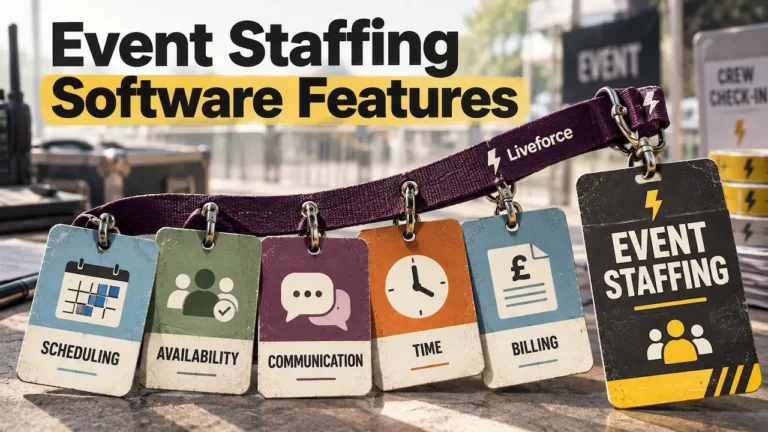
Staff scheduling. Used when an agency is assigning a temporary workforce across multiple events at once. Each event has its own roles, locations, and shift patterns. It replaces spreadsheets and rota tools that cannot hold multi-event complexity without becoming inaccurate within a week.
Workforce database. Used when a coordinator needs to see who has the right skills, who is available, and who has current compliance. It replaces disconnected spreadsheets, personal contact lists, and the institutional knowledge that disappears when a senior team member leaves.
Communication tools. Used when shift updates, briefings, or last-minute changes need to reach a temporary workforce reliably before an event. It replaces WhatsApp groups and text chains that leave no audit trail.
Timesheets. Used when hours worked across multiple roles, shifts, and clients need to be recorded and processed accurately. It replaces manual collection, email approvals, and the disputes that come from no shared record.
The point is not the feature list. Knowing how to manage a temporary workforce only works when these capabilities are connected. A schedule change updates the comms. A confirmed shift feeds the timesheet. A compliance flag blocks an unsuitable booking.
The agency stops chasing data and starts running events.
Managing event staff across multiple clients without losing control
Most temporary workforce pain is not caused by managing one event well. It is caused by managing event staff across multiple clients at the same time. Each client has different briefing standards. Different uniform requirements. Different timesheet formats. Different invoice cycles.
A connected platform holds all of that per client without forcing a shared template. Bookings stay separate. Reporting stays clean. The coordinator sees one view of the workforce, even when the workforce is spread across four jobs running in parallel.
Agencies that make this transition usually report the same outcomes.
Less time on admin. Fewer last-minute incidents. Better visibility for the founder, even when not in the room. More headroom to take on the next client without hiring proportionally.
How to manage a temporary workforce the way it should run
Picture three concurrent events on a Saturday, run by one coordinator.
No missed shifts.
Every worker briefed and confirmed before the day starts.
That is what good temporary workforce management looks like once the system carries the load. Knowing how to manage a temporary workforce comes down to one thing.
It is whether the platform underneath the agency can hold this complexity without the team carrying it. Liveforce is built for agencies running exactly that pattern of work.
Book a demo to see how a connected workflow changes the way an agency operates.
Frequently asked questions
What is the difference between managing a temporary and a permanent workforce?
Permanent workforce management assumes the same people, doing the same roles, in the same place each week. Temporary workforce management for events handles a roster that changes between every project, with shifting roles, locations, and clients. The systems behind it have to support that level of change as the default, not the exception.
How do event staffing agencies handle last-minute changes to a temporary workforce?
Effective agencies use structured communication tied to the schedule. A change made in the rota updates the worker, the brief, and the timesheet in one action. Manual chains through WhatsApp or phone calls leave gaps and have no audit trail. A connected platform reduces the risk that a change reaches some workers and not others.
What tools do agencies use to track compliance across a large pool of temporary workers?
A workforce database that holds right-to-work, certifications, insurance, and role-specific qualifications per worker is standard practice. Compliance gets checked at the point of booking, not after the event. This prevents unsuitable assignments and creates the audit trail clients increasingly request.
How do you communicate consistently with temporary staff working across multiple events?
Consistency comes from structure, not effort. Each worker should receive the same brief, in the same format, tied to the specific shift they are confirmed for. Group chats and shared inboxes do not scale beyond one event at a time. That is where most reliability problems begin.
When does a growing agency need workforce management software for temporary staff?
The trigger is usually around 100 active workers or three concurrent clients, whichever comes first. Below that, spreadsheets and messaging apps can be made to work with effort. Above that, the cost of manual coordination usually exceeds the cost of a platform within a quarter.