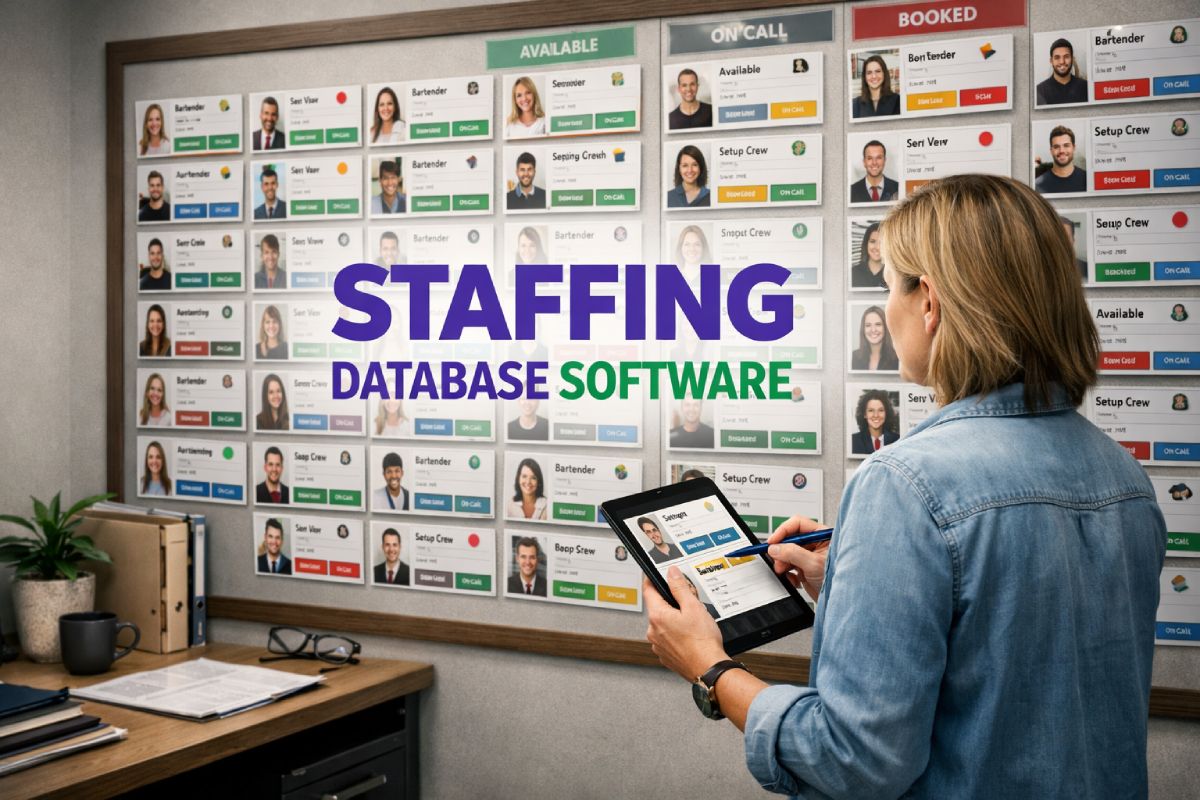
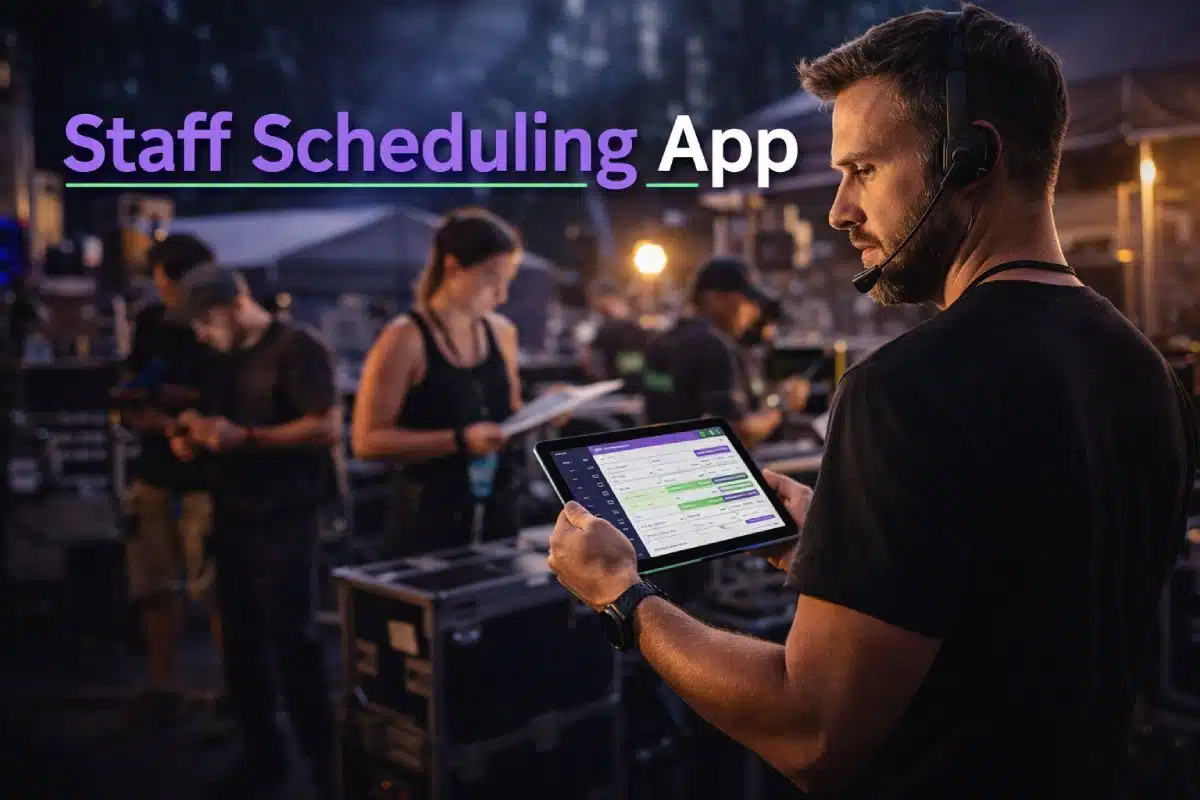

A Staff Scheduling App becomes essential when event teams are managing multiple projects, clients and freelance staff at the same time. Spreadsheets and group chats can handle simple rotas. They struggle when availability changes daily, roles vary by event, and updates need to reach hundreds of people instantly.
For event staffing agencies and suppliers, scheduling is not a side task. It is the operational backbone. When that backbone is weak, everything else starts to strain.
This article explains how a Staff Scheduling App changes event operations before, during and after adoption. It also shows why Liveforce is built specifically for event-led businesses managing temporary workforces at scale.
Before: How Event Teams Scheduled Work Without a Proper Staff Scheduling App
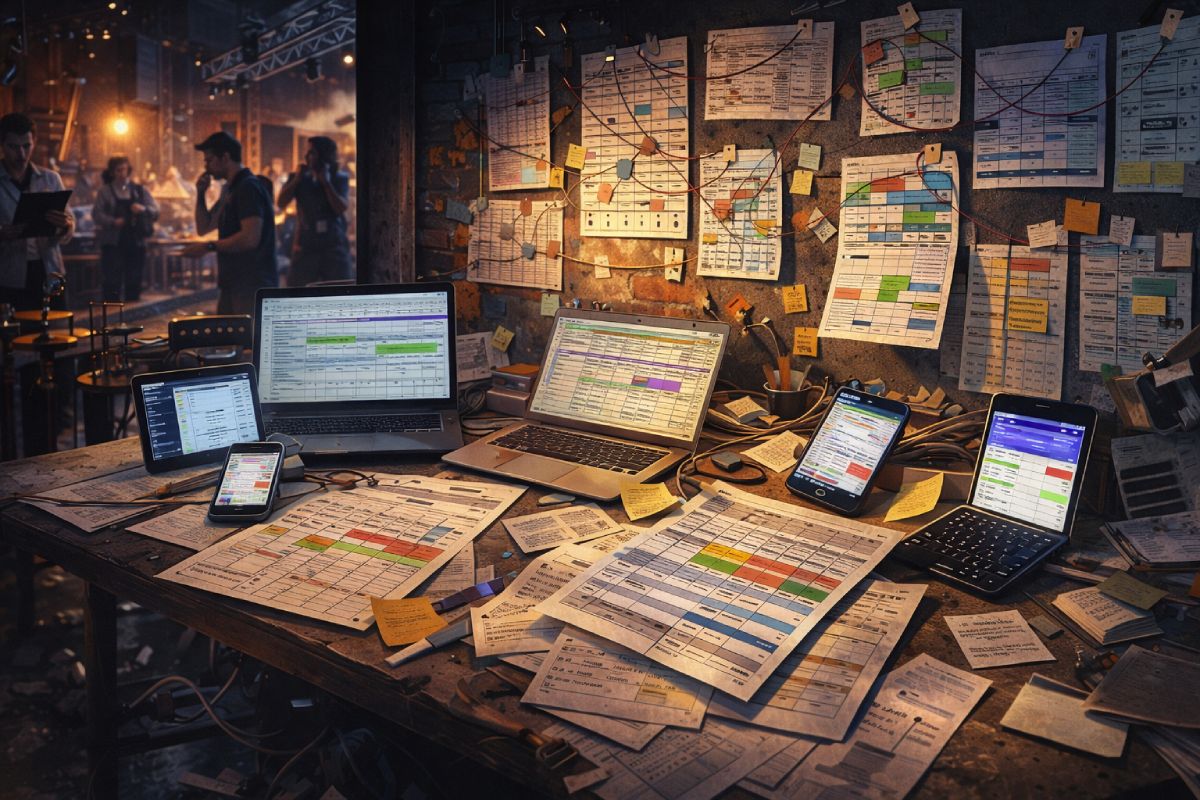
Before adopting a dedicated Staff Scheduling App, most agencies rely on a mix of tools that were never designed for event complexity.
- Spreadsheets track availability.
- WhatsApp groups handle updates.
- Emails carry briefings.
- Shared calendars attempt to show who is where.
- At first, this works.
As volume increases, friction builds.
How scheduling was managed
In the early stages, a simple spreadsheet can track names, dates and roles. An account manager manually checks availability. A coordinator copies data into another sheet for a different client. Updates are pushed out through message groups.
When managing one event at a time, this feels manageable.
The problem appears when agencies are running:
- Three festivals in one weekend
- Multiple experiential campaigns in different cities
- Hospitality teams across several venues
- Brand ambassadors across retail activations
A spreadsheet does not understand overlapping events. It cannot prevent someone being booked in London and Manchester on the same day. It cannot automatically update every affected shift when a call time changes.
At that point, the system relies entirely on human memory.
Where friction appeared
Operational strain shows up in predictable ways.
Double bookings happen because availability is tracked in separate documents.
Last-minute changes are communicated too late.
Crew arrive with outdated briefings.
Project managers manually reconcile different versions of the truth.
Admin workload grows faster than revenue.
Inconsistent communication becomes normal. Teams begin firefighting instead of planning. Clients feel the pressure when replacements are needed at short notice.
None of this is caused by poor staff performance.
It is caused by systems that cannot handle multi-event, multi-client complexity in real time.
A Staff Scheduling App becomes necessary at this break point.
During: The Shift to a Dedicated Staff Scheduling App
Moving to a Staff Scheduling App changes how scheduling works at a structural level. Instead of scattered tools, agencies operate from one central system designed for event staffing.
This is not about adding another app. It is about replacing fragmented processes with a single operational framework.
Centralised multi-event scheduling
A Staff Scheduling App allows agencies to schedule across multiple events at once. Each project lives within the same system. Conflicts are visible immediately.
When used in this way, it replaces:
- Separate spreadsheets per client
- Paper rotas
- Generic rota tools that assume one location
- Manual cross-checking
Event staff scheduling becomes controlled rather than reactive.
Project managers can see which roles are filled, which remain open and where availability gaps exist. If a shift time changes, the update flows through the system.
This is critical when agencies manage:
- Overlapping campaigns
- Multi-day festivals
- Touring activations
- Seasonal hospitality peaks
A Staff Scheduling App ensures the schedule reflects reality at all times.
Real-time availability tracking
Temporary staff scheduling depends on accurate availability data.
Freelance teams work across multiple agencies. Availability changes quickly. Without real-time tracking, assumptions replace facts.
A Staff Scheduling App gives agencies a live view of who is available, confirmed or pending. Instead of sending mass messages and waiting for replies, availability is structured within the platform.
This replaces:
- Manual text confirmations
- Availability lists stored in emails
- Outdated contact records
When availability is centralised, double bookings reduce. Scheduling decisions are made using accurate information.
This is where many agencies notice the difference immediately.

Structured communication
Communication failures create most event day problems.
Shift changes are sent via group chat.
Briefings are buried in email threads.
Location updates are missed.
A Staff Scheduling App integrates communication into the scheduling workflow.
When a shift is assigned, the right person receives the correct briefing.
When details change, updates are attached to the shift itself.
When confirmations are required, they are recorded inside the system.
This replaces fragmented WhatsApp chains and manual call lists.
For experiential marketing teams, this protects brand control.
For hospitality agencies, this ensures consistent service standards.
For festivals, this supports access control and large-volume coordination.
Structured communication reduces uncertainty before the event begins.
Role and skill-based assignments
Event staffing rarely involves generic roles. Agencies manage greeters, supervisors, technicians, brand ambassadors, production managers and specialist crew.
A Staff Scheduling App allows agencies to assign based on skills, experience and previous performance. The workforce database sits alongside scheduling.
Instead of scanning spreadsheets for notes, coordinators filter by:
- Specific certifications
- Language skills
- Client preferences
- Event history
This replaces disconnected contact lists and memory-based decisions.
As complexity increases, this structure prevents mismatches. Staff arrive prepared for the role they were assigned. Project leads spend less time correcting errors.
During this transition phase, agencies realise something important.
The issue was never the people.
It was the lack of operational structure.
| Operational Scenario | Manual Scheduling (Spreadsheets & Chats) | Staff Scheduling App |
|---|---|---|
| Running 1–2 events per week | Manageable but fully manual | Structured and scalable |
| Overlapping multi-client events | High risk of clashes and double bookings | Conflict detection prevents overlaps |
| Last-minute shift changes | Message groups, risk of missed updates | Instant updates attached to each shift |
| Tracking freelancer availability | Separate sheets, outdated data | Real-time availability visibility |
| Assigning roles by skill | Manual notes or memory-based | Filter by skills, roles and experience |
| Scaling during peak season | Admin workload increases sharply | System handles volume consistently |
| Multi-location coordination | Difficult to maintain visibility | Central dashboard across all events |
After: What Changes When Scheduling Becomes Controlled
Once a Staff Scheduling App becomes embedded into operations, the difference is visible across the business.
Scheduling becomes predictable.
Fewer clashes and double bookings
Conflict detection inside a Staff Scheduling App prevents overlapping assignments. Availability updates reflect instantly. Managers no longer rely on cross-checking separate documents.
This reduces last-minute panic replacements.
It also protects agency reputation. Clients experience smoother delivery because staffing levels are accurate.
Clear communication before and during events
When event staff scheduling and communication live in one system, information flows consistently.
Crew see confirmed shifts in one place.
Briefings are attached to roles.
Updates are timestamped and recorded.
This clarity reduces confusion on event day.
Instead of responding to messages at midnight before a launch, teams operate from shared visibility.

Reduced admin workload
Manual data entry reduces. Availability tracking becomes automated. Reporting is built into the platform.
Temporary staff scheduling no longer requires hours of spreadsheet reconciliation.
Admin teams regain time. That time can be redirected toward client service, recruitment quality and growth planning.
More predictable delivery across clients
Multi-client operations become manageable because the Staff Scheduling App provides central oversight.
Managers can view all active projects in one dashboard. Resource allocation becomes strategic rather than reactive.
This is the turning point for many agencies.
They move from surviving busy periods to planning them confidently.
Why Liveforce Is Built for Event Scheduling Complexity
Liveforce is a workforce management platform built for event-led businesses managing large temporary teams across multiple projects, locations and clients.
It is designed for operational teams, not recruiters.
Liveforce is used when agencies need to:
- Plan work across concurrent events
- Assign staff to specific roles and skills
- Track availability in real time
- Communicate structured updates
- Maintain compliance records
- Scale without increasing chaos
It replaces:
- Spreadsheets that no longer reflect reality
- Generic rota platforms built for single locations
- Paper schedules
- WhatsApp group coordination
Liveforce centralises event staff scheduling, workforce data and communication in one system.
The Staff Scheduling App functionality sits within this broader platform. It connects scheduling to the workforce database and communication tools. This ensures that each shift assignment carries context, briefing and confirmation in one place.
For hospitality suppliers, it supports high-volume repeat shifts and peak periods.
For experiential marketing agencies, it protects briefing consistency and brand presentation.
For festivals and sports events, it manages scale and access control with clarity.
For venues, it ensures predictable long-term workforce management.
Liveforce supports GDPR-compliant data handling. Compliance is built into operations rather than treated as an afterthought.
It is important to clarify:
Liveforce does not hire staff.
Liveforce is not a recruitment marketplace.
Each agency remains responsible for hiring, onboarding and paying its workforce.
The platform exists to give agencies operational control as complexity increases.
For teams currently operating with fragmented systems, the difference is structural. Scheduling moves from reactive coordination to controlled execution.
Is a Staff Scheduling App Worth It for Event Agencies?
The answer depends on complexity.
If an agency runs occasional, single-location events with a small repeat team, spreadsheets may hold.
When agencies manage:
- Multiple clients simultaneously
- Different event formats
- Variable staffing volumes
- Rapid availability changes
- Multi-city campaigns
A Staff Scheduling App becomes essential.
The break point is not company size. It is operational overlap.
When two events begin to influence each other’s staffing, manual systems strain. When updates must reach dozens or hundreds of crew instantly, fragmented communication creates risk.
A Staff Scheduling App restores structure.
For event-led businesses managing temporary teams, structured scheduling protects reputation, reduces admin and supports sustainable growth.
Liveforce provides that structure through a workforce management platform built specifically for event complexity.
To see how Liveforce can replace manual scheduling processes and centralise your workforce operations, book a demo today.
FAQs
What is a Staff Scheduling App for events?
A Staff Scheduling App is a system that helps event agencies plan shifts, assign staff, track availability and manage updates in one place. It replaces spreadsheets, group chats and manual rotas with structured scheduling designed for temporary event teams.
When should an event agency use a Staff Scheduling App?
An agency should use a Staff Scheduling App when it manages multiple events, clients or locations at the same time. The need usually appears when spreadsheets start causing clashes, double bookings or last-minute confusion.
How does a Staff Scheduling App reduce double bookings?
A Staff Scheduling App tracks real-time availability and flags conflicts across projects. Instead of checking separate documents manually, managers can see instantly if someone is already assigned elsewhere.
Is Liveforce a recruitment platform or job board?
No. Liveforce is a workforce management platform used by agencies to manage their own teams. It does not hire staff, advertise public jobs or match workers with employers. Each agency remains responsible for recruitment and payment.
How does Liveforce improve event staff scheduling?
Liveforce centralises scheduling, workforce data and communication in one system. Agencies can assign roles, send structured briefings, track confirmations and manage multiple events without relying on fragmented tools. This creates clarity, reduces admin and supports growth as operations scale.