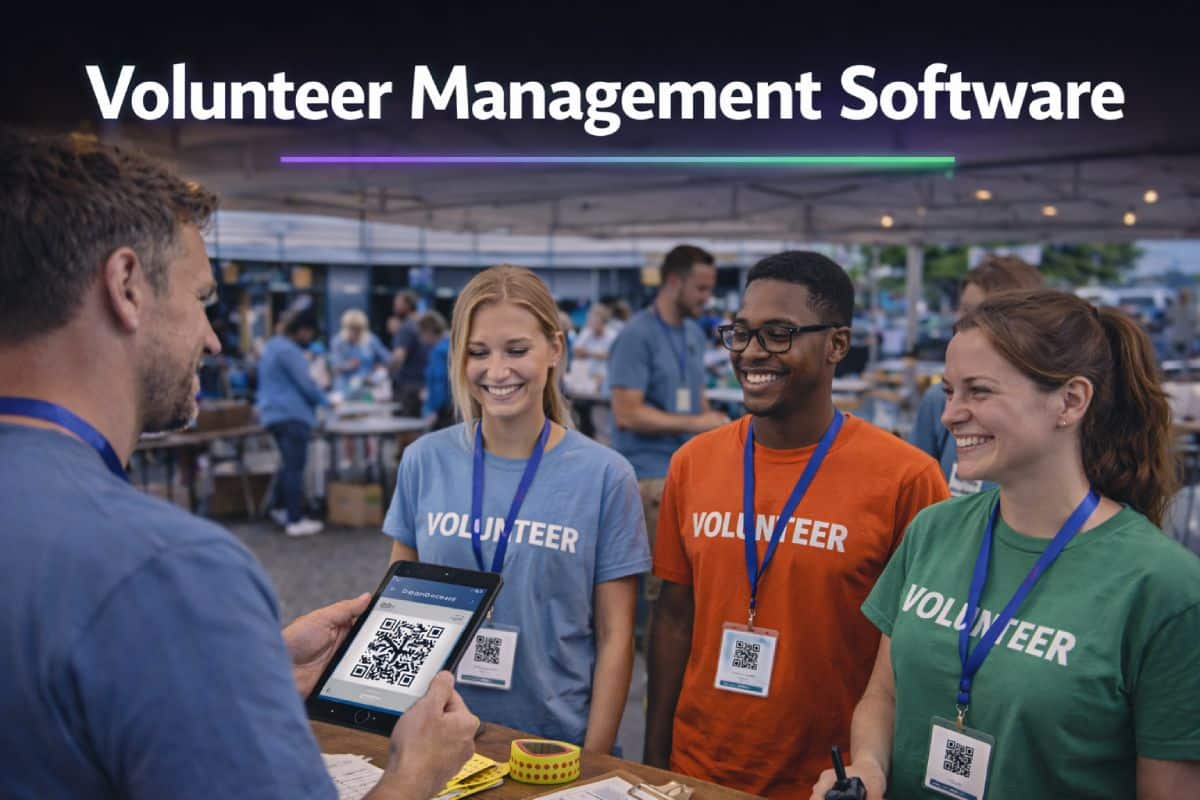
Volunteer management software is a platform that helps organisations schedule, communicate with, and track volunteers across shifts, roles, and locations.
For event staffing agencies, festival suppliers, and charity coordinators managing large temporary workforces, it replaces the patchwork of spreadsheets, group chats, and manual chasing that collapses under pressure.
Most definitions of volunteer management software focus on charities and ongoing volunteer programmes. That is a valid use case. But for teams running 200 volunteers across a three-day festival or a multi-site sporting event, the requirements are different.
The software needs to handle operational complexity, not just store contact details.
This article explains what volunteer management software does, where basic tools fall short, and what event-led organisations should actually look for. It draws on how platforms like Liveforce approach the problem – from an operations perspective, not a charity administration one.
The Common Belief: Volunteer Management Is Just a People List
Ask most people what these platforms do and the answer sounds simple. They store volunteer profiles. They track who signed up. Maybe they send a confirmation email.
That description is accurate for a certain type of tool. Charity-focused volunteer management systems are built for ongoing programmes where volunteers sign up once, attend regularly, and the coordination demands are modest.
- A local food bank with 30 weekly volunteers.
- A hospice with a rotating visitor schedule.
- A council-run befriending programme.
These tools handle registration forms, DBS check records, simple scheduling, and basic reporting. They work well for what they are designed to do.
The problem starts when that same definition gets applied to event operations.
When an agency managing 400 festival volunteers across 25 roles, three stages, and a weekend of shifting schedules searches for volunteer management software, the results they find are built for a different world. The tools assume a small, stable group. They assume one location. They assume volunteers show up to the same shift every week.
Events do not work like that.
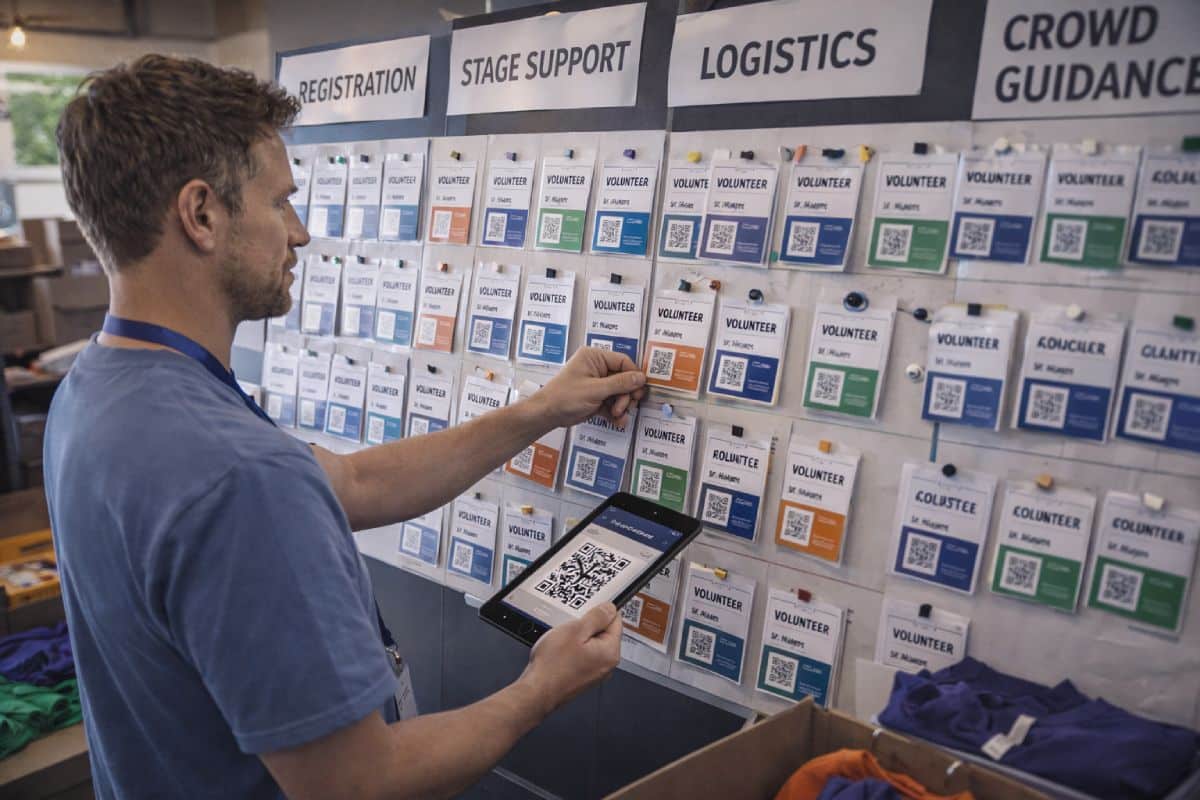
What basic volunteer management tools typically include
A standard volunteer management system usually covers:
- Volunteer registration and profile storage
- Basic shift sign-up or rota creation
- DBS and compliance document uploads
- Email communication and simple reporting
For small-scale programmes, this is enough. The coordination challenge is manageable because the variables are limited. The same 20 people show up to the same place each week.
Events introduce variables that these tools were never built to handle.
The Reality: Events Change Everything
A charity scheduling 30 regular volunteers into weekly sessions faces a coordination task. A festival supplier scheduling 300 volunteers across three days, five zones, and dozens of role types faces an operational challenge. The difference is scale, speed, and stakes.
The London 2012 Olympics recruited 70,000 volunteers. The 2023 Coronation involved over 10,000. Glastonbury relies on thousands of volunteers to run stages, gates, welfare tents, and crowd management. These are real logistical operations, not sign-up sheets.
Most volunteer coordination problems are not caused by bad volunteers. They are caused by systems that were never designed to handle the scale of an event.
Where coordination gaps actually appear
The gaps are predictable. They show up in the same places, event after event.
Shift changes communicated too late. A briefing is updated the night before the event. Half the volunteers never see it because the update was posted in a WhatsApp group they muted three days ago.
Availability tracked in the wrong place. One coordinator has a spreadsheet. Another has an email thread. A third has a notebook. Nobody has a single view of who is confirmed and who is not.
Compliance documents scattered or missing. DBS checks, training certificates, and ID documents are stored across inboxes, shared drives, and filing cabinets. When an auditor asks, the team scrambles.
No-shows with no follow-up system. Volunteers who confirmed a shift do not turn up. There is no automated alert. The gap is only noticed when someone on the ground counts heads.
What spreadsheets and basic tools cannot handle
A spreadsheet can list 300 names. It cannot tell a coordinator in real time which of those 300 have confirmed, which have a valid DBS, and which are available for the Saturday evening shift at the north gate.
Basic rota tools can assign a volunteer to a slot. They cannot manage the same volunteer across three different events for three different clients in the same week.
The UK voluntary sector involves an estimated 22 million volunteers annually, according to NCVO. That number includes everything from weekly park runs to major sporting events. The coordination tools built for the first category do not serve the second.
The tool did not get worse. The operation outgrew it.
What Volunteer Management Software Should Actually Do
The search term brings people to this page because they want a clear answer. Here it is.
Volunteer management software should give operational teams a single system to schedule volunteers, communicate with them, track their compliance, and manage their availability. It should do this at speed, at scale, and without requiring constant manual intervention.
That means more than a database with a calendar attached. It means a platform that replaces the five tools currently doing the job badly.

Scheduling and shift management
This is the core function. The software should allow coordinators to create shifts, assign volunteers to those shifts based on role and availability, and detect clashes before they happen.
For event operations, this means handling multiple shifts across multiple days and multiple locations within a single event. A festival volunteer might be assigned to front-of-house on Friday afternoon, welfare on Saturday morning, and backstage on Sunday. The system should make that visible and manageable without a whiteboard.
If the scheduling tool cannot handle multi-shift, multi-role assignments across locations, it was not built for events.
Communication at scale
Sending a group email is not communication management. The right platform should support targeted messages to specific shifts, roles, or locations. It should allow coordinators to send briefing documents, shift confirmations, and last-minute updates directly to the right people.
This replaces WhatsApp groups, email chains, and the hope that someone reads the noticeboard. At event scale, unclear communication causes operational failures.
A volunteer who arrives at the wrong gate at the wrong time is not a minor inconvenience. It is a gap in coverage.
Compliance and document tracking
Many events require volunteers to hold specific certifications. DBS checks for roles involving vulnerable people. First aid training for welfare teams. Food hygiene certificates for catering volunteers.
The software should store these documents centrally, flag when they expire, and prevent non-compliant volunteers from being assigned to restricted roles.
This is a safeguarding issue, not an administrative preference.
Volunteer database and availability management
A growing volunteer pool needs a proper database. Names, contact details, skills, role history, availability, and compliance status should all sit in one place. This is what volunteer database management software provides at its core.
For agencies and suppliers working across multiple events, this database becomes the operational backbone. It answers the question every coordinator asks: who is available, qualified, and confirmed?
Good volunteer management software answers that question instantly. Everything else is admin.
How Event-Specific Platforms Differ From Standard Volunteer Management Tools
The volunteer management software market splits into two categories, even though most comparison guides treat it as one.
Anyone searching for volunteer management software UK will find the same pattern: results dominated by charity-focused platforms, with very little coverage of event-operational tools.
- The first category is charity-focused. Tools like Plinth, Better Impact, and Assemble are built for organisations running ongoing volunteer programmes. They handle registration, DBS tracking, and multi-organisation collaboration. They serve their audience well. Camden Council, hospices, and national charities use them because the requirements match.
- The second category is event-operational. These platforms are built for teams managing temporary workforces at live events, festivals, sporting fixtures, and large-scale activations. The requirements are different: speed, scale, shift complexity, and often a mixed workforce of volunteers and paid staff.
The difference is not quality. It is context.
Managing volunteers and paid staff under one system
This is where most charity-focused tools stop. They manage volunteers. Only volunteers. But many event staffing agencies and suppliers manage a mixed workforce. Paid crew on one shift, volunteers on another, sometimes at the same event.
Platforms like Liveforce are built for that reality. The same scheduling, communication, and compliance tools apply to the entire workforce, whether paid or voluntary. No parallel systems. No duplication.
Multi-event, multi-location operations
An agency supplying volunteers to three festivals in one weekend needs a system that can handle all three simultaneously. Different clients, different locations, different role requirements, different briefing documents.
A tool designed for a single ongoing programme cannot manage this. Event-specific platforms are built around the assumption that next week looks completely different from this one.
PAAM, for example, has strong festival credentials and is used at Glastonbury and Reading Festival. It handles volunteer-specific scheduling well. Where it differs from a platform like Liveforce is scope. PAAM is a volunteer-only tool. Liveforce manages volunteers alongside paid crew, across multiple clients, within a single platform.
For organisations that only manage volunteers at a single event, a dedicated volunteer tool may be the right fit. For agencies running mixed workforces across multiple events, the platform needs to do more.
How Generic and Event-Built Volunteer Management Software Compare
A quick view of what matters when teams manage volunteers at scale across events, locations, and mixed workforces.
| Operational Requirement | Generic Volunteer Tool | Liveforce (Event-Built) |
|---|---|---|
| Multi-shift, multi-day scheduling | Limited or single-event only | Built for complex, overlapping shifts across days and locations |
| Mixed volunteer and paid workforce | Volunteers only | Manages both under one system |
| Multi-client, multi-event operations | Single organisation focus | Designed for agencies supplying multiple clients |
| Real-time shift communication | Email or basic notifications | Targeted messages by shift, role, or location |
| Compliance tracking with expiry alerts | Basic document uploads | Centralised storage with automated alerts |
| Mobile access for volunteers | Varies by platform | Crew App for shift views, confirmations, and updates |
| Scalability beyond 200 volunteers | Often slows or requires workarounds | Built for large temporary workforces |
This comparison is not a criticism of charity-focused tools. They serve a different need.
The point is that event operations teams should choose software built for the way they actually work.
What to Look for When Choosing Volunteer Management Software

If the operation involves large numbers of volunteers across shifts, roles, and locations, the selection criteria should reflect that complexity.
Start with the scheduling questions:
- Can the platform assign the same volunteer to different roles on different days at the same event?
- Can it flag clashes when a volunteer is double-booked across two events?
If the answer to either question is no, the tool was built for a simpler use case.
Then look at communication:
- Does the system allow targeted updates to a specific shift or role, or does it send everything to everyone?
At scale, untargeted communication causes more confusion than silence.
Compliance matters more than most teams expect until audit day.
- Can the platform store certifications, flag expiries, and restrict non-compliant volunteers from regulated roles?
If compliance tracking is an afterthought, it will create problems when it matters most.
Finally, ask whether the tool handles growth.
- What works for 50 volunteers will not always work for 300. The software should make scaling up feel like a continuation of the same process, not a migration to a different one.
Choose based on the operation you are building towards, not just the one you are running now.
Where Liveforce Fits
Liveforce is a workforce management platform built for event-led businesses. It is designed for agencies and suppliers managing large, temporary teams across multiple projects, locations, and clients.
It exists for the point at which spreadsheets and basic rota tools stop scaling.
Within a single platform, Liveforce provides:
- Scheduling across shifts, roles, and locations with clash detection
- A centralised volunteer and crew database with skills, availability, and compliance records
- Targeted communication by shift, role, or event
- Timesheet tracking for accurate post-event records
- A Crew App for volunteers to view shifts, confirm availability, and receive updates
Liveforce is not a recruitment marketplace. It does not hire staff.
It is the system agencies and suppliers use to manage the workforce they already have, more clearly, more reliably, and at greater scale.
The Right System for the Right Operation
Volunteer management software is not a single category. What a hospice needs and what a festival supplier needs are fundamentally different operations, even though the search term is the same.
For teams coordinating volunteers at live events, the question is not whether they need software. Most already use something. The question is whether that software was designed for the speed, scale, and complexity of event-led work, or whether it was designed for something quieter.
The cost of the wrong tool is not wasted money. It is wasted time, missed briefings, compliance gaps, and volunteers who stop coming back.
For agencies and suppliers managing large volunteer workforces across events, book a Liveforce demo and see how the platform handles the complexity your current tools were not built for.
Frequently asked questions
What is volunteer management software used for?
Volunteer management software is used to schedule, communicate with, and track volunteers across shifts and roles. For event-led organisations, it replaces spreadsheets and group chats with a single operational platform that handles coordination at scale.
What is the difference between a CRM and volunteer management software?
A CRM stores contact information and relationship history. A volunteer management system goes further by handling shift scheduling, real-time communication, compliance tracking, and availability management. For event operations, the scheduling and communication functions are what matter most.
Can volunteer management software handle paid and unpaid staff?
Some platforms can. Charity-focused tools typically manage volunteers only. Event-operational platforms like Liveforce manage both volunteers and paid crew within the same system, avoiding the need for parallel tools.
How does Liveforce differ from charity-focused volunteer management tools?
Liveforce is built for event-led businesses managing temporary workforces at scale. It handles multi-shift, multi-location scheduling, mixed paid and voluntary teams, and multi-client operations. Charity-focused tools are built for ongoing programmes with smaller, more stable volunteer groups.
What should event organisers look for in volunteer scheduling software?
Multi-shift scheduling with clash detection, targeted communication by role or location, centralised compliance tracking, a mobile app for volunteers, and the ability to scale from 50 to 500 volunteers without switching platforms. These are the operational requirements that separate event-grade tools from basic systems.