Staffing management software is rarely adopted because an agency wants “better software”. It is adopted because existing systems stop coping with the reality of event delivery. As teams grow, events overlap and last-minute change becomes constant, familiar tools quietly turn into points of failure.
This article explains what staffing management software actually replaces inside an operation.
Not in theory, and not as a feature list, but in practical, operational terms. It starts with the symptoms agencies live with, moves through the fixes they usually try, and ends at the root cause those fixes fail to address.
5 visible symptoms agencies live with
Most agencies do not feel like their operation is broken. It feels busy, stretched and slightly fragile, but still functioning. The symptoms tend to show up gradually, and because each one seems manageable on its own, they are often tolerated far longer than they should be.
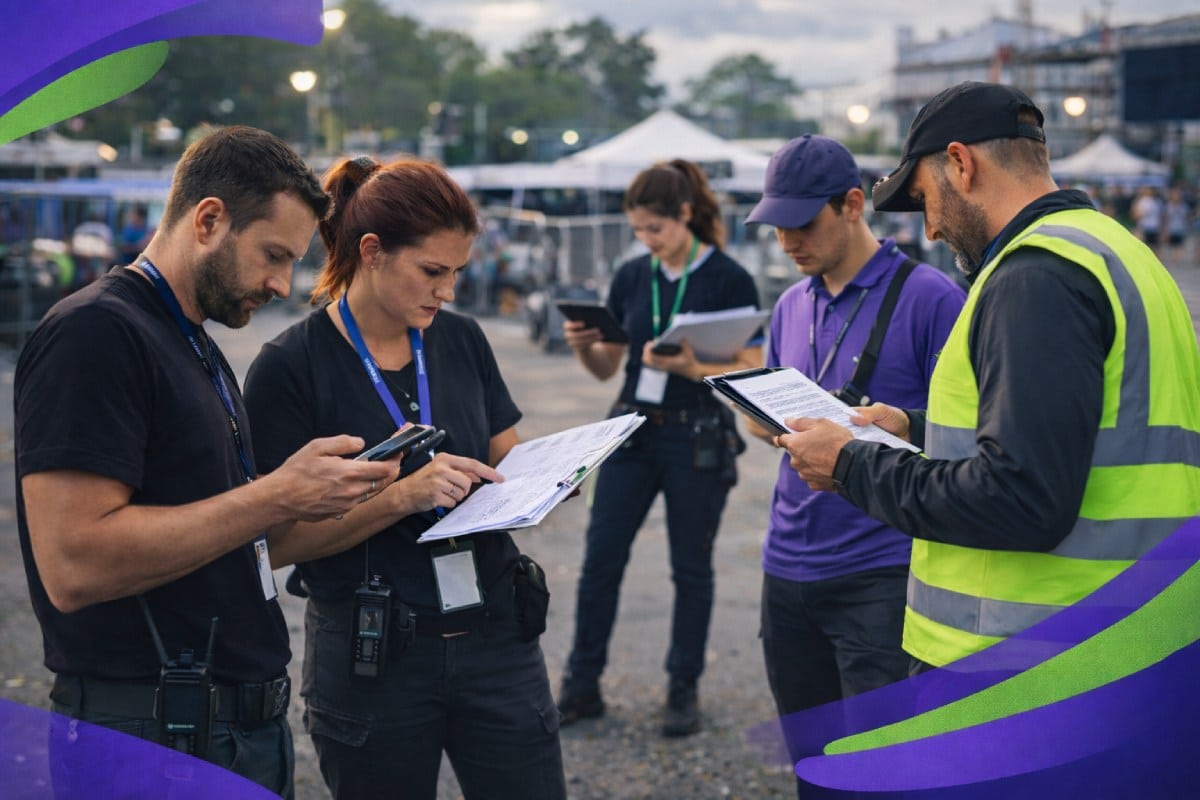
1. Spreadsheets that never reflect reality
Spreadsheets often start as a sensible solution. They are flexible, familiar and quick to set up. Over time, however, they multiply. One becomes a master file, then splits into client versions, event versions and role-specific tabs.
Updates are made manually and often retrospectively, meaning the spreadsheet is always describing what happened, not what is happening.
As events approach delivery, confidence in the data drops. Teams double-check assignments, cross-reference calendars and rely on memory to fill the gaps.
2. WhatsApp becoming the control centre
Messaging apps slowly take on responsibilities they were never designed for. Shift confirmations, briefing updates, arrival changes and emergency instructions all end up in chat threads.
At first, this feels efficient because information moves quickly. Over time, important messages are buried under replies, emojis and side conversations.
The issue is not that messages are sent, but that there is no structure around who needs to see what, or any reliable record of what was received and acknowledged.
3. Availability clashes and double-bookings
Availability is often tracked informally, across notes, calendars and conversations.
When teams scale, this creates blind spots. Staff are confirmed for overlapping events, or availability changes are missed because they were updated in one place but not another.
Conflicts are usually discovered late, when options are limited and pressure is high.
4. Compliance scattered across folders and inboxes
Right-to-work documents, certifications and role-specific requirements often live across shared drives, email attachments and local folders. Expiry dates are tracked manually, if at all.
The risk here is not theoretical. It becomes real when a client asks for confirmation days before delivery, or when an audit requires evidence that is difficult to assemble quickly.
5. Admin workload growing faster than delivery
As complexity increases, admin grows to compensate.
More coordinators are added to keep things moving, not because volume has increased dramatically, but because existing systems require more effort to maintain accuracy. Teams spend more time managing information than managing events.
Real-world pattern:
Across event-led agencies managing 300 to 500 active staff, it is common to see five to ten parallel spreadsheets in use at any given time.
In the final two weeks before large, multi-day events, hundreds of updates can pass through messaging apps, with no reliable way to confirm they reached the right people.
Admin workload often increases steadily without a corresponding improvement in control or confidence.
What teams usually try first
When these symptoms become uncomfortable, most agencies do not immediately look for a new system. They try to improve what they already have.
These responses are logical and well-intentioned.
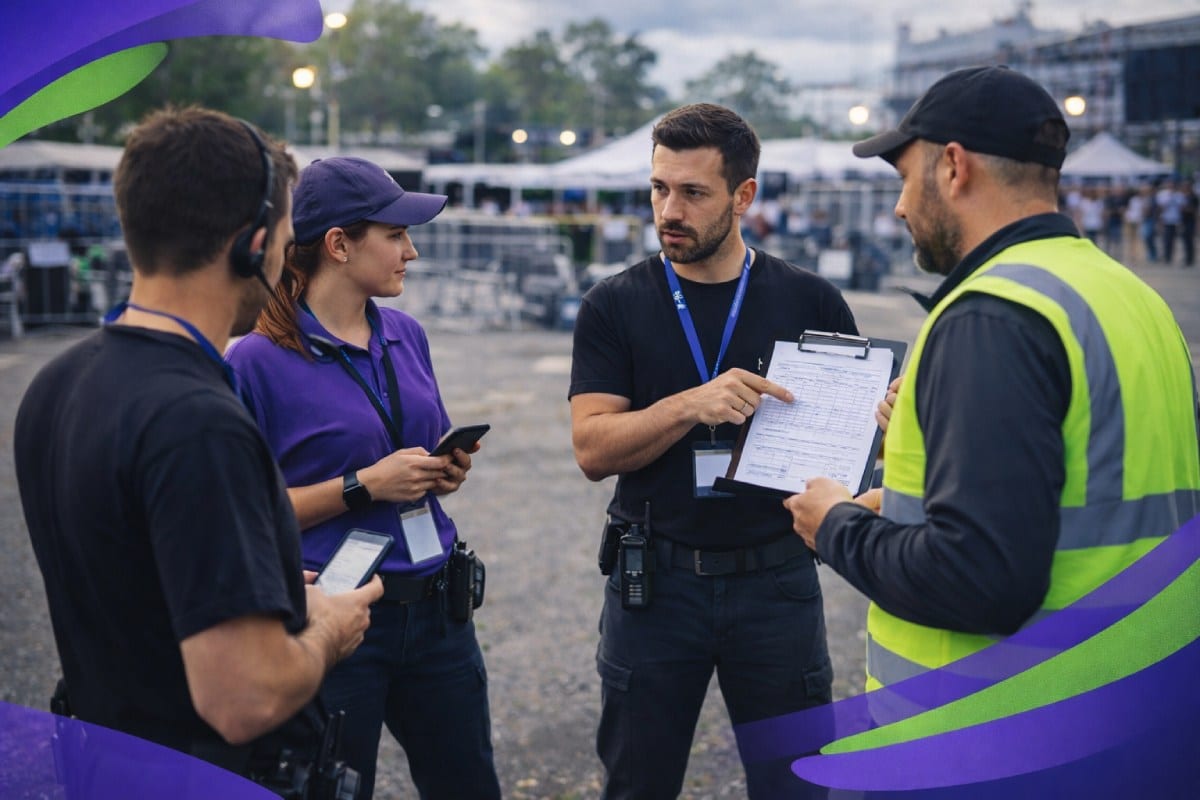
Adding more structure to spreadsheets
Spreadsheets are refined with additional tabs, formulas and colour-coding. New rules are introduced around how and when they should be updated.
For a short period, this can improve clarity. Over time, complexity replaces simplicity, and only a small number of people fully understand how the file works.
Creating rules for WhatsApp and email
Teams attempt to impose discipline on communication. Messages are labelled, pinned or restricted to certain types of updates.
While this helps temporarily, it relies on everyone remembering and following the rules during busy periods, which is exactly when mistakes happen.
Hiring additional coordinators
Rather than removing friction, agencies often absorb it by adding people. Extra coordinators act as connectors between systems, checking data, chasing confirmations and resolving conflicts manually.
This keeps the operation running but embeds dependency on individuals rather than structure.
Introducing generic rota or scheduling tools
Some agencies introduce basic scheduling software designed for single-site or recurring shift environments. These tools often struggle with multi-event delivery, varying roles and client-specific rules, leading teams to continue using spreadsheets alongside them.
Common early fixes usually include:
- Expanding existing spreadsheets rather than replacing them
- Layering communication rules onto chat tools
- Increasing admin headcount to manage coordination
- Adding point tools that only solve part of the problem
Real-world pattern:
Agencies often see a 20–30% increase in coordination or admin roles before reconsidering their systems.
These changes relieve pressure briefly, but during peak season or large campaigns, error rates and last-minute issues return, often more intensely than before.
Why do those fixes fail as complexity grows
These fixes fail for the same reason the symptoms appear. They address surface friction rather than structural limitations.
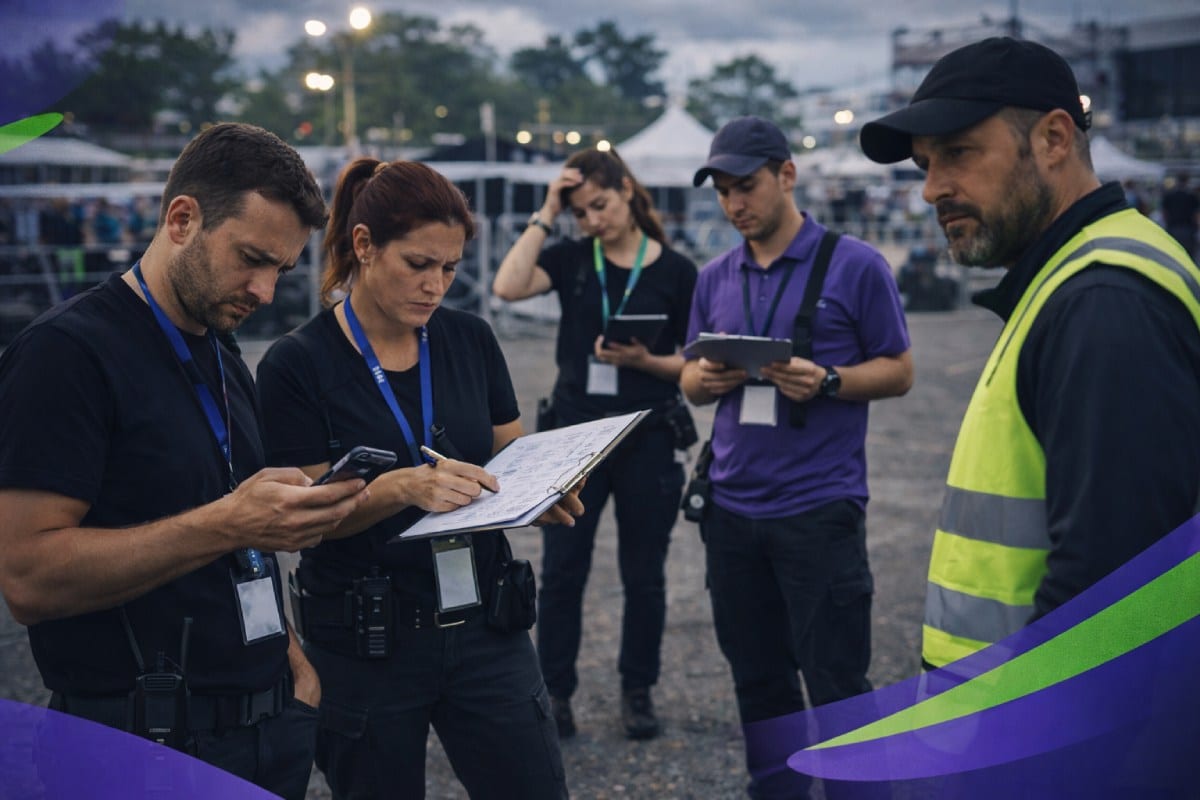
They depend on constant manual upkeep
Manual systems rely on people remembering to update information correctly and on time. Under pressure, updates are delayed or missed entirely.
The system does not fail because people are careless, but because it requires continuous attention to remain accurate.
They duplicate information instead of centralising it
Availability, assignments and changes are recorded in multiple places. Each copy becomes a potential source of conflict. Teams lose confidence in which version is correct and begin checking everything manually.
They collapse under last-minute change
Event staffing is defined by movement. Shifts change, staff cancel, roles adjust and client requirements evolve. Systems designed for static schedules struggle when change becomes the norm rather than the exception.
They scale effort instead of control
As volume increases, so does the work required to keep everything aligned. More checking, more chasing and more manual reconciliation are needed just to maintain the same level of reliability.
Real-world pattern:
Across agencies delivering high-volume or multi-day events, most operational failures occur in the final 10 to 14 days before delivery.
This is the point at which manual systems are under the greatest strain, even when teams are working at full capacity.
The real root cause behind the chaos
At its core, the problem is not a lack of effort, skill or commitment. It is structural.
Fragmented tools cannot support live operations
Each tool in isolation may work well. Together, they create gaps. No single system understands the full picture of the workforce, events and commitments, which makes coordination fragile.
No shared source of truth
When different teams trust different systems, decisions are made on partial information. Confidence in data erodes, and experience replaces visibility. This increases risk as the business grows.
Manual coordination does not scale
Many agencies continue to function through experience, heroics and long hours. This can sustain operations for a time, but it makes growth stressful and unpredictable rather than controlled and confident.
Real-world pattern:
Many agencies describe feeling permanently close to losing control, even when delivery is successful. Growth opportunities are approached cautiously, not because of demand, but because the operational backbone feels stretched.
| What agencies rely on | What breaks as complexity grows | What staffing management software replaces |
|---|---|---|
| Spreadsheets for staffing plans | Versions drift, updates lag, confidence drops | One live workforce system |
| WhatsApp and email for coordination | Messages get missed, buried or misread | Structured, role-based communication |
| Manual availability tracking | Double-bookings and late conflicts | Real-time availability visibility |
| Shared folders for compliance | Documents hard to find, expiry risk | Centralised compliance tracking |
| Extra coordinators to manage change | Admin grows faster than delivery | Repeatable operational workflows |
What staffing management software replaces at the root
Staffing management software does not add another layer to an already complex operation. At its best, it removes fragmentation by replacing multiple disconnected systems with one coherent structure.
In practical terms, it replaces:
- Disconnected spreadsheets with a single, live workforce system
- Informal messaging chains with structured, role-based communication
- Manual availability tracking with real-time visibility
- Scattered compliance records with centralised compliance control
- Admin-heavy coordination with repeatable operational workflows
Why is this a replacement, not an addition
The key shift is that information lives once, and updates flow automatically. Teams no longer need to reconcile multiple sources or rely on memory to manage change.
What changes operationally when systems replace workarounds
When structure replaces patchwork solutions, agencies gain predictability. Fewer conflicts appear late. Communication becomes clearer. Admin effort decreases, not because work disappears, but because it is no longer duplicated.
Platforms such as Liveforce are built specifically to support this kind of multi-event, multi-client environment, where change is constant and accuracy matters.
Real-world pattern:
Agencies that move away from fragmented systems typically report fewer last-minute staffing conflicts, reduced manual checking and a noticeable increase in confidence during peak delivery periods.
The biggest change is often psychological. Teams stop firefighting and start planning with greater certainty.
How Liveforce supports staffing management at scale
Liveforce is an example of staffing management software built specifically for event-led agencies and suppliers managing large, temporary workforces across multiple projects, locations and clients.
It is used at the point where spreadsheets, chat tools and generic scheduling systems stop coping with operational reality.
Rather than adding another tool into the mix, Liveforce is designed to replace fragmentation by giving teams one central system to run their workforce operations.

1. A single system for planning and control
Liveforce provides one live workforce database where people, roles, availability and assignments are managed together. This replaces the need to reconcile multiple spreadsheets, calendars and notes every time something changes.
Because information lives in one place, teams can plan work with confidence and make changes without manually updating several systems.
2. Structured communication tied to real work
Operational communication in Liveforce is linked directly to shifts, events and roles. This replaces informal messaging chains where critical updates are easily missed or misunderstood.
Updates are sent to the right people, at the right time, with a clear record of what was shared. This reduces confusion during busy delivery periods and removes the need for constant follow-up.
3. Real-time availability and conflict visibility
Liveforce is used when agencies need accurate, up-to-date availability across large pools of staff. Availability changes feed directly into scheduling, which helps prevent clashes and double-bookings before they become urgent problems.
This replaces manual cross-checking across files and conversations.
4. Centralised compliance tracking
Compliance information is stored once and maintained centrally. Expiry dates and requirements are visible without searching through folders or inboxes, which supports confident delivery and smoother client checks.
This replaces manual document tracking and last-minute compliance scrambles.
5. Built for multi-event, multi-client operations
Liveforce is designed for agencies delivering multiple events at the same time, often for different clients with different rules. It supports scale and repetition without forcing uniformity, allowing teams to maintain control as complexity increases.
Operational impact in practice:
Agencies using Liveforce typically describe fewer late-stage staffing conflicts, clearer communication during peak periods and a noticeable reduction in manual coordination work. The most significant change is often the shift from reactive firefighting to predictable, structured delivery.
Staffing management software does not replace people, experience or effort. It replaces fragmentation.
When spreadsheets and chat apps quietly become the operational backbone, the issue is no longer about process or performance. It is structure. Control comes not from working harder, but from building systems that reflect how event staffing actually works.
Frequently asked questions
What does staffing management software actually replace?
Staffing management software replaces fragmented systems like spreadsheets, messaging apps and manual coordination processes by bringing workforce data, scheduling, communication and compliance into one structured system.
Why do spreadsheets stop working for staffing management?
Spreadsheets rely on manual updates and duplication, which breaks down when agencies manage multiple events, clients and last-minute changes. As complexity grows, accuracy and confidence drop.
How is staffing management software different from rota or scheduling tools?
Rota tools focus on simple shift planning, usually for one location. Staffing management software supports multi-event delivery, live availability, structured communication and compliance across an entire workforce.
How does Liveforce fit into staffing management software?
Liveforce is a staffing management software platform built for event-led agencies to manage temporary workforces across multiple projects and clients. It replaces fragmented tools with one central system for planning, communication and control.