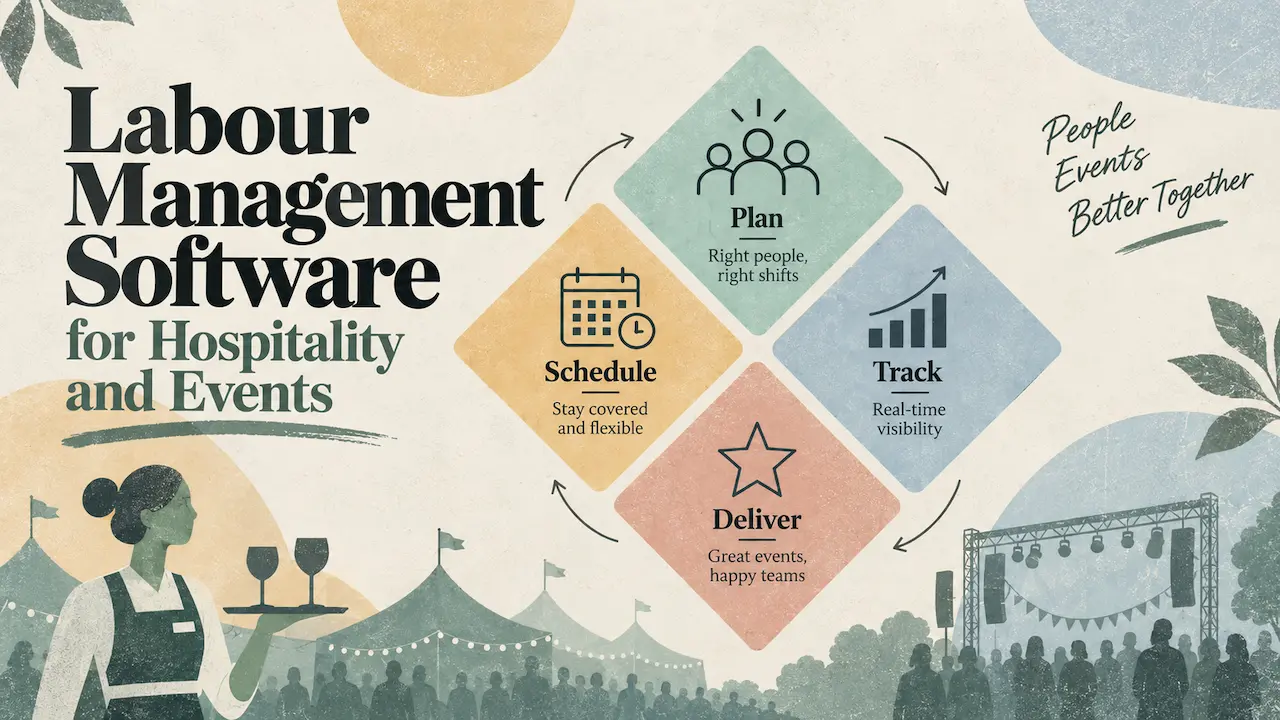
Labour management software for events is a workforce management platform built for variable teams across multiple locations and clients.
It replaces the spreadsheets, group chats, and manual timesheets most agencies still rely on. The result is one system handling scheduling, availability, compliance, communication, and pay tracking across every event.
This piece covers why labour management breaks down in this sector. It also shows what poor allocation costs operators, and how structured systems give teams the control back. It is written for hospitality suppliers and large event staffing agencies.
Why labour management breaks down in hospitality and events
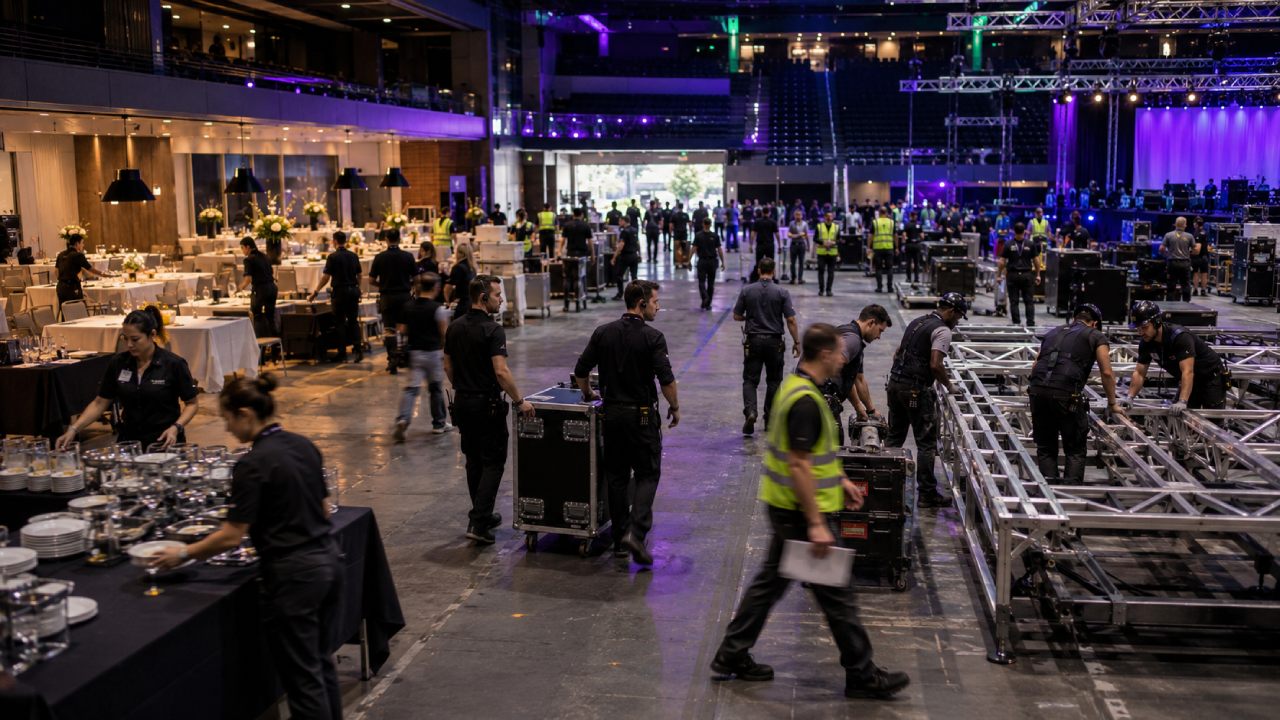
Most labour management problems are not caused by lazy teams or bad managers.
They are caused by tools designed for a different kind of work. Hospitality and event staffing run on variable shifts, freelance pools, multiple clients, and last-minute changes. The software most teams use was built for fixed teams in fixed locations.
Industry reporting from Staffing Industry Analysts puts UK temporary staffing at £29.1 billion in 2024, with events and hospitality among the most volatile segments.
That volatility is what generic tools cannot absorb. A hospitality agency might run thirty staff on a Wednesday lunch. The same agency might run three hundred at a festival on Saturday. A catering supplier might brief three different client teams in one evening. The work changes shape constantly.
For a deeper view, see:
Both cover where generic platforms fall short for event-led operations.
The mismatch between hospitality staffing and most tools
Most rota tools assume a fixed team, a fixed location, and predictable hours. Hospitality and event teams have none of those things. Staff move between venues. Shift sizes change by the day. New freelancers join the roster every month. Compliance documents expire and need renewing.
When the tool cannot model this reality, the team works around it. They keep a master spreadsheet alongside the software. They run the real schedule on WhatsApp. They store certifications in a shared drive nobody updates. The software exists, but the actual work happens elsewhere.
The tool becomes a record of intent, not a system of record.
That mismatch is the single biggest reason labour management fails when teams pick the wrong category of tool.
What happens when labor management software is designed for fixed teams
The phrase “labour management software” in the US market usually refers to tools built for hotels, warehouses, or call centres. These platforms forecast demand against occupancy rates or production targets. They assume the same people show up at the same place each week.
Hospitality and event suppliers do not work this way. A wedding caterer might need eighteen waiting staff on Saturday and zero on Sunday. A festival supplier might need five hundred crew across six stages for one weekend a year. The forecasting models that work for hotels collapse against this profile. Teams pay for software that does not match how they actually operate.
This is why hospitality suppliers running event work alongside venue work often end up with two systems. Neither one does the job properly.
What poor labour allocation costs agencies and suppliers
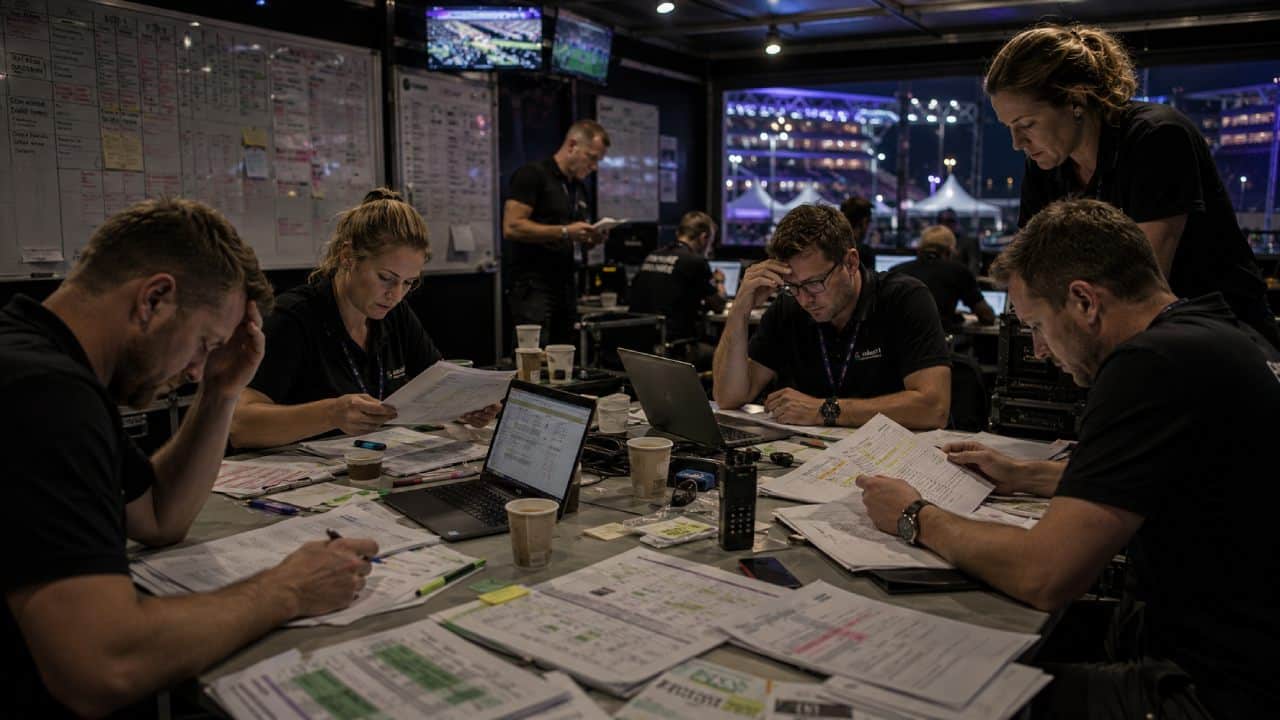
The costs of poor labour management rarely show up as a single line item. They show up as margin erosion, admin overload, and quiet compliance gaps. A finance director sees the symptoms in the year-end numbers. An operations manager sees them every Monday morning.
The first cost is staff time. Operations managers and bookers spend hours each week chasing confirmations and rebuilding rotas. They also spend time reconciling timesheets against memory.
CIPD guidance on workforce planning emphasises getting the right people in the right roles at the right time and right cost, which is exactly what manual coordination quietly undermines. That time has a direct cost. It also has an opportunity cost. The same person could be winning the next client.
The second cost is errors. Wrong staff at the wrong venue. Overtime not flagged. Compliance documents missed. Each error has a small cost on its own. In aggregate the reputational cost is large.
Without proper labour management software for events, those errors stay hidden until they become expensive.
Labour allocation software gaps that silently drain margins
Labour allocation software, in the events context, means putting the right person on the right shift at the right rate. When that allocation is manual, three things happen quietly:
- Pay rate errors compound. Different clients pay different rates. Without a system enforcing rate cards, a supervisor on £18 ends up booked at £15. Multiply that across a hundred shifts a month. The margin vanishes.
- Skill mismatches go unnoticed. A waiter is sent to a brand activation that needed a brand ambassador. The client complains. The agency offers a partial refund. The booking made profit on paper and lost money in reality.
- Availability assumptions go unchecked. A booker assumes a freelancer is free because they were free last week. The freelancer does not turn up. A replacement is sourced at premium rate. The job runs at break-even.
Each of these is small in isolation. Together they describe why agencies running healthy revenue sometimes show poor margins.
The compliance risk that grows with every manual workaround
Compliance is the cost that hurts most when it lands. Right-to-work checks, AWR thresholds, working time records, and certification expiry dates all need tracking. The workforce moves constantly.
When this tracking lives in spreadsheets, it works until it does not. A worker’s right-to-work document expires. The team books them for three more shifts before anyone notices. An auditor or end-client requests evidence and finds none. The risk has been sitting there for weeks.
UK Hospitality have reported on the post-pandemic compliance burden in this sector. The burden is heaviest for businesses managing high volumes of casual workers. Manual tracking does not reduce that burden. It just hides it until something breaks.
How the right teams regain control over labour management
Teams that get control back almost always do the same thing first. They stop trying to make the wrong tool work. They accept that this sector needs labour management software for events specifically. Once that decision is made, the operational changes follow quickly.
- The first thing that changes is visibility. Instead of three people knowing where each event is at, the whole team sees the same view.
- The second is speed of response. When a worker drops out at 7am on a Saturday, the gap is filled in minutes.
- The third is the quality of the data. Hours, rates, and compliance flow into reporting automatically.
CASE STUDY STORY:
This is the operational shift that Bakehouse Factory, a London catering business, made when their event programme grew. Their team moved from coordinating across spreadsheets and messages to running events from one platform. The time saved went into more event work, not more admin.
Structured systems versus patched-together tools
Patched-together tools feel cheaper. A spreadsheet, a WhatsApp group, and an accounting package look free against a paid platform. The hidden cost is the time and the errors. Once an operations manager spends two hours rebuilding a rota every week, the spreadsheet stops being free.
A structured system is a single source of truth. Everyone sees the same schedule, the same availability, the same pay rates. Changes flow through automatically. The team stops doing manual reconciliation and starts doing the work the business actually pays them for.
This shift matters most for agencies past the point where one person can hold the operation in their head.
- For more on that growth point, see Why hospitality needs workforce management.
What labour management software for events should handle
The right labour management software for events handles variable, multi-client work as the default model. It does not start from a fixed-team assumption and try to bend. It starts from how event and hospitality teams actually operate.
Liveforce is built around that reality.
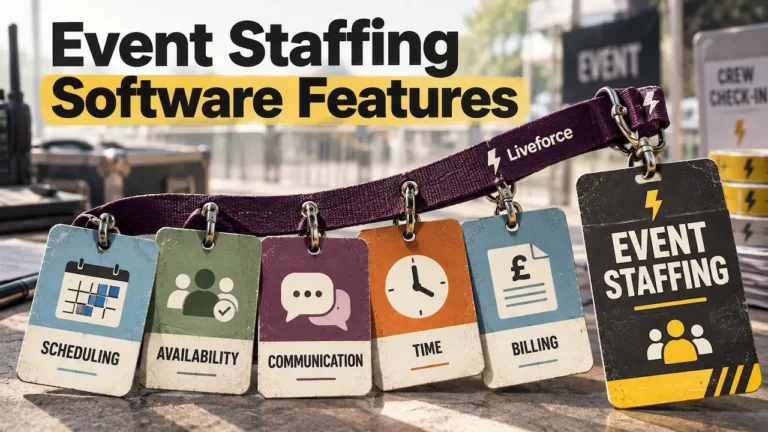
The platform holds five core capabilities. Each one replaces a manual process that fails at scale.
- Staff scheduling, used when managing multiple events, locations, and roles in the same week. It replaces the master spreadsheet that everyone has a different version of. Availability and rates are checked at the point of booking, not at payroll.
- The workforce database is used when tracking a freelance pool of fifty to five hundred people. It replaces the disconnected spreadsheets and outdated records most growing agencies still use. Skills, compliance documents, and shift history live in one place.
- Communication tools, used when sending shift confirmations, briefings, and last-minute changes. They replace WhatsApp groups and text chains. Messages reach the right people for the right shift, with read receipts showing who has seen the brief.
- Timesheets, used when recording hours and processing payments. They replace email approvals and disputed paper records. Hours are recorded against the booked shift and exported in the format payroll needs.
- Reporting, used when finance or leadership need a view across all events. It replaces the end-of-month reconciliation work that consumes a week of someone’s time. Margin, hours, and client profitability are visible in real time.
For the underlying scheduling functionality, see Liveforce staff scheduling features for how shifts are managed across concurrent events.
The platform fits hospitality suppliers running mixed work. It also fits large agencies running multiple clients. The capability is the same. The scale shifts. This is what labour management software for events looks like in practice.
Manual tools versus structured labour management software
The clearest way to see the difference is to compare each operational area side by side. The table below sets out where the gap is widest between manual workarounds and proper labour management software for events.
| Operational area | Manual approach | With labour management software |
|---|---|---|
| Scheduling | Master spreadsheet maintained by one person, updated by hand. | One live schedule, visible to the whole team, updated automatically. |
| Availability tracking | Bookers ring or message workers individually to check availability. | Workers update availability in the app. Bookers see who is free instantly. |
| Compliance | Right-to-work and certifications stored in folders. Expiry dates missed. | Documents tracked in worker profiles. Expiries flagged before they bite. |
| Communication | WhatsApp groups and text chains. Messages reach the wrong people. | Targeted shift comms. Read receipts confirm who has seen the brief. |
| Timesheets and pay | Workers submit hours by email. Bookers reconcile against memory. | Hours recorded against the booked shift. Exported to payroll in one click. |
| Reporting | End-of-month reconciliation pulled from multiple systems by hand. | Real-time view of margin, hours, and client profitability across all events. |
Swipe →
A useful way to read this table is to count how many areas your team currently handles manually. If it is more than two, the cost of staying with the patchwork is already higher than replacing it.
Stop the silent cost of manual labour management
Every week spent running labour management on spreadsheets and messages compounds the same costs.
Errors stay hidden until payroll. Compliance gaps stay invisible until an audit. Margin leaks into overtime and admin time. The cost is not a single event. It is the weekly accumulation that makes scaling harder than it needs to be.
A demo of Liveforce takes thirty minutes. It shows what the operational shift looks like for hospitality suppliers and large agencies.
Book a demo with Liveforce and see how the platform works for variable, multi-client operations.
Frequently asked questions
What is labour management software for events?
Labour management software for events is a platform built for businesses staffing variable teams across multiple events and clients. It handles scheduling, availability, compliance, communication, and pay from one system. It replaces the spreadsheets and group chats most operators still rely on.
How does labour management software reduce costs for event staffing agencies?
It reduces costs in three areas. Admin time falls because scheduling and timesheets stop needing manual coordination. Pay errors fall because rate cards are enforced at the point of booking. Compliance gaps fall because right-to-work and certification tracking happen automatically.
What is the difference between labour management software and generic scheduling tools?
Generic scheduling tools are built for fixed teams in fixed locations. Labour management software for hospitality and events is built for variable teams across multiple clients and venues. The data model accounts for freelance pools, client rates, and last-minute changes. Generic rota tools cannot handle this complexity.
Can labour management software handle multiple clients and events at the same time?
Yes. Purpose-built platforms hold separate rate cards, briefs, and reporting per client. They run concurrent events through one schedule. A booker can see every live event at once and report on each client’s profitability without separate spreadsheets.
What should a hospitality supplier look for in labour allocation software?
A hospitality supplier should look for software that handles freelance and casual workers as a first-class workflow. It should support multiple pay rates per worker, track compliance documents automatically, and report on cost per event. Tools built for permanent hotel staff will not match how event-led hospitality operations run.