A coordinator stands in a muddy field at a festival site. A worker has just cancelled ninety minutes before doors. The replacement search needs to start now. It has to happen from a phone, not a laptop twenty miles away. The rota needs updating. The client expects a confirmed name within the hour.
This is the moment online workforce management software stops being a nice-to-have. It becomes the only thing that works.
Many agency owners hear “online” or “cloud-based” and assume those terms mean expensive enterprise software. The reality is simpler. Online workforce management software gives event agencies a single live system for scheduling, communication, compliance, and payments.
It works from any device, in any location, without version conflicts or email chains. That is the operational definition that matters.
The problems that appear when managing event staff online breaks down
Event work moves between sites every week. A growing agency might run a corporate launch on Tuesday. A sporting fixture follows on Thursday. A festival weekend lands by Saturday. Each event needs its own rota, briefing, and confirmed crew list.
A coordinator at one site needs to see what is happening at the others. Without proper online workforce management software, that visibility breaks down fast.
A rota change at a festival site needs to reach 150 workers instantly. An emailed file is too slow.
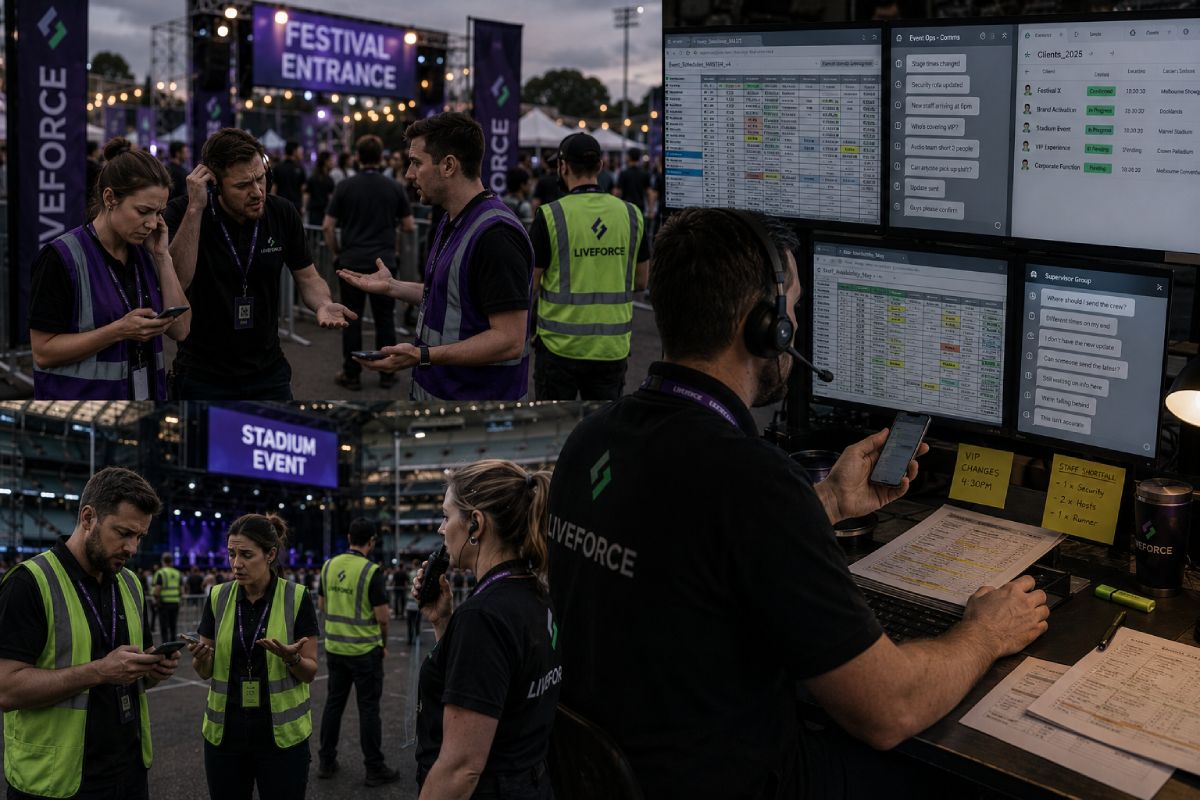
What goes wrong when the team is scattered across sites
Most agencies have already moved past paper. They use Excel, Google Sheets, and WhatsApp groups. They feel digital.
Then a worker cancels at 8am on a show day. The rota lives on a laptop back at the office. The coordinator on site cannot edit it. The replacement does not get the briefing. The client phones for an update and the answer is guesswork.
The system breaks at the exact moment it needs to hold.
Why adding more spreadsheets does not fix the problem
Each new client gets its own sheet. Each new event gets its own tab. Each new shift change gets its own message. The data fragments instead of consolidating. By the time an agency runs ten events a month, the spreadsheet stack is a liability.
Managing event staff online from one platform replaces those scattered files. It gives every coordinator, manager, and worker a single source of truth.
Why standard fixes make the symptoms worse for event staffing operations
The instinct when things break is to add more tools. Another spreadsheet. Another WhatsApp group. Another shared folder. Each fix solves one immediate problem and creates two new ones.
The result is an operation held together by goodwill and memory.
When group chats replace a system, and when they break
WhatsApp feels useful until an agency hits scale. There is no record of who saw the message. There is no way to filter by role, event, or availability. There is no audit trail when a dispute happens. A briefing sent to a 200-person group disappears under fifty replies within an hour. The coordinator cannot tell who has confirmed and who has gone quiet.
Online workforce management software accessible from anywhere replaces that chaos. Messages are tied to specific shifts, specific roles, and specific events. Every message has a record. Every confirmation is logged. The information stays usable.
What desktop-first tools miss, and why cloud-based scheduling software for event staff fits
Most generic workforce tools were designed for office environments. The user sits at a desk. The data lives on a server. Updates happen during working hours. Event work has none of that structure. Briefings happen at 7am at a venue gate. Replacements get sourced from a car park. Timesheets get approved at the end of a shift, on site, by a manager holding an iPad.
Cloud-based scheduling software for event staff has to work at that pace, in those locations, on those devices. Otherwise it is just another tool the team will abandon by the end of the season.
The real cause: cloud based workforce management for events has to travel with the team
The reason offline tools fail event agencies is not that they are old. It is that events do not happen at a desk. The work is mobile. The changes are fast. The number of stakeholders is high.
All of that demands a system that travels with the team. Cloud based workforce management for events solves this at the architectural level, not as a feature.
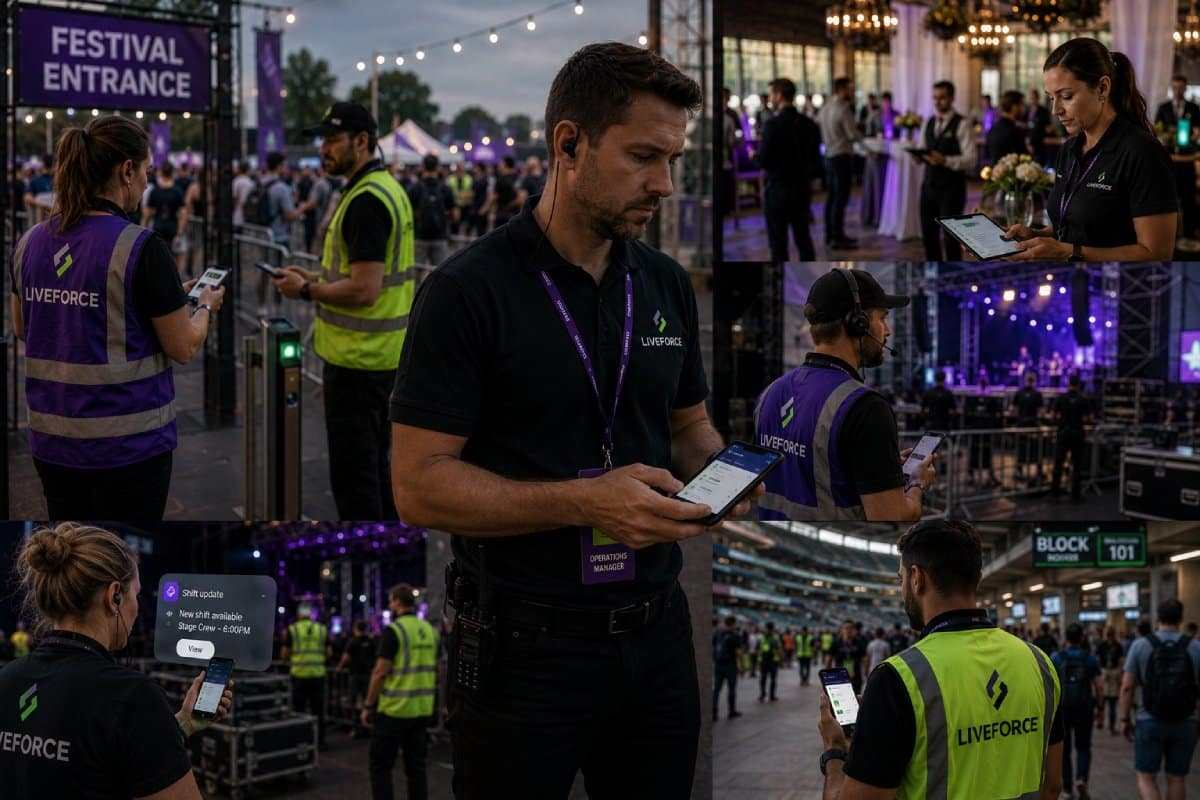
Why workforce management software accessible from anywhere matters more than features
The shift is straightforward when explained operationally. With offline tools, every change has to be pushed: someone updates a sheet, someone else has to be told. With online workforce management software, every change is pulled.
The system updates once, and every authorised user sees the new state immediately. That single shift removes hours of admin a week and prevents the kind of communication failures that cost agencies clients.
Why online staffing software for agencies has to handle multiple events and clients
Most generic workforce platforms assume one employer with one workforce. Event agencies do not work that way. They manage multiple client workforces under one roof, with different rate cards, briefing standards, and reporting requirements. The right online staffing software for agencies handles that separation cleanly. Each client sees only their own data. Each event has its own structure. The agency keeps full visibility across the whole operation.
The symptoms agencies experience when their tools cannot handle this complexity are recognisable:
- Version conflicts on shared rotas. Two coordinators edit the same Google Sheet at the same time and overwrite each other’s changes without warning.
- Briefings that reach the wrong people. A WhatsApp message goes to a group that includes workers booked on a different event. Confusion starts before the shift does.
- Last-minute replacements that miss the brief. A worker confirms a cover shift but the briefing document is locked on someone’s laptop, so they arrive blind.
Client requests for live data that go unanswered. A client phones to ask who is confirmed for tomorrow, and the only person who knows is offline until morning.
What online workforce management software for event agencies looks like in practice
Liveforce is built for this specific operational reality. Every feature in the platform solves a real problem. Paper, email, and WhatsApp create those problems the moment an agency runs multiple events across multiple sites.
Below are four capabilities that matter most for managing event staff online from any location.
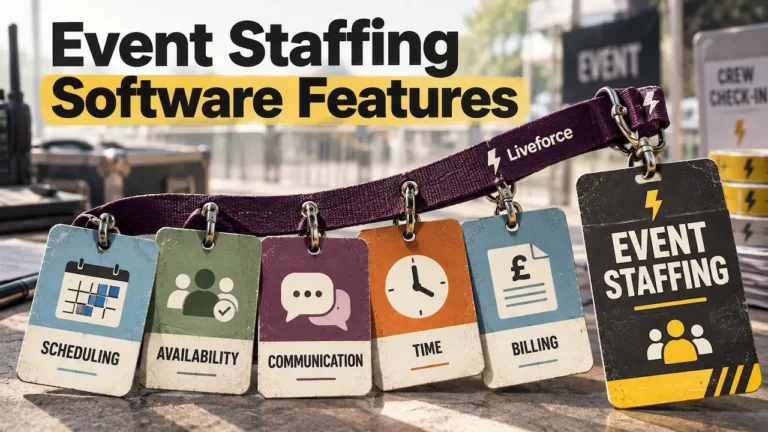
- Online staff scheduling. When used: when coordinators manage shifts from multiple sites at once. Also when a single change has to reach every confirmed worker fast. What it replaces: the shared spreadsheet that creates version conflicts when two people edit it. Also the printed rota that goes out of date the moment it leaves the printer. Event staff scheduling features sit at the centre of the platform.
- Cloud-based workforce database. When used: when an agency needs a replacement worker on site, fast. Also when a client asks who is confirmed for tomorrow’s event. What it replaces: the contact list trapped on someone’s phone. Also the spreadsheet saved on a single laptop. And the personal memory that holds half the workforce data nobody else can access.
- Real-time communication tools. When used: when shift changes, briefings, or last-minute updates need to reach every affected worker. The location does not matter. A festival field works. A client site works. What it replaces: WhatsApp group chats with no read receipts. Email chains that scatter information across inboxes. Late-night phone calls that fall to whoever is closest to a signal. Event staff communication features keep messaging tied to specific shifts.
- Online timesheets and approvals. When used: when hours worked at a live event need to be recorded and approved on site. Approval should happen in real time, by the manager actually present at the shift. What it replaces: paper timesheets collected at the end of an event. Manual data entry into spreadsheets the following week. The disputes that arise when the records cannot agree. The crew-facing app gives workers a place to clock in, confirm shifts, and access briefings on the go.
The contrast between offline tools and proper online workforce management software shows up across the operational areas that matter most:
| Offline or disconnected tools | Online workforce management software | What changes for the agency |
|---|---|---|
| Rotas live on one laptop, edited by one person at a time | One live rota visible to every authorised user, editable from any device | Coordinators can update shifts from a venue, not just an office |
| Briefings sent via WhatsApp with no read confirmations | Briefings tied to specific shifts with attendance and view tracking | Every worker has the right brief before the event starts |
| Worker contact details split across sheets, phones, and inboxes | One workforce database with availability, roles, and compliance data | Replacements found in minutes, not hours |
| Client requests for live data answered manually each time | Real-time visibility shared with clients through agreed access | The agency looks more professional and reduces ad-hoc admin |
| Timesheets entered manually after the event | Online timesheets approved on site at the end of each shift | Payroll runs on accurate data, with fewer disputes |
There is also a compliance dimension that matters in the UK. Worker data, including contact details, right-to-work documents, and bank information, has to be held securely under GDPR.
A shared spreadsheet on Google Drive does not meet that bar in any meaningful sense. Cloud-based workforce platforms from credible providers give an agency proper access controls, permission settings, and audit logs. It is the basic standard for handling this kind of data legally.
The peer pattern: agencies already running on online workforce management software
Event staffing agencies, hospitality suppliers, festival operators, and experiential marketing companies are already moving to online workforce management software. The alternative stops working long before the agency stops growing.
Liveforce is the platform a number of these agencies use. They run everything from corporate launches to multi-day festivals. The pattern is consistent. Agencies that move first tend to scale faster.
The ones still holding the operation together with sheets and group chats fall behind.
Book your demo with Liveforce to see how the platform handles your specific event mix.
Frequently asked questions
What is online workforce management software for event agencies, and how is it different from a spreadsheet-based rota?
Online workforce management software gives an agency one live system. It covers scheduling, communication, compliance, and timesheets. It works on any device, in any location. A spreadsheet-based rota is a static file. It breaks the moment two people edit it at once. The first is a system. The second is a document.
Can event agency coordinators manage shifts from a mobile phone using online workforce management software?
Yes. Cloud-based scheduling software for event staff is built to work wherever the coordinator is standing. That includes a festival field or a venue gate. Shift edits, briefings, replacements, and approvals all happen on the same device the coordinator already carries.
Is cloud-based workforce management secure enough to hold sensitive worker data under UK GDPR?
Reputable cloud-based workforce platforms hold data on encrypted servers. They use role-based access controls and full audit logs. That is materially safer than a shared Google Sheet or a contact list saved on a personal phone. Agencies should still verify the provider’s compliance posture. The cloud model itself is built to support GDPR rather than work around it.
How does online workforce management software help an agency manage multiple event clients simultaneously?
Each client sits inside its own structure within the platform. Rate cards, briefing standards, and reporting all stay separate. The agency keeps full visibility across every client. Each client sees only their own data. The same workforce can be assigned across clients without rotas conflicting.
What should a growing event agency look for when choosing online workforce management software?
The right platform handles multi-client and multi-event work natively. It runs cleanly on mobile devices. It holds worker compliance data securely. It replaces tools the agency is already paying for rather than adding to the stack. Anything narrower will not survive a busy summer season.