
LIVE ON-SITE
Every arrival, accounted for
Staff check-in software gives crew a simple way to check themselves in while your team gets a live view of who’s on site. No paper lists, no chasing, just a clear record of every arrival and departure.

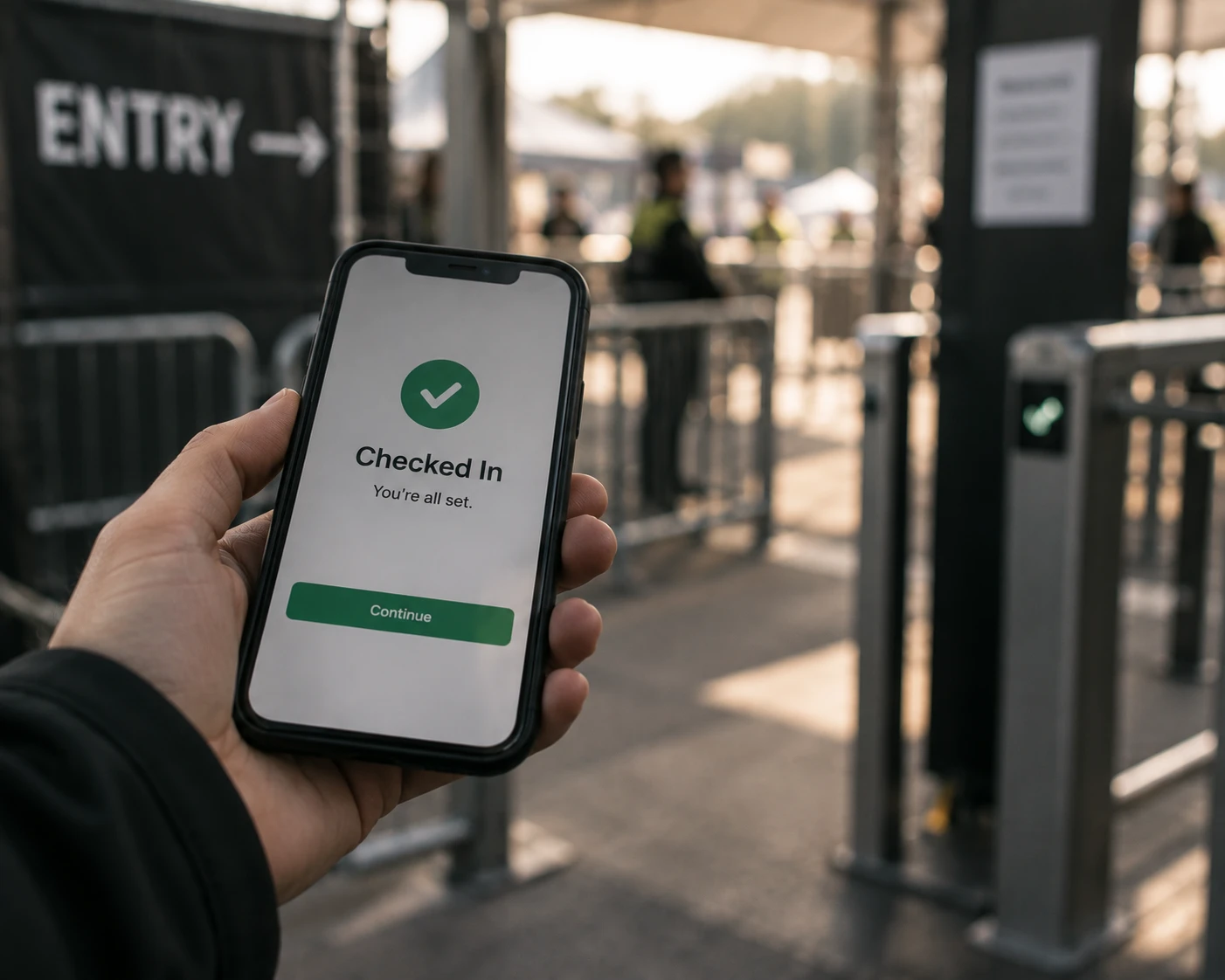
Check in from their phone
Crew clock in and out through the Crew App, with no extra kit needed.

Verify every arrival
Capture the check-in with location and a photo, so you know the right person is on site.

See attendance live
Know who’s checked in, who’s still expected and where you may need to act.

Turn attendance into hours
Check-ins and check-outs create an accurate record of time worked.

Built for real event sites
Keep check-ins moving even when signal is poor, then sync when the connection returns.

PHONE CLOCK-IN
Clock in from your own phone
No queues, paper sheets or shared devices. Crew check themselves in from the phone they already carry, giving everyone a faster start and your team an accurate record from the moment they arrive.
-
Crew check in and out through the Crew App as soon as they arrive on site.
-
Every check-in through the staff check-in app is tied to the booked crew member, creating a clear record of who actually turned up.
-
Check-out captures when the shift finishes, turning attendance into an accurate record of time worked.

GPS
Know they’re where they need to be
Give every check-in more certainty. Location and photo verification help confirm that the right crew member has arrived at the right site, without managers having to chase for updates.
-
In the event staff check-in app, use location and photo to confirm crew are at the site they were booked to work.
-
Set a radius around a site so check-ins happen where the work is actually taking place.
-
Give your team a time-stamped attendance record they can check without calling the crew or the client.

LIVE ATTENDANCE
See your workforce arrive in real time
No waiting for an on-site update. As crew check in, Liveforce gives your team a live view of attendance, so you know what’s happening before a gap becomes a problem.
-
See crew check in as they arrive, whether you’re on site, in the office or managing remotely.
-
Spot missing crew as the shift starts, giving you time to find cover before it affects the event.
-
See who arrived late and when, with the staff attendance tracking app recording every check-in against the shift.
-
Keep attendance, bookings and shift information connected, so everyone works from the same live picture.

CHECK-IN TO HOURS
From clock-in to payroll ready
Every arrival and departure becomes part of the shift record automatically, giving your team accurate worked hours without chasing timesheets or re-keying attendance.
-
Turn crew check-ins and check-outs into a clear record of the hours worked on every shift.
-
See actual start and finish times alongside the shift that was originally booked.
-
Review and approve worked hours in one place before they move on to payroll.
-
Turn completed shifts into payroll-ready reports, without rebuilding the day from paper timesheets.

Any site
Check in anywhere
From festival fields to stadium loading bays, your crew still need to clock in.
-
Run check-in across multiple sites and entrances, with each crew member connected to the right shift.
-
Set up a GPS clock in app for temporary venues and one-day events without relying on fixed on-site infrastructure.
-
Keep one reliable attendance record across every location, however remote or temporary the workplace.

Customer Stories
“This feature has become instrumental in ensuring that our events are staffed with precision. It's a game-changer in terms of accountability.”
Erika Lahssini,
Group Director of Operations
THA Staffing

Frequently asked questions
A staff check-in app lets crew clock in and out of a shift from their own phones. Liveforce does this through the Crew App, with location and a photo on each check-in. Your team gets a live, time-stamped attendance record that feeds into worked hours.
Liveforce records each check-in with the person’s location and a photo, tied to the shift they were booked on. You can set a radius around the site, so check-ins happen where the work is taking place. The result is a time-stamped record you can rely on without calling anyone.
Liveforce check-ins keep working when the signal is poor and sync once the connection returns. That suits festival fields, temporary venues and stadium loading bays. No fixed kit or shared tablets are needed on site. Each check-in is still tied to the booked shift, so attendance and hours stay accurate when the signal drops.
Liveforce records the actual check-in time against the start time booked for each shift. Late arrivals show up as they happen and stay on record. You aren’t relying on memory or a paper sheet. Staff use their own phones, so there is nothing to install behind the bar.
Check-ins and check-outs create a record of hours worked for each shift, shown alongside the booked times. Your team reviews and approves those hours in one place. Approved hours become payroll-ready reports, so there is no paper timesheet to collect or rekey.
