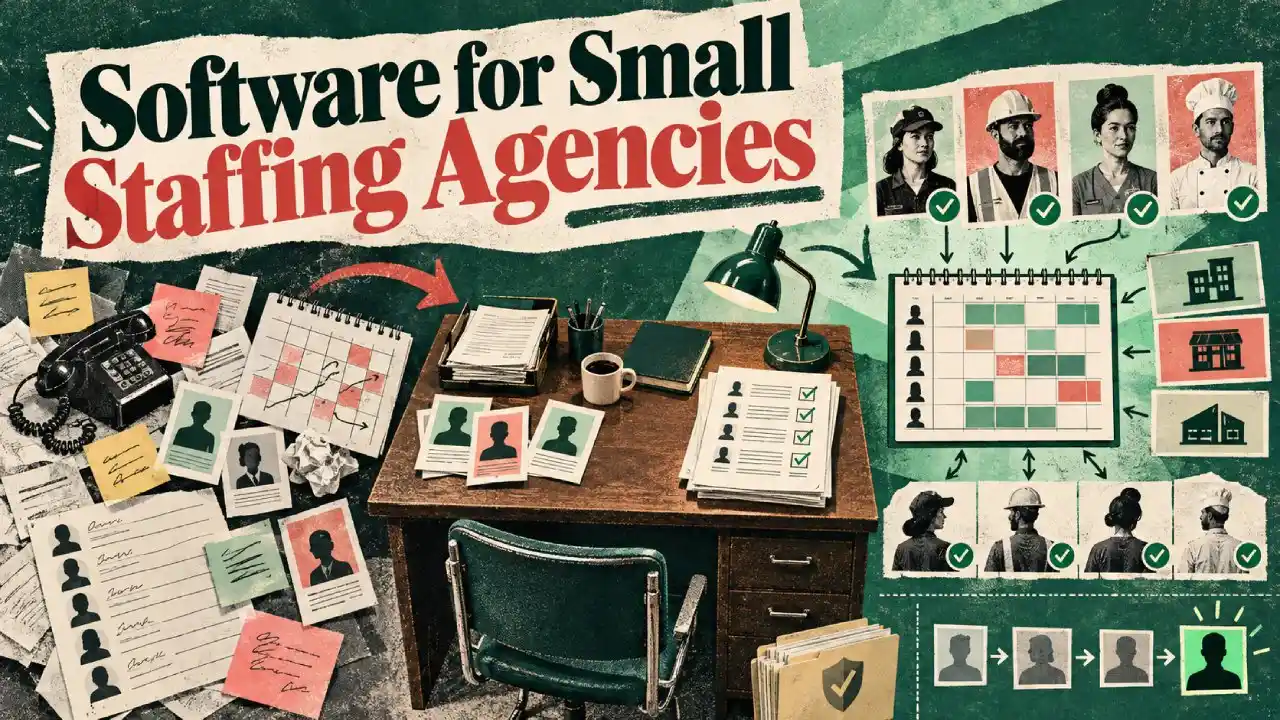
Software for small staffing agencies splits into two camps, depending on what the agency places.
Permanent roles need an applicant tracking system (ATS) or recruitment CRM. Temporary, casual, and event staffing needs workforce management: a central worker pool, availability, scheduling, timesheets, and compliance.
Most of the people choosing this software look the same. A founder and a tiny office team book 50 to 300 workers across a handful of clients. The roster lives in spreadsheets, and confirmations live in WhatsApp. Both hold up until the first genuinely busy week arrives.
The sections below set out the split, the criteria, the tools for each lane, and one comparison table. This guide sits alongside our roundup of software for staffing agencies of any size. This article is written for the small operator.
What Software Does a Small Staffing Agency Actually Need?
A small staffing agency needs one of two categories of software, depending on what it places.
- Agencies filling permanent vacancies for clients need recruitment software: an ATS or a recruitment CRM.
- Agencies booking temporary, casual and event staff need workforce management software instead.
The temporary side of the market is bigger than it looks. The UK had around 1.59 million temporary employees in the three months to May 2026 (ONS, 2026). Recruiters kept roughly 872,000 temporary or contract workers on assignment on any given day in 2024 (REC, 2025). Much of that daily coordination runs through small offices on general-purpose tools.
The two categories do different jobs. Recruitment software moves a candidate through a pipeline towards a placement. The work ends when the contract is signed. Workforce management runs the people an agency already has on its books. That work repeats every week: availability, shifts, briefings, timesheets and compliance.
The wrong pick is expensive at this size. An ATS bought for a temp desk leaves the scheduling problem unsolved. A rota app bought for an agency collapses when the second client arrives. Small agencies feel both mistakes faster than large ones, because nobody has spare hours to bridge the gap.
Buy for the work the agency repeats, because that is where the admin hours go.
Recruitment Software for Small Agencies vs Workforce Management
Recruitment software for small agencies manages hiring:
- adverts,
- applicants,
- interviews and
- offers.
Workforce management manages delivery:
- who works which shift,
- for which client, and
- what they are owed.
The confusion is baked into the language. Software for small staffing agencies covers both camps under one name. A permanent desk lives in the first category. A temp desk lives in the second. Many small agencies learn the difference only after buying the wrong one.
If You Place Permanent Staff: ATS and Recruitment Software
Small agencies placing permanent candidates should shortlist an ATS or recruitment CRM. These tools support the process from client brief to signed offer. They hold the candidate database, track every application, and manage the client relationship alongside it.
A good small-agency ATS keeps a two-sided pipeline. One side tracks candidates through stages. The other side tracks the client roles being filled. Automation covers the follow-ups, interview scheduling, and job-board posting that eat a solo recruiter’s day.
A permanent desk without an ATS runs on memory, and memory drops candidates.
Several established options serve this end of the market. Zoho Recruit pairs an ATS with a recruitment CRM and suits budget-conscious agencies, particularly existing Zoho users.
Recruiterflow is built for recruitment agencies and boutique search firms that want pipelines and outreach in one place. The category runs from free tiers for solo recruiters to enterprise suites. Both publish their features openly, so building a shortlist takes an afternoon. Agencies searching for the best recruitment software for small agencies are shopping for exactly this.
Four signs point to an ATS being the right buy.
- The agency is paid on placements. Fees land when a candidate signs, so the pipeline is the business.
- Each role is filled once. The relationship with the worker largely ends on their start date.
- Sourcing is the bottleneck. The hard work is finding and screening candidates, then presenting them well.
- Client briefs arrive as vacancies. Work comes in as jobs to fill, never as shifts to cover.
None of this applies once the job is booking the same crew every week. That work belongs to the other lane.
If You Book Temporary, Casual or Event Staff: Workforce Management
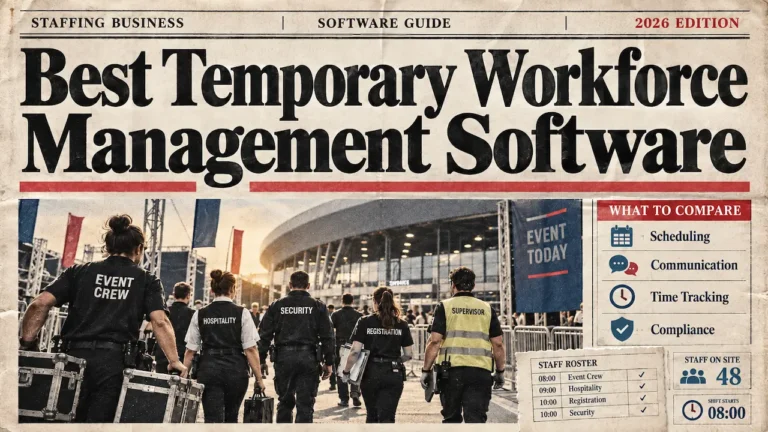
Small agencies booking temporary, casual or event staff should shortlist workforce management software. The category runs the crew an agency already has. That means one worker pool, live availability, multi-client scheduling, timesheets and compliance records.
It replaces the spreadsheet and WhatsApp layer that most small agencies start on. Temporary staffing software is the name this category often trades under, and the label fits the work.
The daily job here is coordination, and it never closes. The same pool of workers gets booked, briefed and paid week after week across several clients. Temporary staffing also carries UK compliance duties that permanent placement rarely touches.
The temp desk never closes, so its software has to carry the repeat work.
Temporary Staffing Software: What a Small Agency Needs
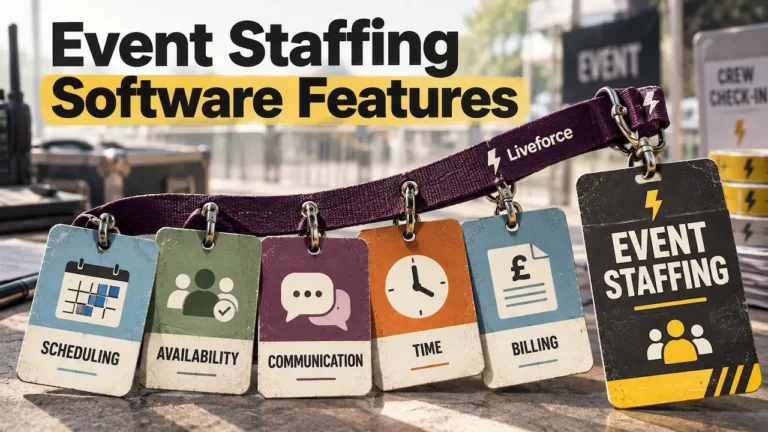
Good software for small staffing agencies in this category covers seven jobs.
- A central worker pool. One record per worker holds contact details, roles, qualifications and right-to-work documents. A central staff database replaces the scattered lists and folders that fail audits.
- Availability capture and fast confirmation. Workers mark availability in an app, and shift offers get accepted in minutes. That replaces the ring-around before every busy weekend.
- Scheduling across clients and events. The schedule holds several clients at once and flags double bookings early. A single-employer rota tool cannot carry this shape of work.
- Real-time communication and no-show cover. Briefings, call times and changes reach the whole crew at once. When someone drops out, the replacement offer goes out in one step.
- Timesheets that feed payroll. Hours are recorded against the shift actually worked, then approved and exported. The platform produces the pay data, and payroll runs downstream from it.
- Compliance built for UK casual work. Right-to-work checks come before the first shift, and civil penalties reach £60,000 per worker (GOV.UK, 2024). Since April 2024, holiday for irregular-hours workers accrues at 12.07% of hours worked (Acas, 2024). After 12 weeks in the same role, agency workers gain equal-treatment rights (Agency Workers Regulations 2010). The agency runs these checks itself. The software’s job is to keep the records in order against each worker.
- Simple enough for one person to run. A small agency has no ops department. Setup, scheduling and payday have to fit around one person’s other work.
Compliance kept in a drawer is the risk that scales fastest with headcount.
Staffing Software for Small Business: The Tools to Shortlist
This is the workforce management half of software for small staffing agencies. Three tools show its shape, from agency-built platforms to simple rota apps. Buyers searching for staffing software for small businesses will meet all three types side by side.
- Liveforce. Best for small event, temp and casual staffing agencies running crews across clients. Liveforce is a workforce management platform built for event-led businesses. It holds the worker pool, availability, multi-client scheduling, briefings, timesheets, and compliance records in one system.
It is staffing agency software sized for a founder-run team.
CASE STUDY STORY:
Rollin Hero Staffing shows the growth arc that makes it necessary. The founder-run hospitality staffing agency was booking events across seven states through calls and texts. It then moved a crew pool of more than 1,000 onto one platform (Rollin Hero Staffing case study).
- Nowsta. Best for catering and event operations teams running event-based crews at volume.** Nowsta covers event crew scheduling, role fulfilment, confirmations, time and attendance in one platform. It also serves event staffing teams, with a lean towards larger US operations. A very small agency should test the fit against its own booking volume.
- When I Work. Best for a single business rostering its own hourly and casual staff. When I Work builds rotas, tracks hours and sends shift updates for hourly teams. For one employer asking about tools for casual workers, it does the job well. An agency running several clients and a freelance pool tends to outgrow it.
A tool built for one employer’s rota will strain under three clients’ bookings.
Software for Small Staffing Agencies Compared
The table compares software for small staffing agencies by category, matched to the work each is built for.
Read it as a routing aid, because the right row depends on what the agency places.
| Category / Tool | Best For | Standout Capability |
|---|---|---|
| ATS / recruitment CRM (e.g. Zoho Recruit, Recruiterflow) | Small agencies placing permanent candidates | Candidate pipelines and client roles tracked in one system |
| Liveforce | Small event, temp and casual staffing agencies working across clients | Worker pool, multi-client scheduling, timesheets and compliance in one platform |
| Nowsta | Catering and event operations teams running event-based crews at volume | Event crew scheduling, confirmations and time tracking with payroll-ready records |
| When I Work | A single business rostering its own hourly and casual staff | Fast rota building and shift communication |
The rows group tools by the job they do. Treat each Best For line as a starting point. Then test the tool against a real week of bookings.
How to Choose Software for Your Small Agency
Choosing software for small staffing agencies comes down to the work that fills the week. A permanent desk points to an ATS or recruitment CRM. A temp, casual or event desk points to workforce management. Mixed desks pick the category carrying the heavier daily load.
A startup agency investing in its first system should apply that test before any demo. The same logic answers the sector versions of the question. A small retail or hospitality staffing agency booking repeat casual shifts sits firmly in the workforce management lane. So does any agency whose workers describe themselves as freelance or casual. The budget end of staffing solutions for small business follows the same split, whatever the price band.
Some agencies genuinely run both desks. A hospitality agency might place one head chef permanently, then book forty casual waiters for June. Those agencies usually run two systems, and the workforce platform carries the daily load.
An agency booking a high volume of temp workers each week has the clearest case of all. Its highest cost is admin time, and workforce management is the category built to remove it.
Four questions route most small agencies to the right shortlist.
- Placements or bookings? Fees on placements point to an ATS. Repeat bookings point to workforce management.
- How many clients run at once? More than one live client needs multi-client scheduling from day one.
- Where do the admin hours go? Chasing availability and timesheets is a workforce management problem.
- What does compliance look like today? Documents scattered across folders argue for a central database now.
At this size, category fit decides more than any individual feature does.
Before any shortlist, it also pays to calculate staffing needs properly. Crew volume decides how much structure the software must carry.
How Liveforce Works for Small Staffing Agencies
A small agency booking temporary and casual staff usually starts on spreadsheets and WhatsApp. The setup holds until the roster outgrows it. Availability becomes guesswork, and confirmations get lost in chat threads.
Right-to-work documents sit in a drawer, and pay turns into a month-end scramble. The founder ends up doing admin at midnight instead of winning the next client.
Liveforce is the workforce management platform small event-led agencies use to run this work without the spreadsheet layer. It is built for agency workforce management across several clients at once.
A central worker pool holds availability, roles, qualifications and right-to-work records, replacing the scattered lists. Scheduling runs across clients and events in one view, replacing the master spreadsheet.
Briefings and changes reach the whole crew at once, replacing the WhatsApp chase. Timesheets sit against the shifts actually worked and feed payroll, replacing manual reconciliation. Liveforce is not the payroll system; it produces the pay data payroll runs on.
Where an agency wants to grow its own crew pool, the Recruit module helps. It takes applicants into the agency’s database and carries their onboarding. The agency still does the hiring, and the platform keeps that work organised.
The platform fits small and growing event, hospitality, promotional, and festival staffing agencies. Crew uses the Crew App to see shifts and confirm availability.
On the temp side, that is what job software for small staffing agencies exists to do.
One system replaces the spreadsheet, the chat threads, and the folder of documents.
Choose by What You Place
The decision behind software for small staffing agencies stays the same at every budget. Place permanent candidates, and an ATS or recruitment CRM is the right shortlist. Book temporary, casual or event staff, and workforce management is the lane.
The worker pool, scheduling, timesheets, and compliance sit in one system. The agencies that choose by operating model spend the next year running events. The agencies that choose by feature list spend it migrating data.
Software for Small Staffing Agencies: FAQs
What software do small staffing agencies need?
It depends on what they place. Agencies filling permanent roles need an ATS or recruitment CRM. Agencies booking temporary, casual, or event staff need workforce management software for scheduling, availability, timesheets, and compliance.
Is recruitment software the same as staffing software?
No, recruitment software and staffing software are different categories with different jobs. Recruitment software manages hiring and candidate pipelines up to placement. Staffing software for temporary work means workforce management: schedules, timesheets and compliance for workers the agency already books.
What is the best software for a small agency that books a lot of temp workers?
A workforce management platform with a central worker pool, availability capture and fast shift confirmation. That is the category Liveforce is built for, sized for founder-run agencies booking temp, casual and event staff.
Do small staffing agencies need an ATS?
Only if they place permanent candidates. An agency booking temporary or casual staff usually needs workforce management instead. Its daily work is scheduling and paying a crew it already has.
Can one tool handle both permanent recruitment and temporary staffing?
One tool rarely covers both jobs well. Agencies that do both usually run an ATS alongside a workforce management platform. Pick the primary tool for the work that fills most of the week. Add the second when the other desk grows.